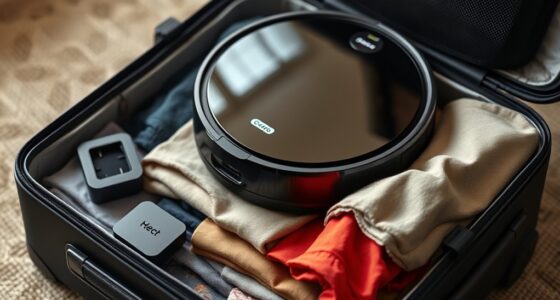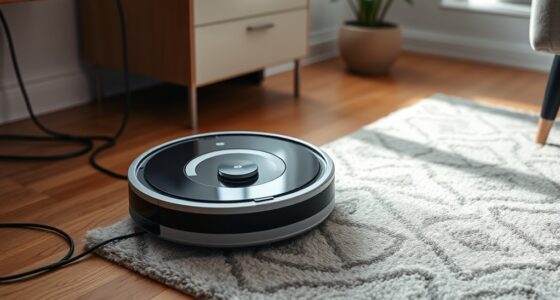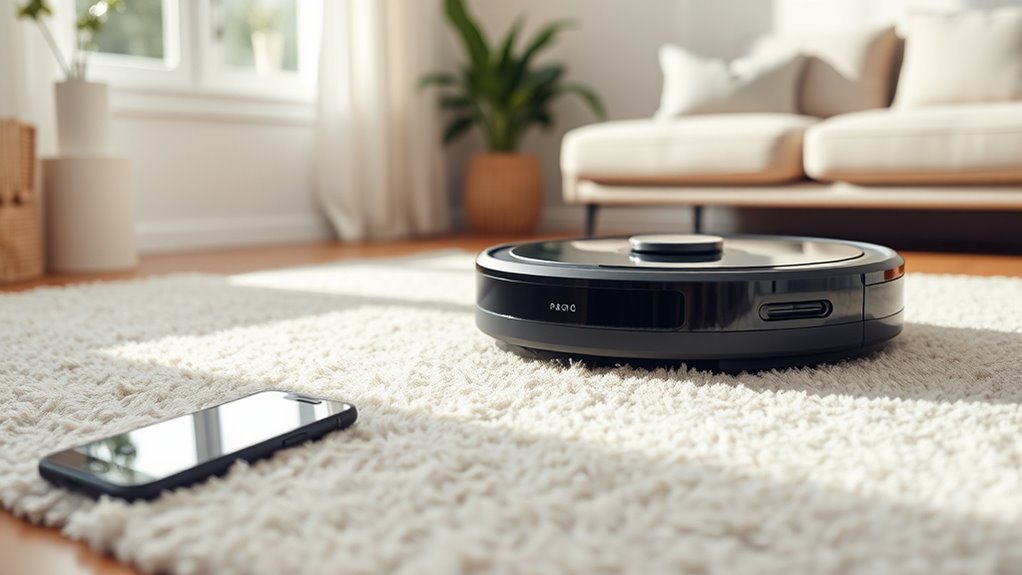

To keep your robot vacuum quiet, regularly maintain its components by cleaning brushes, wheels, sensors, and filters to prevent loud noises caused by debris buildup. Avoid letting the battery fully drain; recharge around 20-30% and calibrate monthly for ideal performance. Adjust settings to minimize notifications and schedule cleaning during quiet times. Updating firmware ensures you get the latest noise-reduction features. For more tips on silent operation, continue exploring how proper maintenance can help.

Get cleaning gear delivered free with Prime
- Fast, free delivery on millions of items
- Prime Video, Amazon Music and more included
- Member-only deals all year
Key Takeaways
- Regularly clean and replace brushes and filters to reduce noise and ensure smooth operation.
- Keep wheels and sensors free of dust and debris for quieter movement.
- Avoid fully draining the battery; recharge around 20-30% to maintain optimal performance and reduce noise.
- Adjust device settings, such as disabling notifications and scheduling cleaning during quiet hours.
- Update firmware regularly to benefit from the latest noise-reduction features and improvements.
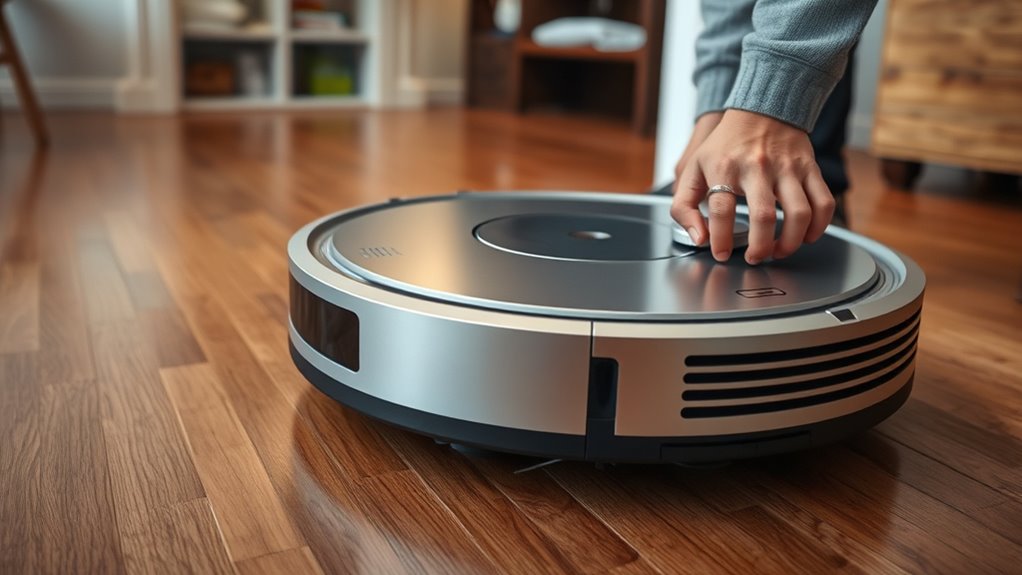
Have you ever wondered how to keep your robot vacuum performing at its best? One of the most important factors is maintaining its battery lifespan. Over time, batteries can lose their ability to hold a charge, which can lead to reduced cleaning efficiency and longer recharge times. To extend your robot vacuum’s battery life, avoid letting it run completely out of power before charging it again. Instead, aim to recharge it when the battery drops to around 20-30%. Regularly using the robot and keeping it charged helps preserve the battery’s health. Additionally, if your model supports it, perform battery calibration by letting it fully drain and then recharge to 100% once a month. This helps the battery’s internal chemistry stay balanced, prolonging its overall lifespan. Keep an eye on the battery indicators and replace the battery if you notice significant drops in runtime, as a degraded battery can cause the vacuum to work harder, creating more noise and decreasing its effectiveness.
Another key aspect of maintaining a quiet operation is guaranteeing your brushes are clean and well-maintained. The brushes are crucial for picking up dirt and debris, but dust, hair, and other debris can quickly accumulate, causing the brushes to spin unevenly or make more noise. Regular brush cleaning techniques are essential; remove the brushes and clear out any tangled hair or debris using scissors or a brush cleaning tool. Wipe the brushes with a damp cloth to remove stubborn dirt, and ensure the brush bearings and axles are free of debris. Doing this weekly, especially if you have pets or thick carpets, helps keep the brushes spinning smoothly. When cleaning, check for signs of wear or damage—worn brushes can cause vibrations and noise, making your vacuum louder and less efficient. Replacing brushes when they become frayed or worn ensures smoother operation and quieter cleaning sessions. Proper brush maintenance not only keeps noise levels down but also prevents unnecessary strain on the motor, which can lead to more frequent repairs. Paying attention to filtration technology and ensuring your vacuum has a clean filter can also help reduce noise levels during operation.
In addition to these maintenance steps, make sure your vacuum’s wheels and sensors are free of dust and debris. Keep your cleaning environment clutter-free to prevent the vacuum from bumping into objects repeatedly, which can increase noise. Adjusting your vacuum’s settings for quieter operation—like turning off notifications or scheduling cleaning during quieter times—can also help. Regularly updating your robot’s firmware ensures it has the latest improvements for quieter, more efficient performance. By paying attention to battery health and keeping the brushes clean with proper techniques, you’ll enjoy a quieter, more effective cleaning experience while extending your robot vacuum’s lifespan.
Products Worth Considering

Shark Navigator Robot Vacuum with 30-Day Self-Empty Base, White (AV2110S)

Dyson Ball Animal Total Clean Upright Vacuum

Dyson V8 Cordless Vacuum
As an affiliate, we earn on qualifying purchases.
Frequently Asked Questions
How Can I Reduce Noise During Robot Vacuum Operation?
To reduce noise during your robot vacuum’s operation, you can use soundproof mats or noise canceling pads underneath it. These mats absorb vibrations and dampen sound, making the vacuum quieter. Additionally, adjusting the cleaning schedule to times when noise is less disruptive helps. Regularly maintaining your vacuum, like cleaning brushes and filters, also prevents unnecessary noise caused by debris or motor strain.
Does Updating Firmware Affect the Vacuum’s Noise Level?
They say “knowledge is power,” and that’s true for firmware updates. When you update your robot vacuum’s firmware, you might notice noise reduction improvements, as updates often enhance motor and sensor performance. However, some updates could temporarily increase noise during installation. Overall, keeping firmware current helps your vacuum run smoothly and quietly, so regularly check for updates to maintain ideal noise levels and ensure your device performs at its best.
Are There Specific Settings to Make the Vacuum Quieter?
To make your robot vacuum quieter, you can adjust its sound settings or activate silence mode if available. Check your device’s app or controls for options to reduce volume or enable quiet operation. Many vacuums allow you to lower the sound level during cleaning, helping you maintain peace at home. Experiment with these settings to find the most suitable balance between cleaning performance and noise reduction.
Can Changing the Brushes Decrease Noise?
Imagine your robot vacuum as a symphony, where each instrument must be in tune. Changing the brushes can greatly reduce noise, acting like replacing worn-out drumsticks. Proper brush maintenance ensures they spin smoothly, minimizing vibrations that create noise. By regularly cleaning and replacing brushes, you keep the vacuum’s performance quiet and efficient, making your cleaning experience as peaceful as a soft melody.
How Does the Floor Type Influence Noise Levels?
The floor surface considerably impacts the noise level during vacuuming. Hard floors like tile or hardwood tend to amplify noise because the vacuum’s brushes and suction are more direct and less absorbed. Carpeted floors, on the other hand, dampen sound due to their thicker fibers, reducing the noise impact. So, when using your robot vacuum, expect louder operation on hard surfaces and quieter cleaning on carpets.
Conclusion
Think of your robot vacuum like a musical instrument—you need to tune it regularly for it to perform at its best. When you keep up with maintenance and adjust settings, you’re not just reducing noise; you’re creating a harmonious cleaning experience. I once neglected mine, and it sounded like a clunky drum. After a quick tune-up, it ran smoothly and quietly—like a melody. Stay proactive, and your robot will serenade your home, not disrupt it.