If your Dyson V15 Detect™ Origin Cordless Vacuum is pulsing on and off during use, it can be frustrating and hinder your cleaning. This issue often indicates a problem with filters, battery, or clogs. Fortunately, many fixes are simple, safe, and effective. In this guide, we’ll walk you through the key troubleshooting steps to restore your vacuum’s performance.

Get cleaning gear delivered free with Prime
- Fast, free delivery on millions of items
- Prime Video, Amazon Music and more included
- Member-only deals all year
Before starting, gather your replacement filters, a crevice tool (if needed), and ensure your vacuum is unplugged or powered off for safety.
Key Takeaways
| Filter Maintenance | Dirty filters can cause pulsing; clean or replace them. |
| Battery Check | A degraded battery may lead to inconsistent power. |
| Clog Detection | Blockages in the wand or cleaner head can trigger pulsing. |
| Sensor and Seal Inspection | Damaged sensors or seals may cause false power signals. |
Step 1: Check and Clean the Filters
- Remove the pre-filter and main filter from your vacuum as per the user manual.
- Rinse the filters thoroughly with water, ensuring all debris and dust are washed away.
- Allow the filters to air dry completely for at least 24 hours before reinstalling.
- If filters are damaged or excessively worn, replace them with compatible replacements like the 3Pack Pre Filters Replacement or V10 Filters.
Step 2: Inspect for Clogs and Obstructions
- Check the wand, cleaner head, and crevice tool for blockages or debris buildup.
- Use a crevice tool (like the LANMU Crevice Tool Vacuum Attachments) to clear hard-to-reach areas.
- Remove any obstructions and ensure airflow is unobstructed before testing.
Step 3: Examine the Battery and Power Settings
Ensure your vacuum’s battery is charged and seated properly. If the pulsing persists, the battery might be degraded. Consider replacing it if it’s old or no longer holding charge well. Also, verify you are using the correct power mode for your task, as the LCD screen displays real-time power mode and alerts.
Step 4: Reset the Vacuum and Test
- Turn off and unplug or remove the battery (if removable).
- Press and hold the power trigger for 10 seconds to drain residual power.
- Reassemble, power on, and test the vacuum. If pulsing continues, proceed to check for sensor issues or consider replacing filters.
Additional Tips and Warnings
- Always use genuine or compatible replacement filters to maintain performance and avoid damage.
- Never attempt to clean or repair internal electronics yourself; contact Dyson support if issues persist.
- Regular maintenance, including filter cleaning and inspection, extends your vacuum’s lifespan.
The Products in This Guide

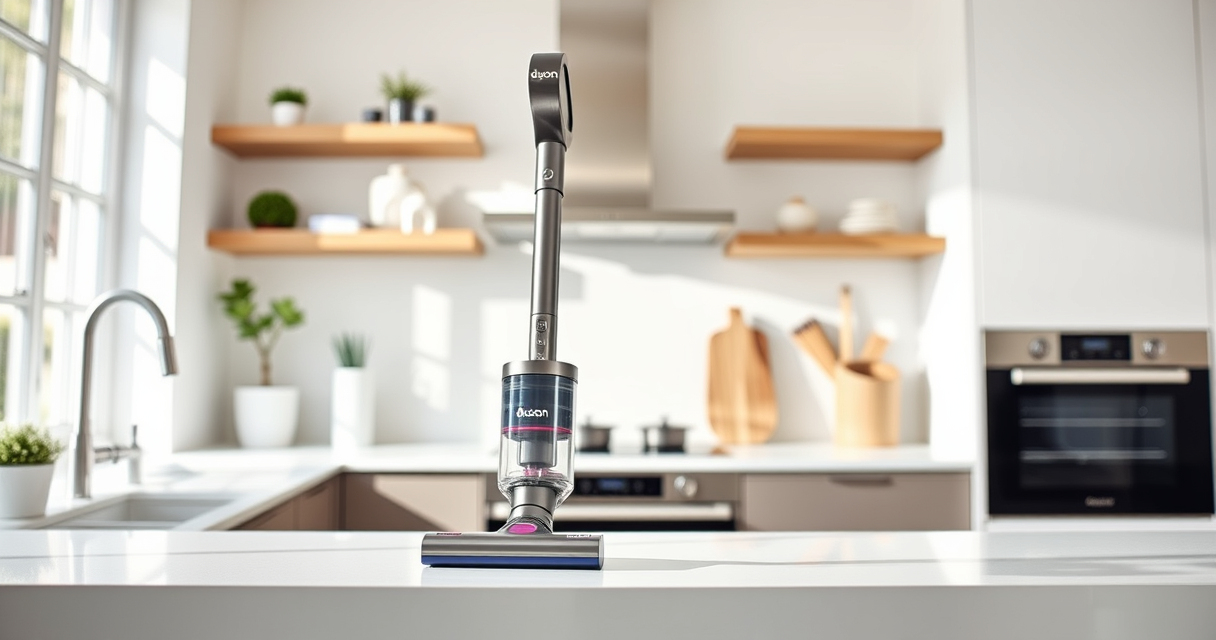
Dyson V15 Detect™ Origin Cordless Vacuum
- ✔ Weight: 6.8 lbs
- ✔ Charge Time: 3.5 hours
- ✔ Noise Level: 78 dB

LANMU Crevice Tool Vacuum Attachments Compatible
- ✔ Size: Standard filter dimensions
- ✔ Material: Silicone and HEPA layers
- ✔ Washable: Yes
Dyson V15 Detect™ Origin Cordless Vacuum
The Dyson V15 Detect™ Origin Cordless Vacuum offers impressive cleaning power with intelligent features. Regularly replacing filters and checking for blockages will keep it pulsing-free and performing at its best.
Pros:
- Powerful suction
- Intelligent debris detection
- Long battery life
- Versatile for whole-home cleaning
Cons:
- Filters require regular cleaning or replacement
- Can be heavy for some users
- Pricepoint on replacement parts
Best for: Deep cleaning homes with pets or heavy debris
Not ideal for: Light, quick cleanups or for users seeking a lightweight model
Bottom line: Regular maintenance and timely replacements keep your Dyson V15 performing flawlessly.
LANMU Crevice Tool Vacuum Attachments Compatible
This 3Pack Pre Filters Replacement ensures your Dyson stays clean and efficient. Easy to rinse and reuse, these filters help prevent pulsing caused by dirty filters.
Pros:
- Easy to install
- Effective sealing
- Recyclable
- Affordable
Cons:
- Must be replaced every 2-3 months
- Requires rinsing and drying
- Limited to compatible Dyson models
Best for: Regular filter replacement to prevent pulsing
Not ideal for: Immediate fixes for mechanical issues
Bottom line: Keep filters clean with these replacements to ensure smooth operation.
Frequently Asked Questions
Why does my Dyson vacuum keep pulsing on and off?
This is often caused by clogged filters, blockages, or sensor issues. Regular cleaning, filter replacement, and checking for obstructions can resolve it.
How often should I replace my Dyson filters?
Filters should typically be replaced or washed every 2-3 months, depending on usage and model. Always follow manufacturer recommendations.
Can I fix this pulsing problem myself?
Yes, most issues are manageable through filter cleaning, clearing clogs, or resetting the vacuum. For internal component problems, contact Dyson support.
What should I do if cleaning and replacing filters doesn’t fix the issue?
If the problem persists, check for sensor damage, battery issues, or contact Dyson customer service for professional repair options.
Keep Your Dyson Running Smoothly with Simple Troubleshooting
Most pulsing issues can be resolved with regular maintenance, such as cleaning filters, clearing blockages, and ensuring proper battery function. Following these steps will help you enjoy powerful, consistent cleaning from your Dyson V15 Detect™ Origin Cordless Vacuum for years to come.
Affiliate disclosure: As an Amazon Associate we earn from qualifying purchases. Prices and availability are accurate as of the time of publishing.
Halloween Picks
halloween
As an affiliate, we earn on qualifying purchases.