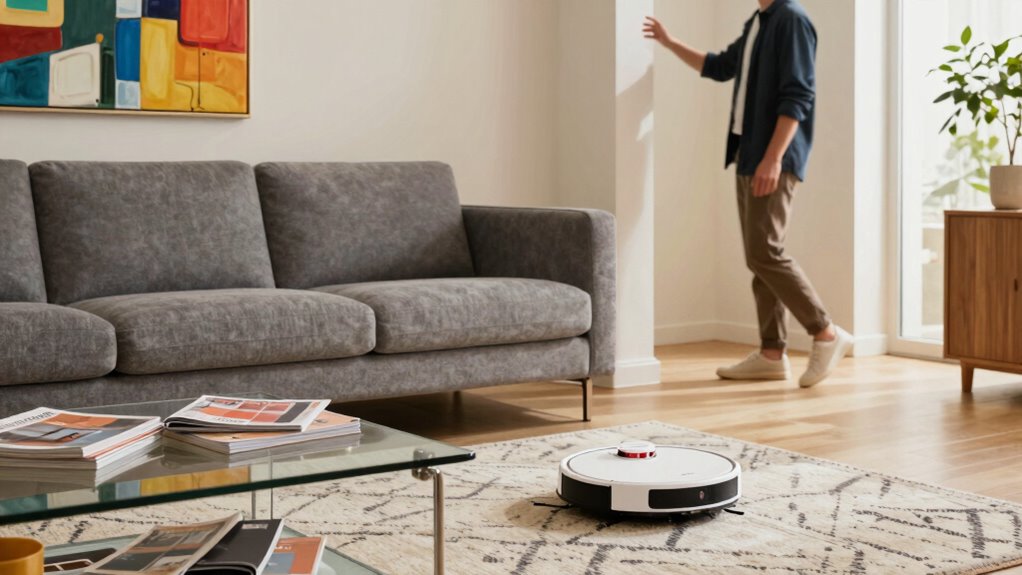

Your robot might not recognize rooms because of sensor calibration issues, environmental clutter, or outdated software. Make sure sensors are clean, properly aligned, and calibrated regularly. Keep your space organized, free of obstacles, and well-lit to improve mapping. Always update the firmware and map your environment after changes. Manually labeling rooms and maintaining consistency helps your robot learn better. Continue exploring, and you’ll discover more ways to improve your robot’s recognition skills.
Key Takeaways
- Ensure sensors are properly calibrated, clean, and securely connected for accurate data collection.
- Clear clutter and organize furniture to create unobstructed, stable environments for mapping.
- Regularly update firmware and software, and recalibrate sensors after layout changes.
- Manually label rooms in the app to improve recognition and navigation accuracy.
- Maintain environmental consistency by minimizing furniture rearrangements and cleaning sensors routinely.

Shark Ion Robot Vacuum Cliff Sensor Set, Drop Infrared Sensor Set – 750R01US 761R01US Model
Shark Ion Robot Vacuum Cliff Sensor Set – Infrared Drop Sensors
As an affiliate, we earn on qualifying purchases.
As an affiliate, we earn on qualifying purchases.
What Causes My Robot to Fail at Recognizing Rooms?
When your robot struggles to recognize rooms, sensor limitations are often the main culprit. If your robot’s sensors aren’t properly calibrated, it might misinterpret data, leading to faulty room segmentation. Poor sensor calibration causes inaccuracies in distance measurements and spatial awareness, making it hard for your robot to distinguish one room from another. Additionally, inadequate room segmentation can cause the robot to combine multiple spaces into one or split a single room into several parts. Dust, dirt, or reflective surfaces can further hamper sensor performance, exacerbating recognition issues. Ensuring your robot’s sensors are clean and calibrated regularly is key. Proper sensor calibration improves the robot’s ability to accurately map and segment rooms, reducing errors and enhancing overall recognition. Regular sensor maintenance, including checking for sensor alignment, is essential for maintaining optimal sensor performance and accurate room detection. To further enhance recognition, it’s important to understand how sensor limitations impact data collection and processing. Moreover, choosing sensors with higher accuracy can significantly improve the robot’s environmental understanding and room recognition capabilities.

roborock Q7 L5 Robot Vacuum and Mop Combo, 8,000Pa Suction, Upgraded from Q5 Pro, Dual Anti-Tangle System, LiDAR Navigation, Multi-Level Mapping, Self-Charging Robotic Vacuum Cleaner, Black
*Roborock robot vacuum supports only 2.4 GHz WiFi. Please ensure your router is set to this frequency. If…
As an affiliate, we earn on qualifying purchases.
As an affiliate, we earn on qualifying purchases.
How to Prepare Your Home for Better Room Mapping
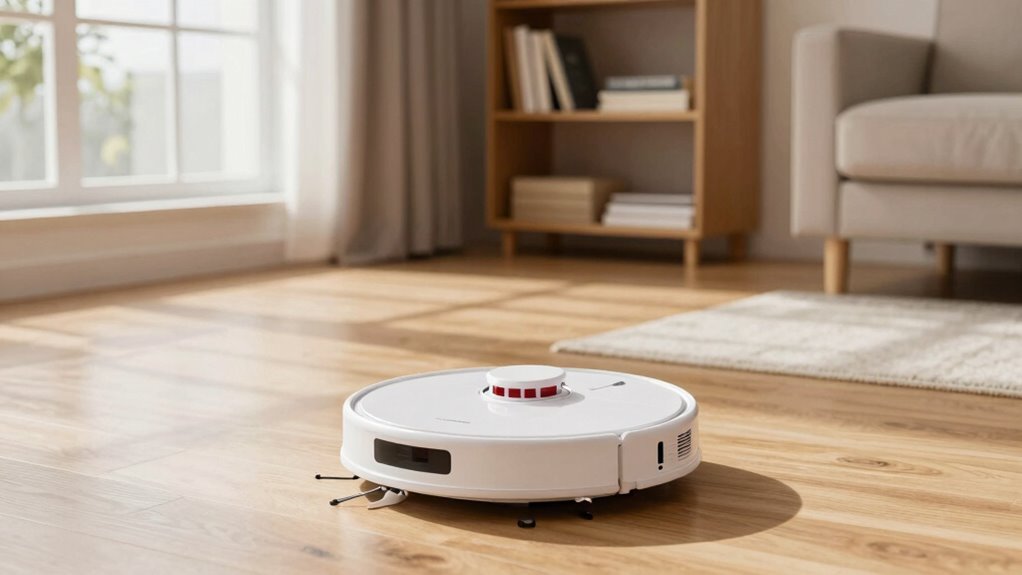
Preparing your home for better room mapping starts with optimizing the environment to reduce sensor interference. Begin by analyzing your home layout, identifying areas where clutter or narrow passages may confuse your robot. Clear pathways and organize furniture to create open, unobstructed spaces, making obstacle placement more predictable. Place larger furniture or objects against walls to minimize unexpected obstacles and improve sensor accuracy. Avoid placing items that could reflect or block signals, such as mirrors or shiny surfaces, near the robot’s path. Consistent lighting conditions also help sensors function correctly. Additionally, minimizing sensor interference from reflective surfaces or electrical devices further enhances your robot’s mapping ability. By designing a clear, well-organized environment, you help your robot build more accurate maps, ensuring it recognizes rooms efficiently and avoids unnecessary errors during navigation.
Shark Ion Robot Vacuum Cliff Sensor Set, Drop Infrared Sensor Set – 750R01US 761R01US Model
Shark Ion Robot Vacuum Cliff Sensor Set – Infrared Drop Sensors
As an affiliate, we earn on qualifying purchases.
As an affiliate, we earn on qualifying purchases.
Enable and Set Up Your Robot’s Mapping Features
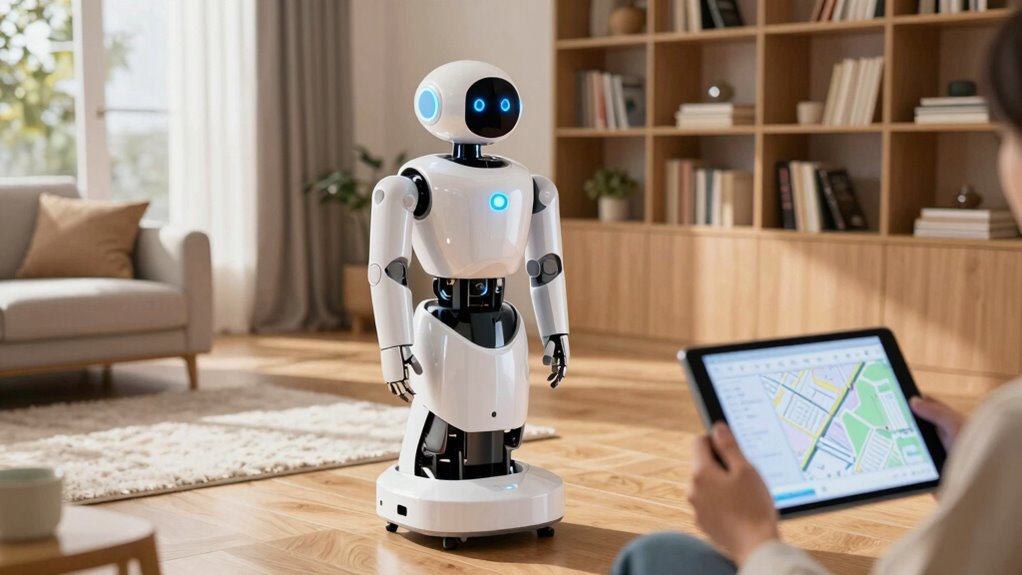
To guarantee your robot maps your home effectively, you need to enable its mapping features through the device’s app or interface. Begin by activating the map creation option, ensuring your robot actively records your space. Proper sensor calibration is essential—follow the manufacturer’s instructions to fine-tune sensors for maximum performance. Accurate sensor calibration directly impacts mapping accuracy, helping your robot distinguish walls, furniture, and doorways more precisely. You can improve overall mapping results by minimizing microplastics in dust that may interfere with sensor readings. Additionally, ensuring your environment is free of obstacles can further enhance the robot’s mapping capabilities. Regularly updating your robot’s firmware can also optimize sensor performance and fix potential bugs. Implementing environmental conditions like consistent lighting can further assist in accurate mapping. Once enabled, test the mapping by running the robot in a quiet, obstacle-free environment. Make sure the app settings are correctly configured to enhance sensor sensitivity if needed. This setup helps your robot create a detailed and accurate map, setting a solid foundation for effective room recognition and navigation. sensor calibration is a key step that directly influences your robot’s ability to recognize different areas accurately.

MONSGA Robot Vacuum and Mop Combo, 90 Days Self-Emptying with 8000Pa Suction, LiDAR Smart Mapping, Dual Anti-Tangle for Pet Hair, Carpet and Hard Floor
8000Pa Max Suction Meets Dual Anti-Tangle Design: From scattered crumbs to fluffy pet fur, this robot vacuum handles…
As an affiliate, we earn on qualifying purchases.
As an affiliate, we earn on qualifying purchases.
Keep Your Software and Firmware Up to Date

Keeping your robot’s software and firmware up to date is crucial for peak performance and reliable room recognition. Regular software updates fix bugs and improve navigation, ensuring your robot adapts to new environments. Firmware upgrades enhance hardware integration, making your device more efficient. Staying informed through official Bollywood news and updates can also help you anticipate new features or improvements for your device. To stay current:
Regular updates keep your robot running smoothly and recognizing rooms reliably.
- Check your manufacturer’s app or website regularly for updates.
- Install software updates promptly to benefit from recent improvements.
- Perform firmware upgrades as recommended to optimize hardware functions.
Check Sensors and Hardware for Recognition Issues
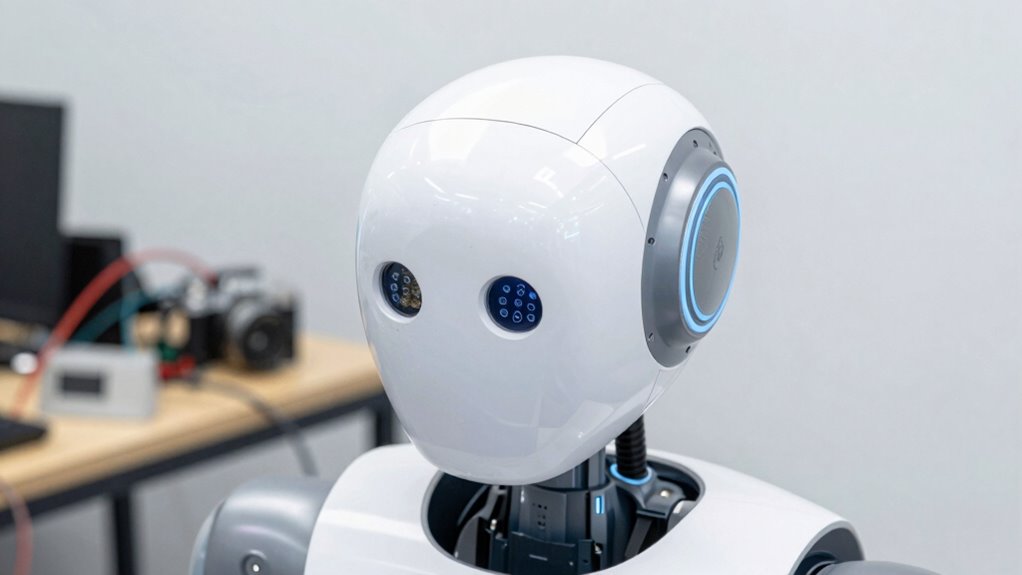
Start by inspecting your sensors to make certain they are properly aligned and functioning correctly. Next, check all hardware connections for loose or damaged cables that could disrupt recognition. Additionally, ensure that you are using the proper sensor maintenance techniques to keep your sensors in top condition. Regularly calibrate your sensors to maintain their accuracy and responsiveness. Incorporate sensor calibration to ensure optimal performance and accurate room recognition. Finally, clear any obstructions and clean the sensors to prevent dirt or debris from interfering with their readings. Remember that environmental factors like lighting or temperature fluctuations can also impact sensor performance and recognition accuracy. Maintaining sensor health is essential for consistent recognition performance.
Sensor Alignment Checks
Ensuring your sensors and hardware are properly aligned is essential for accurate room recognition. Misaligned sensors can lead to faulty sensor calibration and poor obstacle detection, causing your robot to misinterpret its environment. To check alignment:
- Verify sensor positioning, making sure they face the correct directions and aren’t tilted or obscured.
- Test sensor calibration by running obstacle detection exercises—if sensors misread objects or miss obstacles, recalibrate them.
- Inspect hardware mounts for stability, ensuring sensors are firmly attached and not loose or shifted.
Proper alignment improves sensor accuracy, which is vital for correct room recognition. Regular checks prevent misreads and help your robot navigate more reliably, avoiding recognition issues caused by hardware misalignments.
Hardware Connection Inspections
Proper hardware connections are key to reliable room recognition. If your robot isn’t identifying spaces correctly, start by inspecting its sensors and wiring. Loose or damaged connections can cause recognition issues. Use hardware troubleshooting techniques to verify all cables are secure and undamaged. Focus on sensor calibration, ensuring sensors are aligned and functioning properly. Additionally, understanding neural interface principles can help optimize sensor integration for improved accuracy. Proper sensor placement and environmental awareness are also critical for consistent performance. This includes considering sensor calibration techniques to enhance detection precision. Here’s a quick checklist:
| Step | Action | Result |
|---|---|---|
| Check wiring | Ensure all cables are plugged in tight | Prevents connection failures |
| Inspect sensors | Look for damage or dirt | Maintains sensor accuracy |
| Verify calibration | Recalibrate if needed | Improves recognition reliability |
| Test hardware | Run diagnostic tools | Confirms hardware health and setup |
Obstructions and Cleanliness
Obstructions and dirt can easily interfere with your robot’s sensors, causing recognition errors. When sensors are blocked or dirty, your robot struggles to map and identify rooms accurately. To fix this, check for obstructions and cleanliness regularly. Additionally, understanding how Free Floating elements can impact sensor performance helps in maintaining optimal operation. Regularly updating your robot’s software can also help improve recognition capabilities and adapt to environmental changes. Ensuring proper sensor calibration can also improve recognition accuracy, especially after cleaning or hardware adjustments. Proper placement of environmental markers can further assist your robot in distinguishing different rooms more reliably. 1. Clear debris or objects from sensor areas to prevent obstructions. 2. Wipe sensors and hardware with a soft cloth to remove dust and grime. 3. Ensure there’s no buildup of dirt on the sensors that could distort signals. Keeping sensors clean and free of obstructions helps your robot recognize rooms more reliably. Regular maintenance ensures recognition issues don’t stem from simple obstructions or dirt, improving overall navigation and mapping accuracy. Remember, clean sensors are essential for your robot to interpret its environment correctly. Additionally, sensor positioning plays a crucial role in optimal detection and room recognition.
How to Manually Label Rooms for Better Recognition
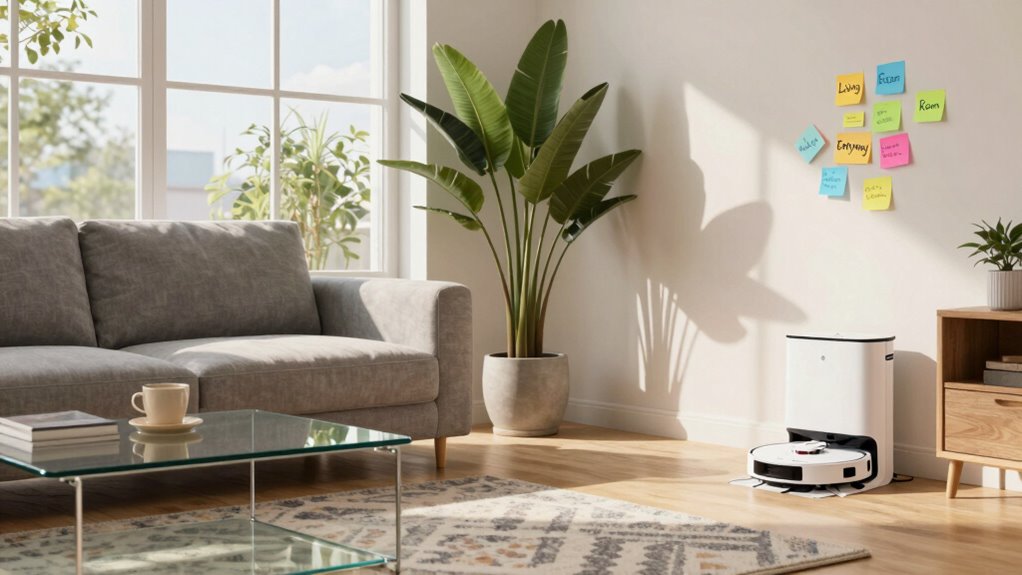
Manually labeling rooms can substantially improve your robot’s ability to recognize different areas accurately. By performing manual labeling, you give your robot clear cues for room identification, making it easier for it to distinguish one space from another. Most robotic vacuum apps or control interfaces let you assign specific names to each room. To do this, navigate to the room labeling feature, select the area you want to label, and enter a descriptive name. Consistent labels help the robot remember room layouts and avoid confusion in future cleanings. Proper room identification ensures your robot cleans more thoroughly and responds better to your commands. Additionally, understanding how cabling solutions impact the efficiency of your robot’s navigation can further enhance its recognition capabilities. Implementing room mapping techniques can also significantly improve the robot’s ability to recognize and adapt to different environments.
Troubleshooting Common Recognition Problems

When your robot struggles to recognize rooms, start by checking the sensor alignment to guarantee accurate data collection. Updating the recognition software can also fix issues caused by outdated algorithms, and improving the room map helps the robot understand its environment better. Addressing these points can markedly enhance your robot’s room recognition performance.
Check Sensor Alignment
Proper sensor alignment is essential for your robot to accurately recognize rooms. If the sensors are misaligned, it can hinder sensor calibration and cause recognition issues. To fix this, check the alignment adjustment carefully.
- Inspect the sensors to ensure they are straight and free of obstructions.
- Adjust the sensors gently to align them with the manufacturer’s guidelines.
- Run a sensor calibration test to confirm proper functionality.
Update Recognition Software
Updating your recognition software can resolve many common issues with room identification. Start by ensuring your software calibration is current, as outdated calibration can cause recognition errors. Check if your robot’s recognition algorithms are up to date; developers often release updates that improve accuracy and adapt to new environments. Download the latest software version from the manufacturer’s site and follow the update instructions carefully. Updating may involve reinstalling or applying patches that enhance how your robot processes spatial data. Once completed, reboot your robot and test recognition again. These updates improve the robot’s ability to differentiate rooms based on refined algorithms, reducing misidentification. Regularly updating recognition software is essential for maintaining superior room recognition performance.
Improve Room Mapping
To improve room mapping and troubleshoot common recognition problems, focus on optimizing your robot’s spatial data collection. Proper sensor calibration guarantees accurate measurements, preventing errors during mapping. Next, carefully label each room in your system to help the robot distinguish different areas more effectively. Finally, consider the following steps:
- Regularly recalibrate sensors to maintain accuracy.
- Use consistent room labeling to avoid confusion.
- Ensure the environment is well-lit and free of obstacles during mapping sessions.
Tips to Maintain Accurate Room Maps Over Time
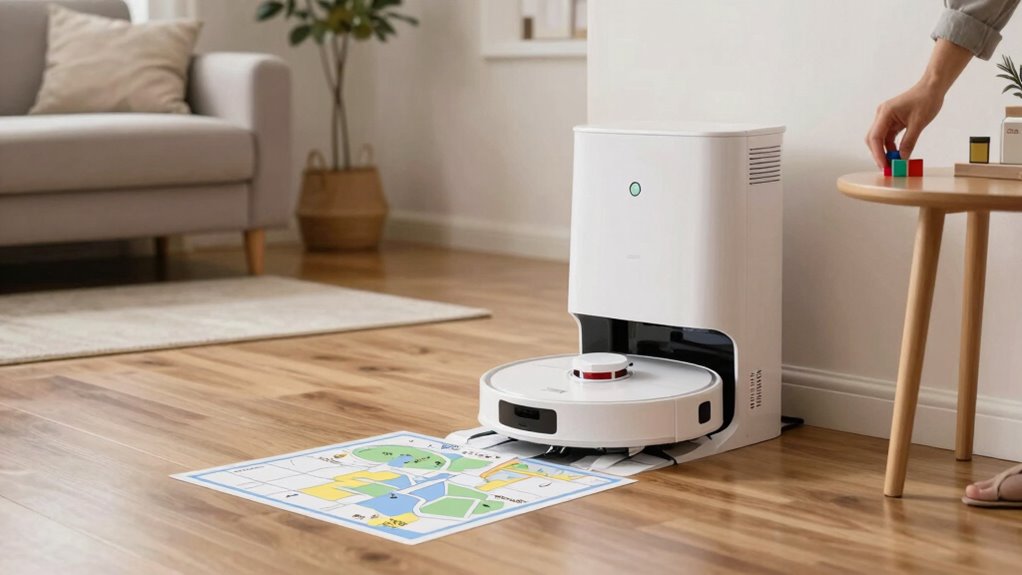
Over time, your robot’s room maps can become outdated due to changes in furniture placement, new obstacles, or shifting layouts. To maintain mapping consistency, regularly update your robot’s maps and perform recalibration when needed. Ensuring environmental stability helps your robot recognize rooms more reliably, so avoid frequent rearrangements or clutter during cleaning sessions. Keep the environment consistent by removing unnecessary obstacles and minimizing changes between mapping runs. Schedule periodic map updates, especially after significant room modifications. Using the robot’s app or control system, re-map areas as needed to keep the data current. Maintaining a stable environment and updating maps regularly will improve your robot’s ability to recognize rooms accurately over time, reducing confusion and enhancing overall navigation.
Frequently Asked Questions
Can Lighting Conditions Affect My Robot’s Room Recognition Accuracy?
Lighting conditions can definitely affect your robot’s room recognition accuracy. Lighting variability, such as dim or uneven lighting, can make it harder for the robot’s sensors to distinguish room features. Also, low color contrast between walls, furniture, and floors can confuse its camera and sensors. To improve recognition, guarantee consistent, well-lit environments with high contrast between different surfaces, making it easier for your robot to identify and remember rooms accurately.
Does the Size or Shape of a Room Impact Recognition Performance?
Your robot’s room recognition is like trying to find a needle in a haystack—it’s affected by room dimensions and architectural features. Larger or oddly shaped rooms can confuse its sensors, making recognition tricky. Narrow hallways or rooms with complex layouts may throw it off. To improve accuracy, guarantee clear, consistent features and avoid overly expansive or unconventional spaces, helping your robot see the room’s true shape and size clearly.
How Long Does It Take for My Robot to Learn a New Room?
It typically takes your robot a few minutes to learn a new room, but mapping delays and sensor calibration can extend this process. If your robot struggles to recognize the space quickly, it’s likely because it needs more time to gather accurate data. Make sure sensors are properly calibrated and give your robot enough time to complete its mapping. Patience and proper setup help speed up room recognition.
Are Certain Floor Types Better for Robot Mapping?
Certain floor types are better for robot mapping because smooth, hard surfaces like hardwood or tile provide clearer sensor data. Carpet with high durability and a dense texture can sometimes interfere with the robot’s sensors, making mapping less accurate. You’ll find that low-pile carpets work best, as they allow sensors to detect boundaries more easily. Choosing the right floor texture can markedly improve your robot’s ability to recognize and navigate rooms efficiently.
Can Multiple Robots Interfere With Each Other’s Room Recognition?
Multiple robots can definitely interfere with each other’s room recognition, causing chaos like a traffic jam in a bustling city. This happens because of robot communication and sensor interference, where signals clash and sensors pick up false readings. When robots operate in close proximity, they might mistake each other’s signals for obstacles or landmarks, confusing their mapping. To prevent this, guarantee proper coordination and avoid overlapping sensor ranges for smooth, accurate room recognition.
Conclusion
Don’t get discouraged if your robot struggles with recognizing rooms at first. With proper preparation, regular updates, and manual labeling, you’ll see improvements in its mapping accuracy. Some might worry it’s too complicated, but these simple steps make a big difference. Keep your home’s sensors clean and stay patient—your robot can learn your space with just a little effort, making cleaning smoother and more efficient over time.