
One common mistake is placing the charging station in a cluttered or cornered spot, which makes docking difficult. Not regularly clearing loose cords, small objects, and clutter can confuse your robot and cause mapping errors. Poor sensor maintenance or obstructions also lead to navigation mistakes. Additionally, allowing clutter in walkways hampers its ability to create an accurate map. Keep these factors in check, and you’ll improve your vacuum’s performance—discover more tips to optimize its efficiency.
Key Takeaways
- Place the charging station in a central, open area to facilitate accurate mapping and easy docking.
- Regularly clear clutter, cords, and small objects to prevent sensor confusion and improve navigation.
- Avoid placing the charging station near high-traffic zones or cluttered spaces to enhance mapping accuracy.
- Ensure the robot’s sensors are unobstructed and clean for precise environment detection.
- Maintain a tidy environment consistently to build a detailed and accurate map over time.
Common Mapping Mistakes and How to Fix Them
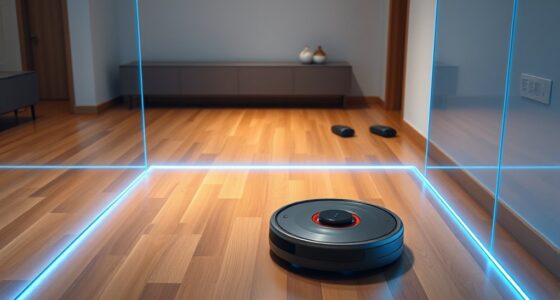
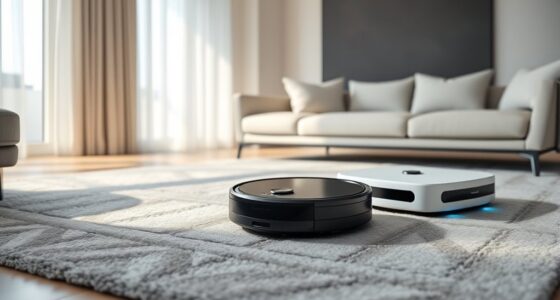
Robot vacuums rely heavily on mapping technology to navigate your home efficiently, but mistakes in this process can lead to missed spots or repeated cleaning. One common mistake is poor charging station placement. If you position the station in a corner or an area with limited access, the vacuum might struggle to find it, especially if its sensors are obstructed or if the station is tucked away behind furniture. To prevent this, place the charging dock in a central, open location where the robot can easily locate and return to it. Make sure there’s enough space—at least 3 feet in front and on each side—for the vacuum to dock smoothly. Avoid placing it near clutter, cords, or high-traffic zones that could interfere with navigation. Proper placement guarantees the robot can efficiently recharge and resume cleaning without getting lost or stuck.
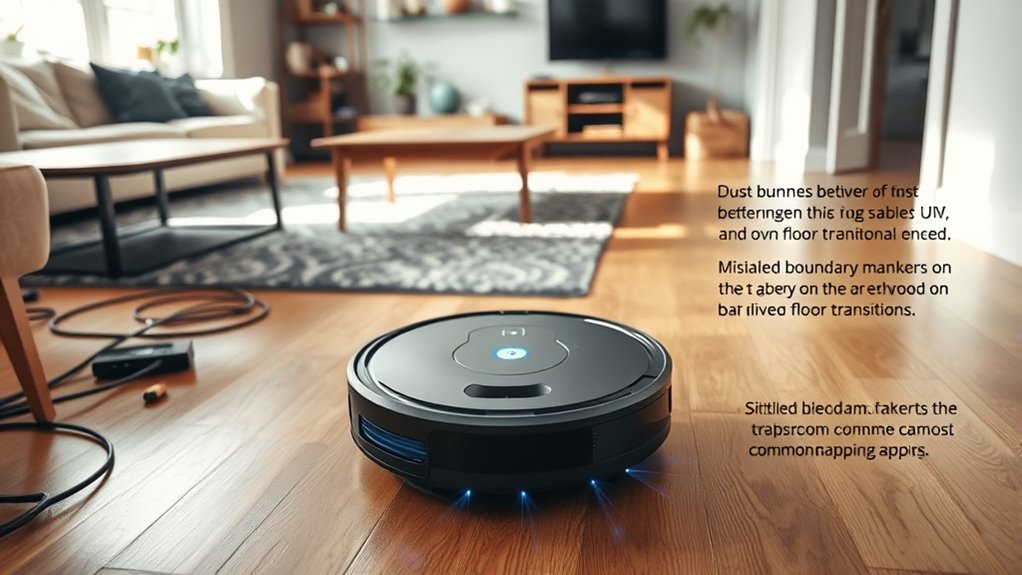
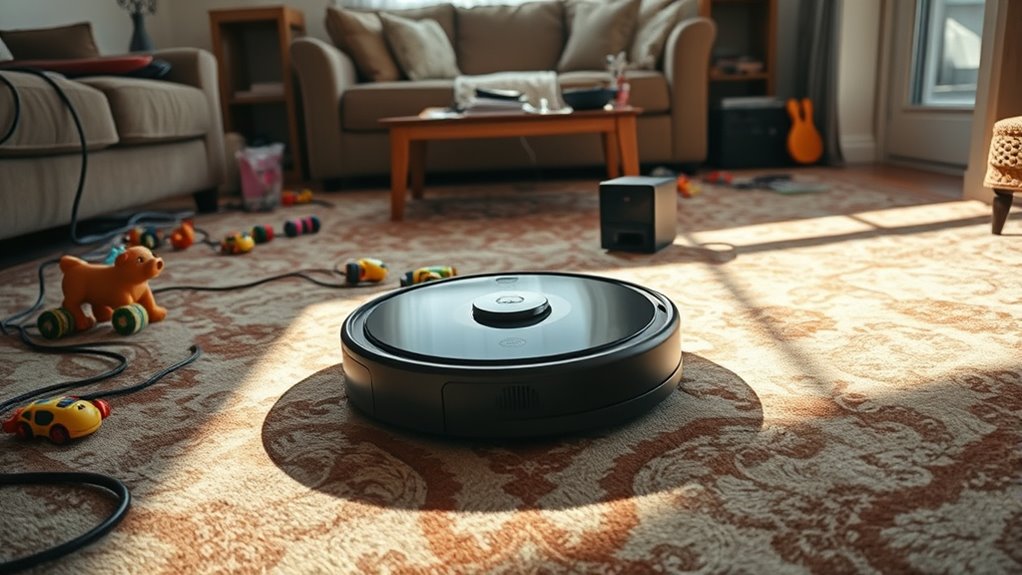
Another key factor in avoiding mapping errors involves obstacle removal techniques. Your robot relies heavily on sensors to detect and avoid objects, but cluttered or cluttered floors can create confusion. Regularly clear your floors of loose cords, small objects, and furniture that can block its sensors. Use obstacle removal techniques like securing cords along walls or under furniture, and removing small items from open areas. This not only helps the robot navigate more accurately but also prevents it from repeatedly cleaning the same spots due to sensor misreads. Additionally, consider the height and type of obstacles—think about adding barriers or bumpers to prevent the vacuum from getting stuck or knocking over items. Maintaining a tidy environment allows the robot to build a more accurate map of your home, reducing errors and missed areas.
Furthermore, investing in a robot vacuum with advanced high-quality sensors can significantly improve its mapping capabilities, especially in complex or cluttered environments. Mapping mistakes are often exacerbated when the robot’s sensors are obstructed or the navigation area is cluttered. Keep in mind that even small objects can throw off the robot’s mapping process. Regularly inspect and update your obstacle removal techniques, making sure walkways are clear and that there aren’t any new obstacles after each cleaning session. By doing this, you help the robot develop a clearer, more detailed map of your space. Combining thoughtful charging station placement with diligent obstacle removal techniques enhances the robot’s ability to map accurately, which ultimately leads to more thorough cleaning and less frustration. When these aspects are optimized, your robot vacuum will perform better, navigate more efficiently, and leave your floors spotless.
Frequently Asked Questions
Can I Reset My Robot Vacuum’S Mapping System Easily?
Yes, you can reset your robot vacuum’s mapping system easily. If you’re experiencing mapping errors, most models have simple reset procedures, often involving a button press or app commands. Check your user manual for specific instructions, but generally, you’ll access the settings, select the reset option, and let the vacuum remap your space. This helps resolve mapping errors and improves navigation for better cleaning performance.
How Long Does It Take for a Robot Vacuum to Remap?
Think of your robot vacuum like a student revisiting a map; it needs time to learn the layout again. Usually, remapping takes a few cleaning cycles—around 1 to 3 hours—depending on your device’s mapping frequency and remapping triggers, like changes in furniture. If you move furniture often, expect it to remap more frequently. Patience helps your vacuum optimize its route for a thorough clean.
Does Cleaning Sensor Lenses Improve Mapping Accuracy?
Cleaning sensor lenses definitely improves your robot vacuum’s mapping accuracy. Regular sensor maintenance, including lens cleansing, guarantees the sensors can detect obstacles and navigate efficiently. Dust or smudges on the lenses can cause errors in mapping or missed spots. By keeping the lenses clean, you help your robot build a more accurate map of your space, leading to better cleaning performance and fewer mistakes during its navigation.
Are There Specific Flooring Types That Confuse Robot Vacuums?
Think of your robot vacuum as a brave explorer. When it encounters thick carpets, it often struggles with carpet navigation, causing missed spots. Hardwood floors might seem simple but can pose hardwood challenges, especially with shiny surfaces confusing sensors. You might notice it hesitating or re-mapping frequently. Knowing these flooring quirks helps you optimize cleaning, like adjusting settings or placing boundary strips, so your vacuum navigates smoothly across every surface.
Can Multiple Robot Vacuums Share the Same Map?
Yes, multiple robot vacuums can share the same map, but it requires good multi-vacuum coordination and map sharing best practices. You need to set up each device properly, ensuring they recognize the shared map and avoid conflicts. Use the same app or system for seamless communication. Regularly update firmware and keep the mapping data synchronized to optimize cleaning efficiency and prevent overlaps or missed spots.
Conclusion
By avoiding these common mapping mistakes, you guarantee your robot vacuum cleans more efficiently and thoroughly. Did you know that 60% of users report missed spots or repeated cleaning due to poor mapping? Don’t let simple errors cost you extra time and energy. Take a few minutes to optimize your robot’s setup, and enjoy a cleaner home with less hassle. Your smarter, more effective cleaning journey starts with a quick fix today.