
To calibrate your robot vacuum’s smart map, start by fully charging it and running a complete mapping cycle in an open, clutter-free space. Review the generated map via the app, making certain it accurately reflects your home’s layout. If needed, manually adjust or refine the map—adding no-go zones or redefining rooms. Recalibrate anytime you move furniture or make layout changes, and update the firmware regularly. Continue exploring for detailed steps to guarantee ideal navigation.
Key Takeaways
- Fully charge the robot and run an initial mapping cycle in a clutter-free environment.
- Review the generated map via the app to verify accuracy of rooms and obstacles.
- Manually adjust or refine the map by repositioning boundaries and correcting misidentified areas.
- Recalibrate the map after furniture rearrangements or layout changes, and update the software if available.
- Reset the map and perform a new mapping cycle if the current map is outdated or inaccurate.
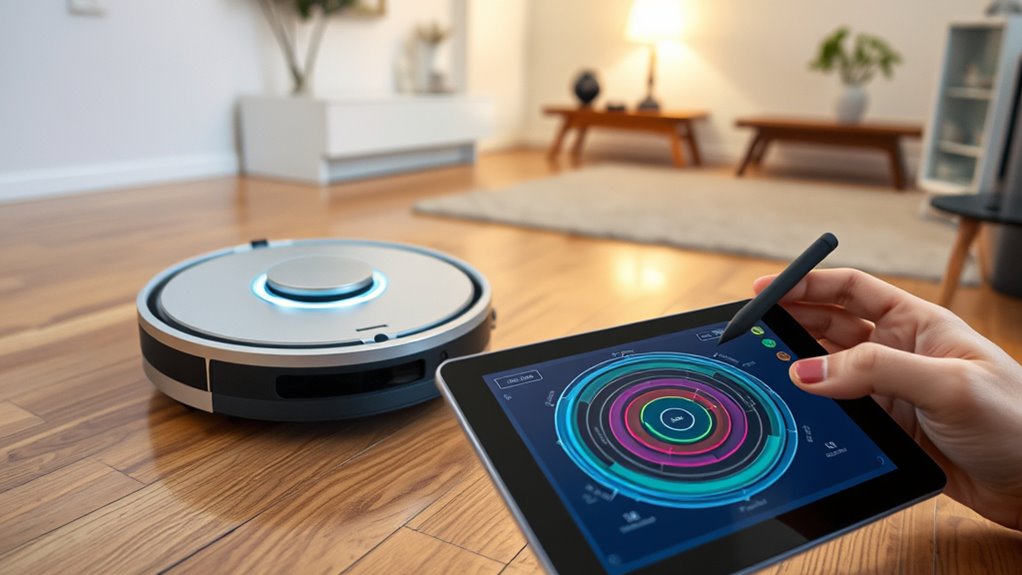
Calibrating your robot vacuum’s smart map is essential to guarantee it cleans your home efficiently and accurately. When you start the process, your primary goal is to improve navigation accuracy, ensuring your vacuum recognizes obstacles, furniture, and room boundaries correctly. The key to achieving this is understanding how your device uses mapping software to create and update its digital map of your space. Proper calibration fine-tunes this software, preventing missed spots or repeated cleaning in the same areas.
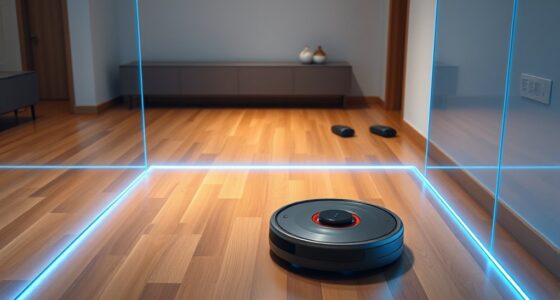
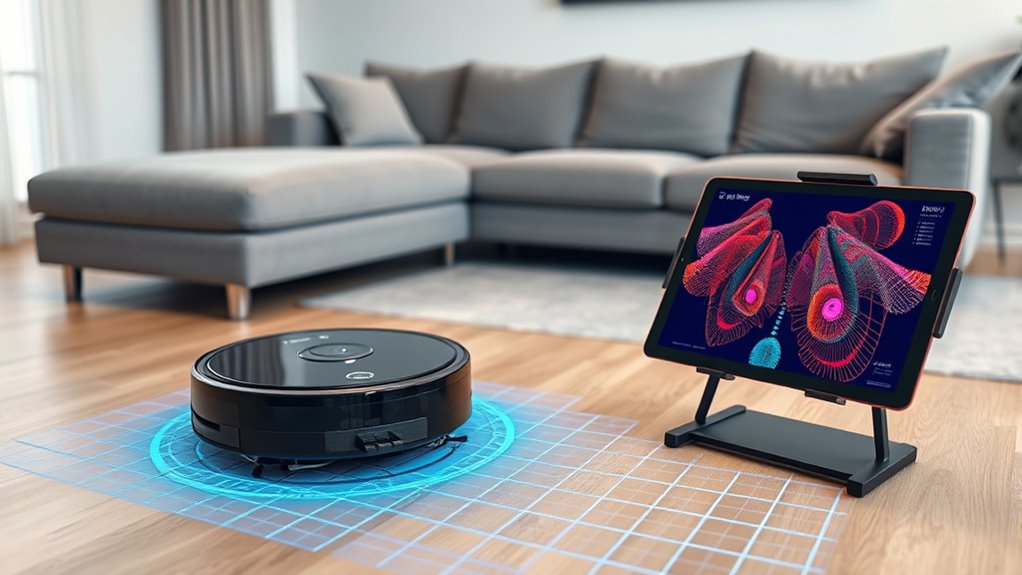
To begin, make sure your robot vacuum is fully charged and placed in an open, clutter-free environment. Run a full mapping cycle, allowing it to explore your home and generate the initial map. During this process, pay attention to how the device navigates around furniture and obstacles. If you notice it knocking into things or missing sections, it indicates that the mapping software needs calibration adjustments. Many models allow you to review the map afterward via a companion app or onboard controls. Use this opportunity to verify if the map accurately reflects your home’s layout.
Once the initial map is created, some vacuums offer calibration options through their software. These features enable you to correct or refine the map manually. For example, you might need to reposition virtual boundaries, redefine room divisions, or update areas that weren’t mapped correctly. Be proactive in marking no-go zones or cleaning zones to enhance navigation accuracy. This step helps the mapping software learn your home’s specific layout better, reducing errors during future cleaning sessions.
If your vacuum supports multiple mapping runs, consider recalibrating periodically, especially after rearranging furniture or adding new rooms. Regularly updating the map ensures your robot maintains high navigation accuracy. Also, check for firmware updates or software patches from the manufacturer, as these often include improvements for mapping algorithms. Keeping your device’s software current guarantees you benefit from the latest calibration tools and navigation enhancements.
In some cases, recalibration might require resetting the map and running the mapping process again from scratch. This can be necessary if the device’s current map is outdated or inaccurate. Follow the manufacturer’s instructions for resetting the map and then run a new mapping cycle. During this process, observe how well the robot navigates and whether it recognizes all areas correctly. Adjust the environment if needed, removing obstacles or repositioning furniture to facilitate better mapping.
Additionally, the integration of AI in Education shows how intelligent systems can adapt to specific environments, much like how your vacuum’s calibration software adapts to your home’s layout. Ultimately, consistent calibration practices will help your robot vacuum develop a highly accurate smart map. This, in turn, guarantees more effective cleaning, fewer missed spots, and a more intelligent navigation system that adapts to your home’s unique layout. By understanding how to fine-tune the mapping software and regularly maintaining your device’s calibration, you’ll maximize your robot vacuum’s performance and enjoy a cleaner home with less hassle.
Frequently Asked Questions
How Often Should I Recalibrate My Robot Vacuum’s Smart Map?
You might wonder about the ideal mapping frequency and calibration intervals for your robot vacuum’s smart map. It’s best to recalibrate whenever you notice missed spots or changes in your home’s layout. Typically, doing this every few months keeps the map accurate. Regular calibration ensures your vacuum navigates efficiently, especially after furniture moves or new obstacles. Staying attentive to these cues helps maintain excellent cleaning performance with your smart map.
Can Multiple Floors Be Mapped and Calibrated Separately?
Yes, you can map and calibrate multiple floors separately, and it’s essential for efficient cleaning. With multi-floor mapping, your robot vacuum recognizes and stores each floor’s layout, enabling seamless navigation. Use calibration techniques tailored to each level, like re-mapping after rearranging furniture or changes in the environment. This approach guarantees your smart map remains precise, helping your vacuum clean thoroughly and efficiently on every floor.
What Should I Do if the Smart Map Isn’t Accurate?
If your smart map isn’t accurate, you should first check for obstructions or changes in your environment. Use calibration tips like rerunning the mapping process in a clean, open area and ensuring your robot has a clear path. You might need to recalibrate the map by resetting it and allowing the robot to remap your space. Regular maintenance and updates also improve map accuracy over time.
Does Recalibration Erase Previous Cleaning Data?
Recalibrating your robot vacuum’s smart map doesn’t erase previous cleaning data; it updates the mapping for better accuracy. When you perform calibration, the device refines its understanding of your space, improving future mapping and cleaning. Keep in mind, frequent calibration isn’t necessary unless there are mapping issues. Regular mapping updates help maintain an efficient cleaning routine, but too frequent calibration might be unnecessary unless your environment changes markedly.
Are There Specific Cleaning Modes That Affect Map Calibration?
Think of your robot vacuum’s map like a canvas that gets painted anew with each cleaning. Certain cleaning modes, like intensive or spot cleaning, can influence mapping accuracy because they cause the vacuum to focus on specific areas. These modes might temporarily tweak the smart map, but they don’t typically affect long-term calibration. To keep your map precise, use consistent cleaning modes and recalibrate when needed to make sure your robot navigates flawlessly.
Conclusion
Think of calibrating your robot vacuum’s smart map as tending to a delicate garden. With patience and precision, you help it grow into a well-organized landscape, free of weeds and gaps. When you fine-tune its sensors and boundaries, you’re nurturing a reliable partner that navigates seamlessly. Just like a gardener cares for each plant, your calibration efforts cultivate a tidy, efficient home—transforming chaos into harmony with every small adjustment.