To optimize your robot vacuum for hardwood and carpets, set it to a basic or eco mode on hardwood floors to save battery and prevent scratches, and switch to max suction or deep-clean mode on carpets for thorough dirt removal. Disable rotating brushes on hardwood surfaces to protect your floors, and adjust sensors to avoid obstacles. For best results, fine-tune these settings based on your floor types—if you want more tips, keep exploring the options available.
Key Takeaways
- Use straightforward mapping modes for hardwood floors and detailed mapping for high-pile carpets.
- Set lower suction and disable brushes on hardwoods, while increasing power for deep cleaning carpets.
- Switch to softer brush rolls and avoid rotating brushes on hardwood surfaces to prevent scratches.
- Enable high suction and deep-clean modes on carpets to remove embedded dirt effectively.
- Utilize obstacle sensors and path optimization to protect surfaces and ensure efficient cleaning across different flooring types.
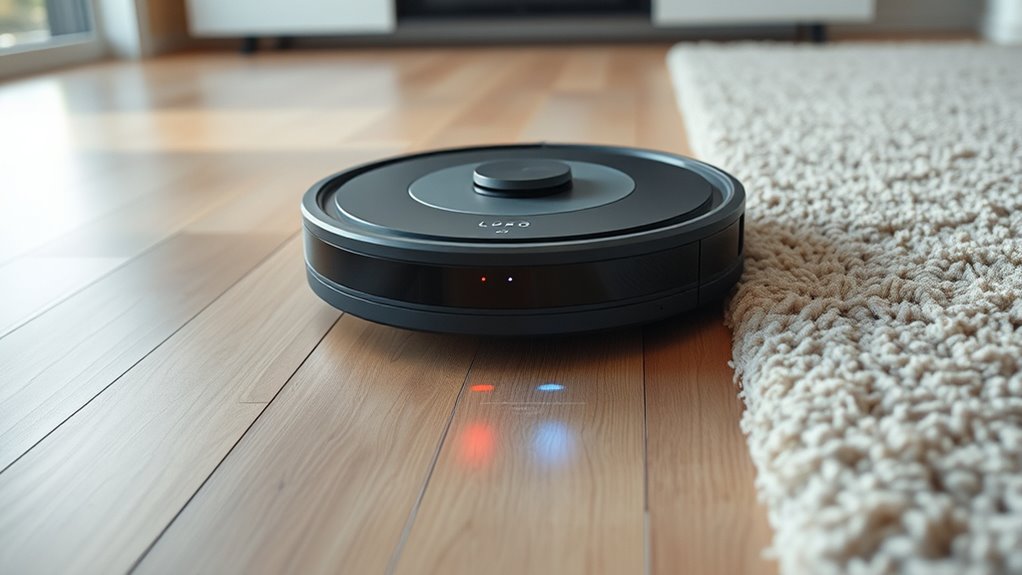
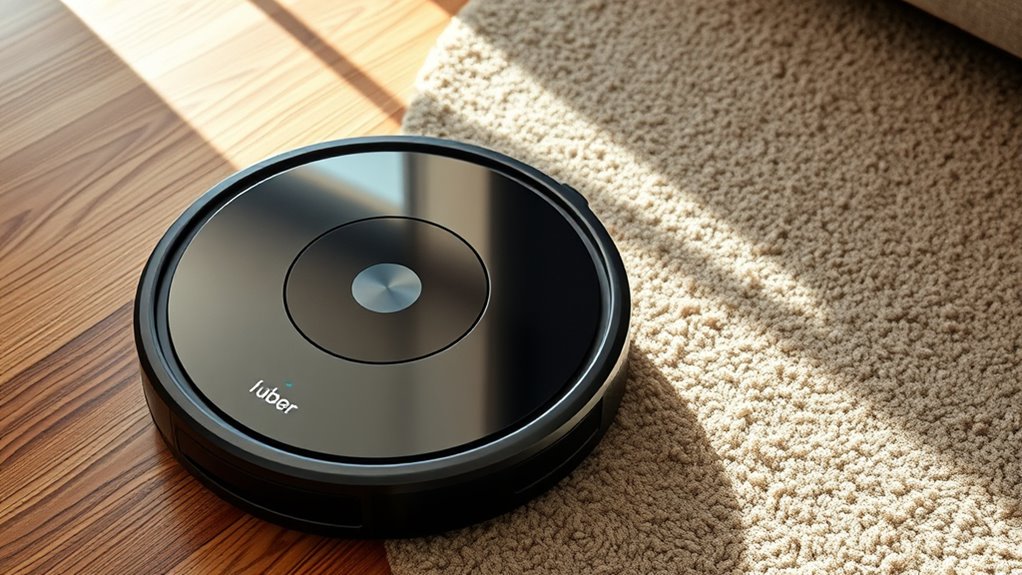
Adjusting your robot vacuum settings is essential to guarantee it cleans effectively and suits your specific needs. Whether you’re tackling hardwood floors or thick carpets, customizing the right settings can make a significant difference in performance. One of the first considerations is selecting the appropriate mapping modes. Many modern robot vacuums offer different mapping options, such as room-specific, zone cleaning, or full-house mapping. For hardwood floors, you might prefer a straightforward mapping mode that covers the entire space efficiently without unnecessary repetition. This ensures your vacuum navigates smoothly on flat, unobstructed surfaces, reducing the risk of missing spots. On carpets, especially those with high pile, choosing a mapping mode that allows for detailed area coverage ensures thorough cleaning. Some models even adapt their mapping based on obstacles or clutter, which is particularly useful if your carpeted areas have furniture or rugs.
Battery conservation is another critical aspect when optimizing your robot vacuum for different flooring types. Hardwood floors generally require less power since the surface is easy for the vacuum to glide over, allowing you to set it to a lower or standard suction mode and conserve battery life. If your vacuum has a battery-saving feature, activating it during hardwood cleaning sessions can extend the run time, meaning fewer charges and more efficient cleaning cycles. Conversely, carpets demand more suction power to agitate and lift dirt embedded deep within fibers. This increased power consumption can drain the battery faster, so it’s wise to adjust your settings accordingly. Some vacuums let you switch between eco, standard, and max modes, so utilizing the eco mode on hardwoods and switching to max when cleaning carpets helps balance cleaning effectiveness with battery life.
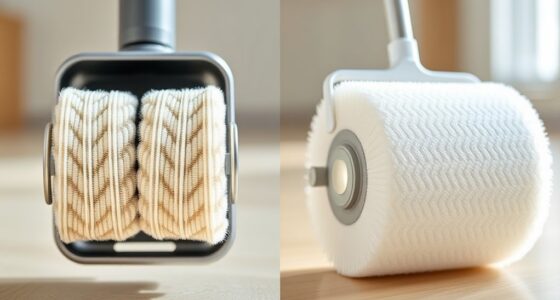
In addition to mapping modes and battery conservation, pay attention to other settings like cleaning schedules and brush types. For hardwood floors, you might want to disable rotating brushes that could cause scratches or switch to softer brush rolls. On carpets, enabling higher suction and deep-clean modes ensures that dirt, pet hair, and debris are thoroughly removed. Adjusting the cleaning frequency based on the surface also helps fine-tune battery use and cleaning efficiency. For high-traffic carpeted areas, more frequent cleanings might be necessary, whereas hardwood floors may need less frequent attention.
Furthermore, some models feature smart sensor technology that helps avoid obstacles and optimize cleaning paths, which is especially beneficial for maintaining both hardwood and carpeted surfaces. Ultimately, refining these settings lets your robot vacuum work smarter rather than harder, adapting to the unique challenges of each flooring type. By understanding and adjusting your mapping modes and prioritizing battery conservation, you ensure your vacuum delivers superior performance, prolongs its lifespan, and keeps your home spotless with minimal effort.

eufy Robot Vacuum 11S MAX, Super Thin, Powerful Suction, Quiet, Self-Charging Robotic Vacuum Cleaner, Cleans Hard Floors to Medium-Pile Carpets, Black
1. Compact and Quiet Operation: With a slim 2.85" profile, the eufy robot vacuum operates quietly, offering a...
As an affiliate, we earn on qualifying purchases.
Frequently Asked Questions
How Often Should I Change the Filters on My Robot Vacuum?
You should change your robot vacuum filters regularly to guarantee ideal filter maintenance and extend your vacuum’s lifespan. Typically, replace filters every 2-3 months, but if you have pets or allergies, consider changing them more often. Regular filter replacement keeps your vacuum running efficiently, prevents clogging, and maintains good air quality. Always check your vacuum’s manual for specific recommendations, as proper maintenance directly impacts its performance and longevity.
Can Robot Vacuums Detect Different Floor Types Automatically?
Your robot vacuum is like a tiny, tireless detective, constantly scanning your home. It uses advanced floor detection technology to identify different surfaces and automatically adjusts its settings for ideal cleaning. This automatic adjustment ensures deep cleaning on carpets and gentle care on hardwood floors. So, yes, many models can detect floor types automatically, saving you time and effort while keeping every surface spotless.
Do Robot Vacuums Require Special Settings for Pet Hair?
When it comes to pet hair removal, your robot vacuum might need some adjustments for ideal performance. You should enable higher suction power or select a specific pet hair mode if available. For carpet maintenance, these settings help lift stubborn pet hair and deep dirt. Keep your vacuum’s brushes clean, and consider scheduling frequent cleaning sessions to manage pet hair effectively, ensuring your floors stay spotless and allergen-free.
How Do I Optimize Battery Life During Cleaning Sessions?
You’re on the right track to get the most out of your robot vacuum. To maximize battery life, focus on power conservation by scheduling cleanings during suitable times and using eco modes. Make certain to clear the dustbin regularly and avoid obstacles. This way, you prevent unnecessary drain and guarantee longer sessions, because a stitch in time saves nine. With these tips, you’ll keep your vacuum running smoothly and efficiently.
Are There Safety Settings to Prevent Falls or Collisions?
You can enable safety features like collision prevention and fall prevention on your robot vacuum to keep it safe. Most models have sensors that detect obstacles and stairs, automatically stopping or rerouting the vacuum. Make sure these settings are activated in the app or on the device itself. Regularly clean the sensors to guarantee they work effectively. These safety features help prevent accidents and keep your home protected during cleaning sessions.

Tikom Robot Vacuum and Mop Combo, 5000Pa Robotic Vacuum Cleaner, 150 Min Max, App & Remote Control, Ideal for Hard Floor, Carpet, Pet Hair, Self-Charge(G8000 Max)
5000Pa Strong Suction: Robot Vacuum With 5000Pa suction power, it effortlessly removes pet hair, dust, and debris from...
As an affiliate, we earn on qualifying purchases.
Conclusion
Remember, tuning your robot vacuum for hardwood and carpet is all about adaptability. Adjust the settings based on your surface, and you’ll keep your floors spotless with less effort. As the saying goes, “A stitch in time saves nine.” Taking a few moments to optimize now will save you hours of cleaning later. So, don’t wait for dirt to pile up—set your vacuum right, and enjoy a cleaner home effortlessly.

ROPVACNIC Robot Vacuum Cleaner Robot Vacuum and Mop Combo with 5200Pa Suction, Personalized Cleaning Adjustments, Self-Charging Robotic Vacuum Cleaner, Advanced Obstacle Avoidance
【2-in-1 Mopping and Vacuuming】 The ROPVACNIC Robot S1 integrates advanced electronically controlled mopping technology, significantly enhancing both cleaning...
As an affiliate, we earn on qualifying purchases.
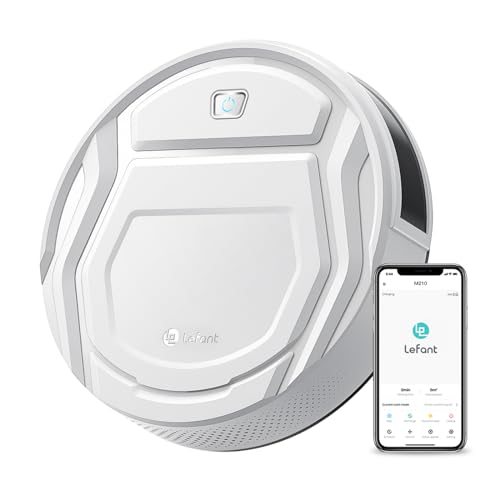
Lefant Robot Vacuum Cleaner, Strong Suction, 120 Mins Runtime, Slim, Low Noise, Automatic Self-Charging, Wi-Fi/App/Alexa Control, Ideal for Pet Hair Hard Floor and Daily Cleaning, M210
This Lefant M210 robotic vacuum cleaner is good for families with pets.
As an affiliate, we earn on qualifying purchases.