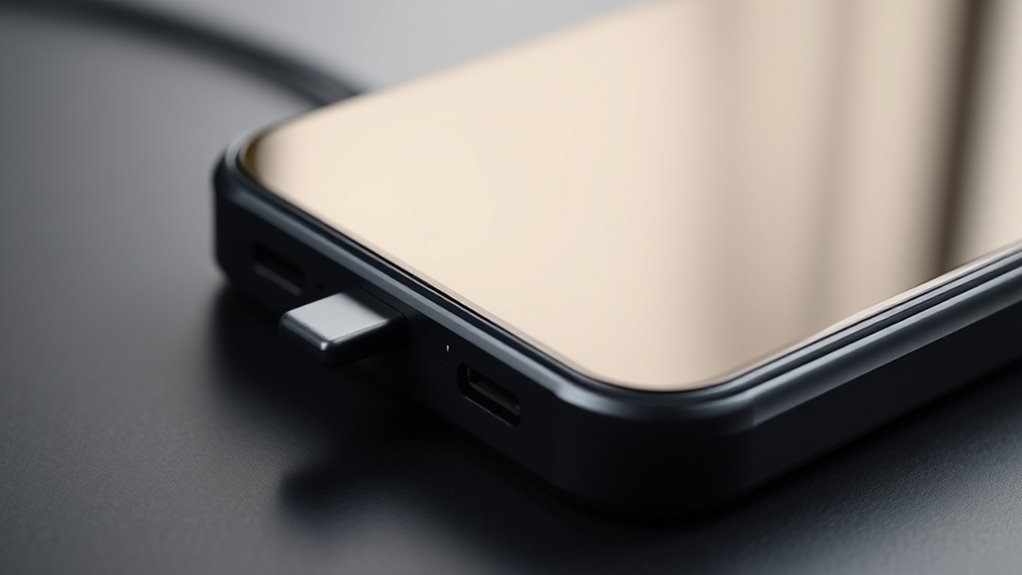

To understand charging dock alignment, you need to guarantee your device’s charging contacts line up correctly with the dock’s connectors. Proper placement helps your device charge efficiently, prevents damage, and maintains battery health. Use guiding features like magnets or edges to position your device securely. Regularly clean the contacts and check for compatibility to avoid issues. If you want to learn how to optimize your device’s charging, keep exploring the details below.
Key Takeaways
- Proper alignment ensures efficient charging and prevents damage to device contacts.
- Verify device and dock compatibility to achieve correct alignment and optimal performance.
- Use guiding edges or magnets to position the device securely on the dock.
- Regularly clean contacts and maintain the dock to ensure consistent alignment and charging.
- Check charging indicators and reassess alignment if charging issues persist.
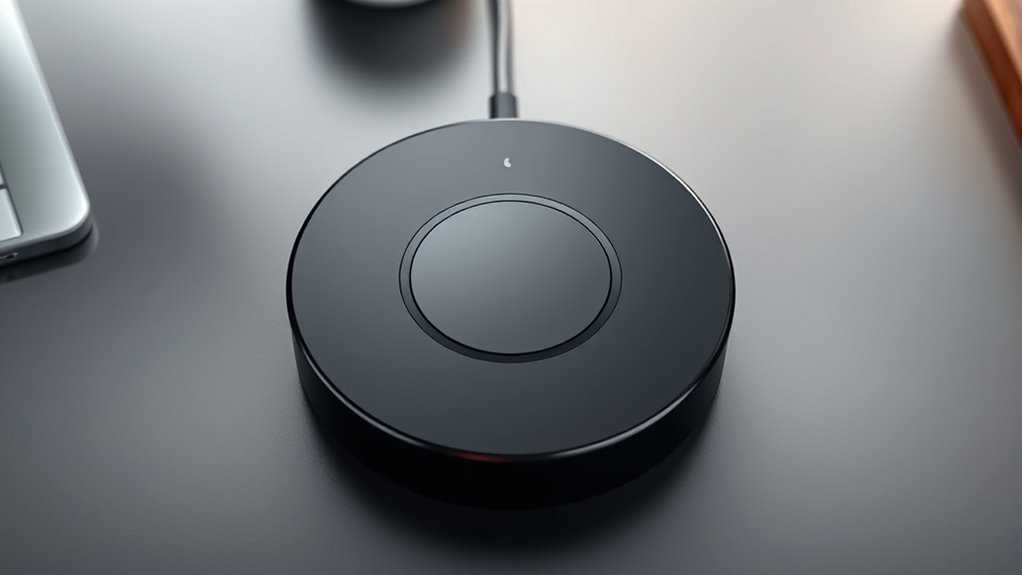
Proper alignment of your charging dock is essential for ensuring your device charges efficiently and reliably. When your dock isn’t properly aligned, your device might not make a solid connection, which can lead to inconsistent charging or even prevent your device from charging altogether. To avoid these issues, take the time to position your device correctly on the dock, making sure the charging pins or connectors align perfectly with their counterparts. This alignment isn’t just about convenience; it directly impacts the longevity of your device’s battery and overall performance. When your device charges properly, it helps with battery calibration, ensuring your device accurately reports its battery level and maintains ideal battery health over time. Proper alignment also minimizes wear and tear on the charging contacts, preventing damage that could compromise dock compatibility in the future. Ensuring compatibility between your device and dock is vital before even attempting to align your device, as using an incompatible dock can lead to poor charging performance or potential damage. Some docks are designed specifically for certain models or brands, and using one that isn’t compatible can cause misalignment or improper contact. Check your device specifications and the dock’s compatibility list to confirm they match. Once you verify compatibility, you can focus on proper placement. Remember, even the most compatible dock won’t work effectively if your device isn’t positioned correctly. Many docks feature guiding edges or magnets to help with alignment. Use these features to your advantage, positioning your device so it sits flush and stable on the dock. Proper placement ensures the charging contacts connect securely, which is key to both efficient charging and maintaining the integrity of the connection. Additionally, consistent maintenance of your dock and contacts can prevent dirt or debris from interfering with proper alignment and charging. Regularly clean these contacts gently with a soft cloth or a small brush. Additionally, avoid placing your device on uneven surfaces or in positions where it might shift or disconnect easily. If your dock has adjustable features, take advantage of them to secure your device firmly in place. When you’ve achieved the correct alignment, monitor the charging indicator to confirm that your device is charging correctly. If it isn’t, double-check the alignment, compatibility, and cleanliness. Properly aligned docks not only promote efficient battery calibration but also extend the lifespan of your device’s battery and ensure consistent performance.
Frequently Asked Questions
What Are Common Signs of Misaligned Charging Docks?
You’ll notice misaligned charging docks if the dock isn’t stable or wobbles when touched. Connection indicators may stay off or blink, signaling poor contact. Sometimes, your device might not charge fully or takes longer than usual. Check if the dock’s correctly positioned and stable. If the connection indicators are inconsistent, realign the dock to guarantee proper contact. Proper dock stability and clear indicators are key signs of correct alignment.
Can Misalignment Damage the Device or Charging Dock?
Misalignment can indeed damage your device or charging dock by disrupting device compatibility and interfering with proper power transfer. When the dock isn’t aligned correctly, it may cause overheating, wear down connectors, or reduce charging efficiency. Always guarantee your device fits snugly and aligns properly with the dock’s charging pins to prevent damage and ensure smooth power transfer, protecting both your device and the dock from unnecessary wear.
How Often Should I Check Dock Alignment?
Ever wonder how often you should check your dock alignment? Regularly inspecting your dock placement is key to good battery maintenance and ideal device charging. You should check the alignment weekly or whenever you notice charging issues or misalignment signs. Proper dock placement prevents damage and ensures efficient charging. Keep an eye on it, especially if you move your device often, to maintain its lifespan and performance.
Are There Specific Tools to Align Charging Docks Precisely?
Yes, there are specific alignment tools you can use to make certain your charging dock is precisely aligned, like laser guides or digital calipers. These tools help you achieve accurate placement, reducing misalignment issues. Additionally, calibration techniques, such as adjusting the dock’s position based on robot feedback or using alignment sensors, can further optimize the setup. Regularly employing these tools and techniques keeps your charging dock functioning efficiently and extends its lifespan.
Does Dock Alignment Affect Charging Speed or Efficiency?
Yes, dock alignment directly impacts charging speed and power efficiency. When your device isn’t perfectly aligned with the charging dock, it may charge more slowly or consume extra energy trying to establish a proper connection. To optimize performance, verify your device sits snugly and correctly on the dock. Proper alignment minimizes power loss and maximizes charging speed, helping you get the most efficient and fastest charge possible.
Conclusion
Now that you know how important proper alignment is, you might worry it’s tricky to get right. But with a little patience, you’ll find it’s simple to position your charging dock correctly. Just take a moment to adjust it until the device aligns perfectly, and you’ll enjoy seamless charging every time. Don’t let the fear of misalignment hold you back—once you get the hang of it, it’s quick and effortless to keep your device powered up.