
To fix a robot vacuum that wanders erratically, start by cleaning its sensors with a soft, dry cloth to remove dirt and dust. Check that the sensors are properly aligned and calibrated to guarantee accurate obstacle detection. Make sure the battery is charged and in good condition—replace it if it’s old or degraded. Additionally, update the firmware to the latest version to address bugs. If you want more tips, you’ll find helpful details below.

Get cleaning gear delivered free with Prime
- Fast, free delivery on millions of items
- Prime Video, Amazon Music and more included
- Member-only deals all year
Key Takeaways
- Clean and calibrate sensors regularly to ensure accurate obstacle detection.
- Maintain the battery by charging properly and replacing old or degraded units.
- Keep firmware updated to fix bugs and improve navigation performance.
- Reset the device and check sensor alignment if erratic wandering persists.
- Address sensor dirt and misalignment promptly to prevent navigation issues.
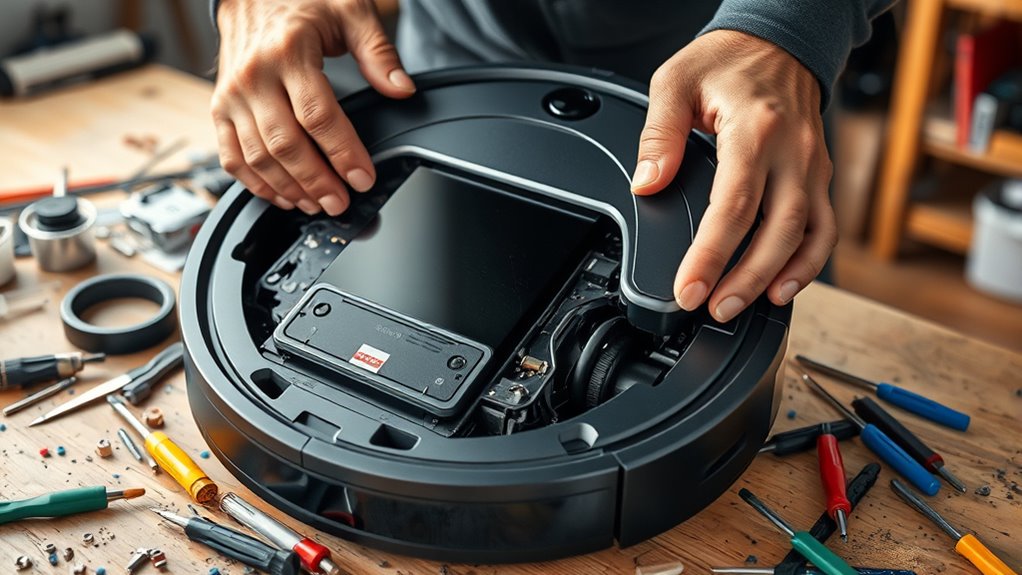
Robot vacuums make cleaning effortless, but like any device, they can encounter problems that require fixing. If your robot keeps wandering erratically, it’s likely due to issues with its sensors or battery. Addressing these problems promptly can restore your vacuum’s efficiency and guarantee it navigates smoothly through your home.
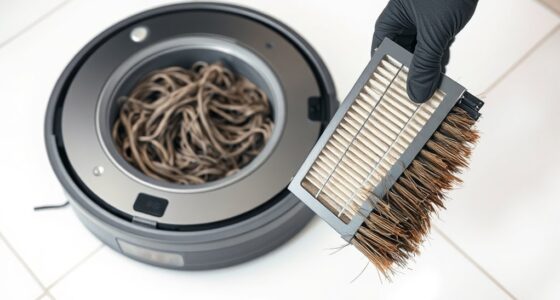
One common cause of erratic wandering is sensor misalignment or dirt on the sensors. These sensors help your robot detect obstacles and map your space accurately. If they’re dirty or miscalibrated, your robot might bump into furniture or take random, inefficient paths. To fix this, start by cleaning the sensors with a soft, dry cloth. Avoid using liquids or abrasive materials, as they can damage sensitive components. After cleaning, perform sensor calibration if your device allows it. Many models have a calibration feature in their app or settings menu, which guides you through the process of realigning the sensors. Proper calibration ensures your robot’s sensors are functioning correctly and can distinguish between obstacles and open space.
Cleaning and calibrating sensors helps prevent erratic robot vacuum navigation.
Battery maintenance plays an essential role in preventing erratic wandering as well. A weak or aging battery may cause the robot to behave unpredictably, as it struggles to complete a cleaning cycle or navigate effectively. To maintain the battery, avoid letting it completely drain regularly, and keep it charged between uses. If your vacuum’s battery is old or no longer holds a charge, consider replacing it. Most models have user-replaceable batteries, and doing so can greatly improve performance. Regularly check the battery status in the device’s app or display, and replace it if you notice a sharp decline in runtime or charging issues.
If you’ve cleaned the sensors, performed calibration, and maintained the battery but your robot still wanders erratically, it might be a software glitch. Restart the device to reset its navigation system, and ensure the firmware is up to date. Manufacturers often release updates that improve navigation and sensor accuracy. Keeping your robot’s software current helps prevent navigation issues caused by outdated or bugged firmware.
Additionally, software updates can address underlying bugs that contribute to erratic movement, so always keep your firmware current to ensure optimal performance.
Products Worth Considering

Shark IQ Robot Self-Empty XL Robot Vacuum with Home Mapping, Self-Cleaning Brushroll, and Wi-Fi, Black

Dreame X60 Max Ultra Complete Robot Vacuum and Mop

Roborock Qrevo S Pro Robot Vacuum and Mop
As an affiliate, we earn on qualifying purchases.
Frequently Asked Questions
Can I Replace the Robot Vacuum’s Sensors Myself?
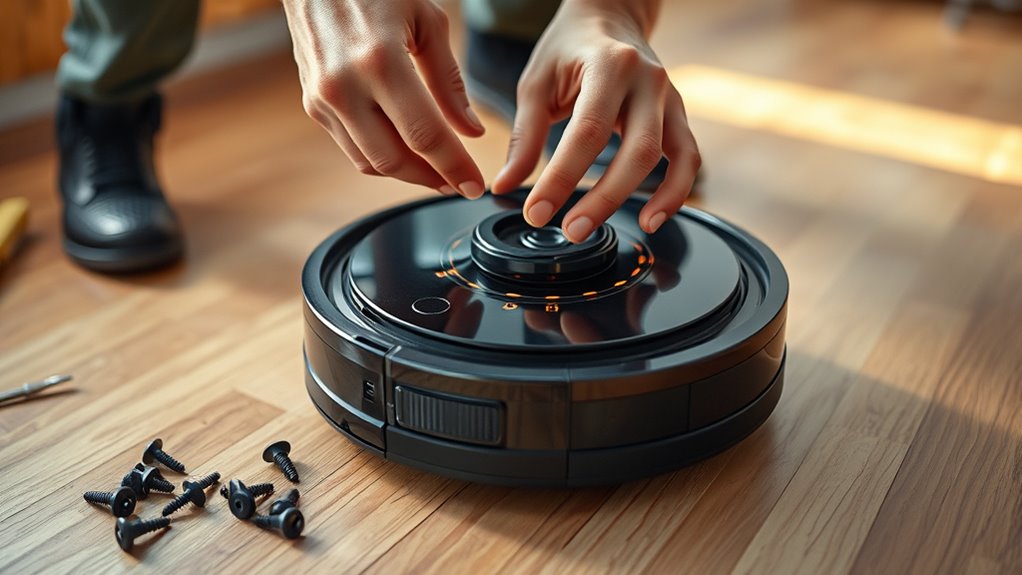
Yes, you can replace the robot vacuum’s sensors yourself if you’re comfortable with basic repairs. Start by calibrating the sensors to verify they function properly after replacement. Carefully remove the faulty component and install a new one, making sure it fits correctly. Follow your vacuum’s manual for specific instructions on sensor calibration and component replacement. Taking your time and being gentle will help you avoid damaging other parts.
How Often Should I Update the Robot Vacuum’s Firmware?
You should update your robot vacuum’s firmware as soon as a software update is available. Regularly checking for new firmware versions guarantees your device runs smoothly and efficiently. Manufacturers often release updates to fix bugs, improve navigation, and add features. Aim to update every few months or whenever prompted by the app. Staying current with firmware version helps prevent erratic wandering and keeps your vacuum performing at its best.
What Safety Precautions Are Needed When Repairing a Robot Vacuum?
Think of repairing your robot vacuum like steering a stormy sea—you need safety as your anchor. Always unplug the device before starting to avoid electrical safety risks. Handle tools carefully, like guiding a delicate ship through rough waters, to prevent damage or injury. Wear safety gloves and goggles to shield yourself, and work in a well-lit area. Staying cautious keeps your repair smooth and safe, avoiding unforeseen hazards.
Are There Specific Tools Recommended for Fixing Robot Vacuums?
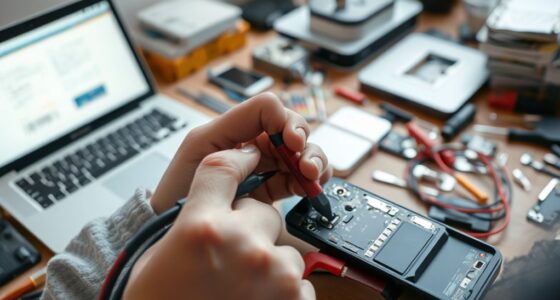
You should use precision screwdrivers, tweezers, and a multimeter for fixing robot vacuums. These tools help with vacuum mounting adjustments and guarantee proper tool calibration. A small Phillips or flat-head screwdriver allows you to access internal components easily. Tweezers help handle tiny parts, while a multimeter checks electrical connections. Having these tools on hand makes repairs smoother, safer, and more effective, preventing damage and ensuring your robot vacuum works properly.
How Do I Determine if the Battery Needs Replacing?
Think of your robot vacuum’s battery like a marathon runner nearing exhaustion. To determine if it needs replacing, check the battery health via the app or device diagnostics. Replacement indicators include shorter run times, the vacuum dying mid-clean, or it needing frequent recharges. If these signs appear, it’s time to swap out the battery for peak performance, ensuring your vacuum keeps working smoothly without wandering erratically.
Conclusion
Now that you know how to troubleshoot your erratic robot vacuum, you’re better equipped to keep it running smoothly. Think of your vacuum as a loyal pet—sometimes it needs a little attention and care to stay on track. With patience and a few simple fixes, you can turn that wandering wanderer into a reliable cleaning companion. Soon, your floors will shine, and you’ll wonder how you ever managed without it in the first place.