If your robot vacuum won’t return to its dock, it could be due to mapping errors, software glitches, battery problems, or obstructions blocking its path or sensors. Clutter or dirty sensors can confuse your robot, while outdated firmware or a weak battery may prevent proper docking. Ensuring the area around the dock is clear, cleaning sensors, and updating software can often fix the issue. For more tips, you’ll find helpful solutions below.
Key Takeaways
- Ensure the charging station and surrounding area are free of obstacles and well-lit for accurate detection.
- Regularly clean sensors and update the robot’s firmware to prevent navigation and docking errors.
- Reset and re-map the device if it struggles to recognize the dock or gets stuck in loops.
- Check the battery health; replace it if the capacity is diminished, affecting the robot’s ability to return.
- Clear clutter near the dock and ensure no physical obstructions block the robot’s path to docking.
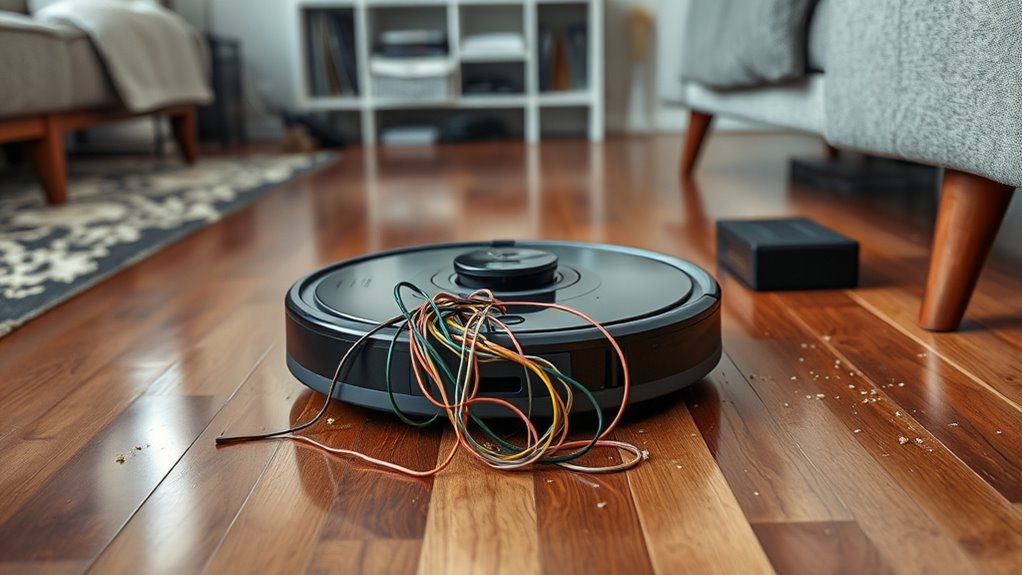
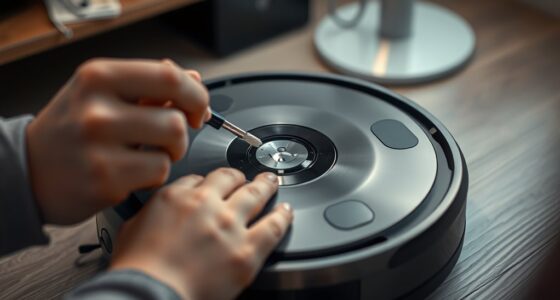
If your robot vacuum isn’t docking properly, it can disrupt your cleaning routine and leave your floors less than spotless. One common reason for this is mapping errors. Your vacuum relies on a map of your space to navigate accurately and find its dock. If the mapping data is inaccurate—perhaps due to clutter, light changes, or obstacles—your robot might struggle to recognize the docking station or fail to navigate toward it. These errors can cause your device to circle around endlessly or get stuck, making it think it’s close to the dock when it actually isn’t. To fix this, you may need to reset or re-map your space, ensuring the robot has a clear, updated layout. Clear away clutter near the charging station, and make sure the area is well-lit so your vacuum can recognize the dock easily. Regularly updating your robot’s firmware can also help prevent software glitches that interfere with docking. Battery failure is another significant factor that can prevent your robot from returning to its dock. Over time, the battery’s capacity diminishes, and it might no longer hold enough charge to complete a cleaning cycle or return to the station. If the battery is failing, your robot might run out of power before reaching its dock, or it might not have enough energy to navigate back properly. You’ll notice this if your vacuum stops suddenly during a cleaning or if it consistently fails to find the dock after a full charge. Replacing the battery is often the solution; check your model’s specifications to find the correct replacement and ensure it’s installed properly. Sometimes, dock-related issues aren’t solely about mapping errors or battery failure but can also stem from physical obstructions or dirty sensors. Dust or debris on sensors can impair your robot’s ability to detect the dock, especially if the sensors are misaligned or dirty. Regularly cleaning the sensors with a soft cloth helps maintain proper detection. Additionally, ensure there’s nothing blocking the charging station or the path leading to it. Even minor objects like cords or small furniture pieces can confuse your robot and prevent it from docking correctly. Software glitches or outdated firmware can also interfere with docking behavior. If your robot’s firmware isn’t up to date, it might have bugs impacting navigation and docking. Keeping your device’s software current guarantees it functions ideally, often resolving issues related to mapping errors or navigation failures. If you’ve tried all these steps and your robot still won’t dock, contacting customer support or performing a factory reset may be necessary. Ultimately, understanding the root cause—be it mapping errors, battery issues, or other obstacles—helps you troubleshoot effectively and keep your floors clean without interruption.
Frequently Asked Questions
Can Software Updates Fix Docking Problems?
Yes, software updates can fix docking problems. Sometimes, software glitches cause your robot vacuum to struggle finding its dock, but firmware updates often address these issues. By installing the latest updates, you guarantee your vacuum has improved navigation and bug fixes, making it more likely to return to its dock correctly. So, regularly check for firmware updates to keep your device functioning smoothly and avoid docking frustrations.
How Do I Reset My Robot’s Docking Station?
To reset your robot’s docking station, first unplug it from the power source. Then, reposition the docking station in a location with clear, unobstructed access, ensuring it’s placed at an ideal height and away from clutter. Make sure your robot vacuum sensors are clean, as dirty sensors can hinder docking. Plug the station back in, and your robot should recognize it and return easily during its next cleaning cycle.
Does Battery Age Affect Docking Functionality?
Yes, battery age can affect your robot vacuum’s docking functionality. As the battery undergoes degradation, its power capacity decreases, making it harder for the vacuum to reach or recognize the dock. If your robot’s battery is old, it might not have enough juice to complete docking routines. Consider replacing the battery if you notice reduced performance or difficulty returning to the dock, ensuring your vacuum functions smoothly.
Are There Specific Floors That Cause Docking Issues?
Certain floor types can cause docking issues for your robot vacuum. For example, thick carpets or uneven surfaces may prevent it from sensing the dock properly. Additionally, obstacle interference from cables, rugs, or furniture can block its path or confuse its sensors. To improve docking, clear obstacles and contemplate using a docking station designed for your specific floor type. Regular maintenance and sensor cleaning also help guarantee smooth docking.
Can I Manually Guide My Robot to Dock?
Yes, you can manually guide your robot to dock. Many robots have a manual guidance feature that lets you direct them toward the docking station. Be aware of docking obstacles like furniture or cords that might block the path. Carefully steer your robot around these obstacles to make sure it docks properly. This manual guidance can be especially helpful if the robot struggles to find its dock on its own.
Conclusion
If your robot vacuum isn’t returning to its dock, you’re not alone—about 30% of users face this problem. Ensuring the dock is unobstructed and the sensors are clean can often fix the issue. Remember, regular maintenance boosts your vacuum’s efficiency and longevity. By troubleshooting these common causes, you’ll keep your home cleaner and your device working smoothly, saving you time and effort. Don’t let docking problems disrupt your cleaning routine—fix it and enjoy a spotless home!