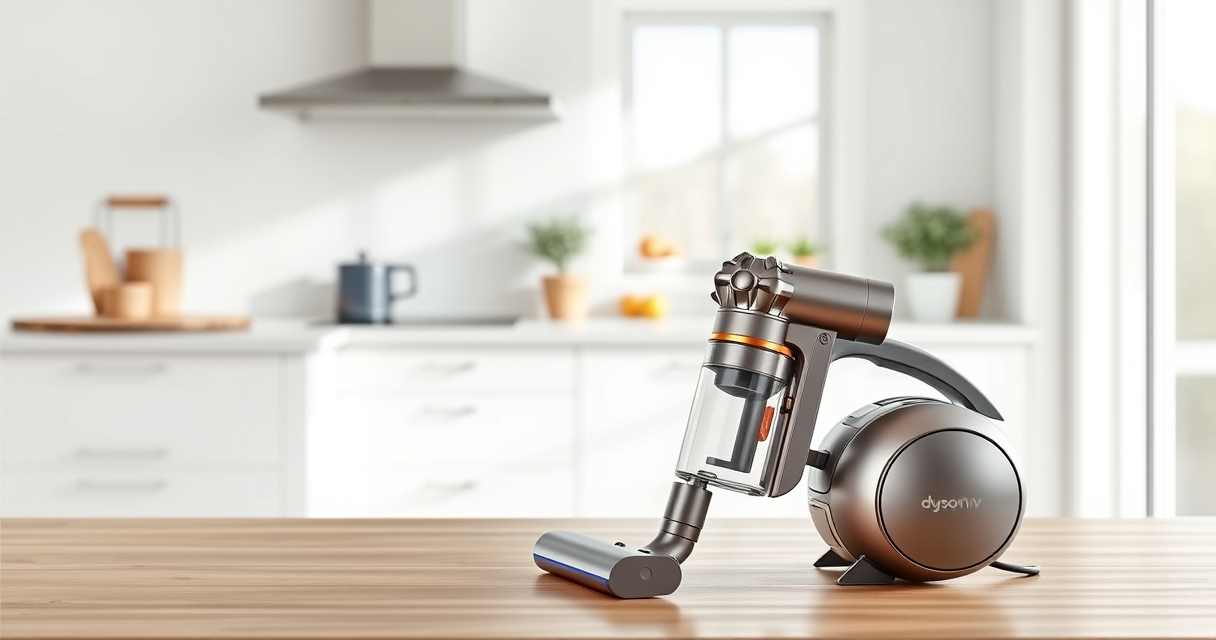
If your Dyson V15 Detect™ Origin Cordless Vacuum isn’t providing suction, it can be frustrating. Often, the issue stems from blockages, dirty filters, or battery concerns. This guide walks you through simple, safe troubleshooting steps to restore suction and keep your vacuum performing at its best.

Get cleaning gear delivered free with Prime
- Fast, free delivery on millions of items
- Prime Video, Amazon Music and more included
- Member-only deals all year
Regular maintenance and understanding common causes help prevent future problems, ensuring deep cleaning with minimal downtime.
Key Takeaways
| Check for blockages | Blockages in the wand or cleaner head can reduce suction. |
| Clean filters | Dirty filters restrict airflow and need regular washing. |
| Inspect the bin | A full or clogged dust bin hampers performance. |
| Examine the hose | Crushes or kinks in the hose limit suction. |
| Battery health | A depleted or faulty battery reduces power. |
1. Power Off and Prepare
- Turn off and unplug your Dyson vacuum to ensure safety.
- Remove the cleaner head and detach the wand if possible.
2. Check and Clear Blockages
- Inspect the wand, cleaner head, and hose for visible obstructions.
- Remove any debris or tangled hair carefully.
- Use a long, flexible brush or the crevice tool to clear narrow passages.
3. Clean or Replace Filters
- Remove the pre-filters and main filters as per your model’s instructions.
- Wash filters with cold water until clear, then let air dry completely (up to 24 hours).
- Reinstall filters once dry; replace if excessively worn.
4. Empty the Dust Bin
- Remove the dust bin and empty it into the trash.
- Check for blockages in the cyclone and bin connection.
- Ensure the bin is securely reattached.
5. Examine the Battery and Power
- Ensure the battery is properly seated and charged.
- If the vacuum still has no suction, consider testing with a fully charged battery.
- Replace the battery if it no longer holds charge or shows signs of damage.
The Products in This Guide

Dyson V15 Detect™ Origin Cordless Vacuum
- ✔ Weight: 6.8 lbs
- ✔ Charge Time: 3.5 hours
- ✔ Battery Life: up to 60 min

LANMU Crevice Tool Vacuum Attachments Compatible
- ✔ Length: 12 inches
- ✔ Weight: 0.4 lbs
- ✔ Color: Black/Gray
Dyson V15 Detect™ Origin Cordless Vacuum
The Dyson V15 Detect™ Origin is a high-performance cordless vacuum designed for whole-home cleaning. It reveals invisible dust, adapts power intelligently, and comes with advanced cleaner heads for various surfaces. Regular maintenance keeps it running at peak performance.
Pros:
- Powerful suction with 100% more power
- Intelligent debris detection
- Long 60-minute runtime
- LCD screen for real-time updates
Cons:
- Premium price point
- Requires regular filter cleaning
- Battery replacement may be needed over time
Best for: Deep cleaning homes with pets or heavy debris
Not ideal for: Light, quick cleanups or very small spaces
Bottom line: A highly capable vacuum that benefits from regular maintenance and filter care.
LANMU Crevice Tool Vacuum Attachments Compatible
The LANMU Crevice Tool Vacuum Attachments are compatible with Dyson V15 and other models. They help you reach into narrow spaces, corners, and tight spots efficiently, making your cleaning more thorough.
Pros:
- Narrow, flexible nozzle
- Easy to attach and use
- Ideal for corners and car interiors
- Durable construction
Cons:
- May require additional storage space
- Compatibility limited to certain models
Best for: Cleaning hard-to-reach areas in home and car
Not ideal for: Large debris or heavy-duty cleaning
Bottom line: A practical attachment for detailed cleaning in tight spaces.
Frequently Asked Questions
Why is my Dyson vacuum losing suction?
Common causes include clogged filters, blockages in the wand or hose, a full dust bin, or a faulty battery. Regular maintenance and cleaning can often resolve these issues.
How often should I clean the filters?
It’s recommended to wash the filters every 1-3 months, depending on usage. Make sure they are completely dry before reinstalling to maintain optimal suction.
Can I fix suction issues myself?
Yes, many problems are fixable with basic troubleshooting such as clearing blockages, cleaning filters, and emptying the dust bin. Consult your user manual for detailed steps.
When should I replace the filters?
Replace filters if they show signs of damage, are excessively worn, or if cleaning no longer restores performance. Using genuine filters ensures compatibility and efficiency.
Keeping Your Dyson V15 Detect™ in Top Shape
Regular maintenance is key to maintaining optimal suction and cleaning performance. By following these troubleshooting steps and keeping filters and parts clean, you can resolve most suction issues easily. If problems persist, consider professional servicing or replacing worn components to restore your vacuum’s power and efficiency.
Affiliate disclosure: As an Amazon Associate we earn from qualifying purchases. Prices and availability are accurate as of the time of publishing.
Halloween Picks
halloween
As an affiliate, we earn on qualifying purchases.