Smart notifications keep you instantly informed about your cleaning devices’ progress, status, and issues so you don’t have to check manually. They provide real-time updates on completed tasks, obstacle alerts, low battery warnings, and maintenance needs. This seamless communication helps you manage your cleaning routines more efficiently and troubleshoot problems quickly. If you want to learn how these alerts can make your cleaning experience easier, keep exploring how smart notifications work.
Key Takeaways
- Smart notifications deliver real-time updates on cleaning progress, ensuring users stay informed without manual checks.
- Device integration enables seamless communication, providing timely alerts about obstacles, malfunctions, or completed tasks.
- Customizable alerts allow users to select preferred update types and set notification schedules for better relevance.
- Notifications can include low battery warnings, maintenance reminders, and summaries of cleaning activities for comprehensive oversight.
- Overall, smart notifications enhance cleaning routines by reducing guesswork, enabling quick troubleshooting, and promoting a healthier home.
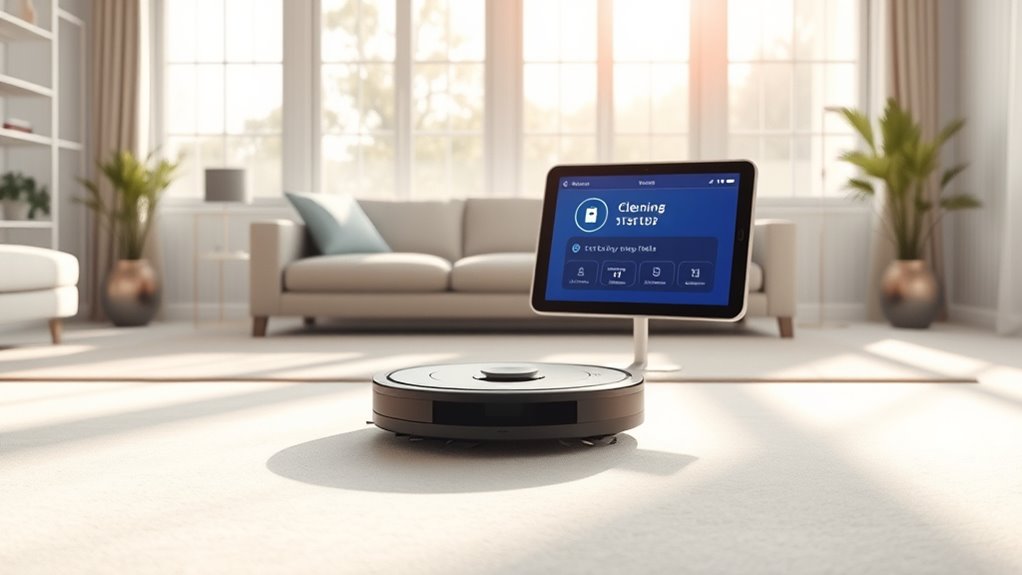
Smart notifications are transforming the way you stay informed by delivering relevant updates exactly when you need them. When it comes to monitoring your cleaning routines, these notifications keep you in the loop without overwhelming you with unnecessary information. Thanks to seamless device integration, your smart cleaning devices—like robot vacuums, air purifiers, or mops—can communicate with your smartphone or smart home system effortlessly. This integration guarantees that you receive timely updates about cleaning progress, system status, or any issues that might arise. For instance, your robot vacuum can send a notification when it finishes a cleaning cycle or if it detects an obstacle, so you’re always aware of what’s happening without having to check manually.
Smart notifications keep you updated on your cleaning routines effortlessly and in real time.
User customization plays an essential role in tailoring these notifications to suit your preferences. You can decide exactly what updates matter most to you—whether it’s a daily summary of cleaning activity, alerts when a filter needs replacing, or notifications about low battery levels. This customization means you’re not bombarded with irrelevant alerts but instead receive only the information that truly impacts your routine. When you set your preferences, you gain control over the timing and content of notifications, making your experience more efficient and less intrusive. Whether you want real-time alerts for urgent matters or a weekly digest of cleaning activities, user customization allows you to optimize how and when you stay informed.
Device integration also simplifies managing multiple smart cleaning tools, giving you a centralized way to monitor everything from one app or dashboard. This unified approach reduces the need to juggle different device apps, and it streamlines your ability to receive complete updates. You can set rules so that notifications are automatically prioritized based on your schedule or specific needs, ensuring you’re always in the know without constant manual checks. This level of device integration and customization makes your smart cleaning ecosystem more intuitive and responsive.
Ultimately, smart notifications enhance your cleaning experience by providing relevant, timely updates that adapt to your lifestyle. They eliminate guesswork and help you maintain a cleaner, healthier home effortlessly. With device integration working behind the scenes and user customization empowering you to control what matters most, you stay informed without feeling overwhelmed. These smart alerts make it easier to manage your cleaning routines, troubleshoot issues quickly, and enjoy the benefits of a truly connected home. By focusing on what’s important and receiving updates exactly when needed, you can keep your space spotless with less stress and more confidence.
Frequently Asked Questions
How Customizable Are the Notification Settings?
You can customize your notification settings to fit your needs. With options for alert customization, you decide what updates matter most. You control the notification frequency, choosing how often you get alerts, whether immediately or in scheduled intervals. This flexibility guarantees you stay informed without feeling overwhelmed. Overall, the system offers a high level of customization, letting you tailor notifications to suit your preferences perfectly.
Can Notifications Be Sent to Multiple Devices Simultaneously?
Yes, notifications can be sent to multiple devices simultaneously thanks to device synchronization. You won’t experience significant notification delays, ensuring you’re promptly informed no matter which device you’re using. This seamless synchronization allows you to stay updated across all your devices without missing important cleaning progress updates. So, whether you’re on your phone, tablet, or computer, you’ll receive timely notifications, keeping you in the loop effortlessly.
What Privacy Measures Protect Cleaning Data?
You care about your cleaning data privacy, and that’s important. Your data is protected through data encryption, which secures information from unauthorized access. Additionally, your user consent is required before sharing or storing any data, ensuring you have control. These privacy measures help keep your cleaning progress confidential and safe, giving you peace of mind that your information isn’t exposed or misused.
Are Notifications Available in Different Languages?
Did you know that over 70% of users prefer notifications in their native language? Yes, notifications are available in different languages, making it easier for you to stay updated. With multilingual support and customizable language settings, you can choose the language that suits you best. This guarantees clear communication and a more personalized experience, so you stay informed about your cleaning progress no matter where you are or what language you speak.
How Do Notifications Adapt to User Preferences?
You can customize notifications to match your preferences by adjusting the notification tone and alert frequency. This way, you’re not overwhelmed with alerts or missing important updates. You simply go into your settings, select your preferred tone, and set how often you want to receive alerts. These adjustments guarantee you stay informed at your comfort level, making notifications more effective and less intrusive.
Conclusion
So, now that your device is practically your new cleaning coach, you can sit back and relax—until it kindly reminds you that the dust is staging a coup. Who needs human judgment when your smart notifications keep you perpetually informed about your mess? Soon, you’ll wonder how you ever survived without a digital assistant judging your cleaning habits. Just remember, with great notifications comes great responsibility—and maybe a little guilt for ignoring them!