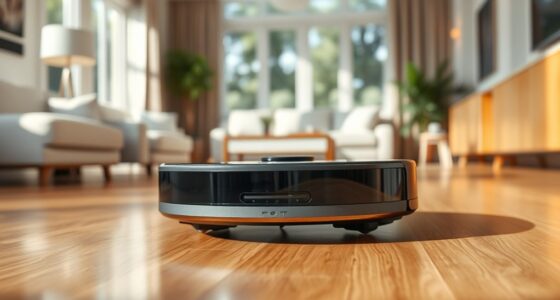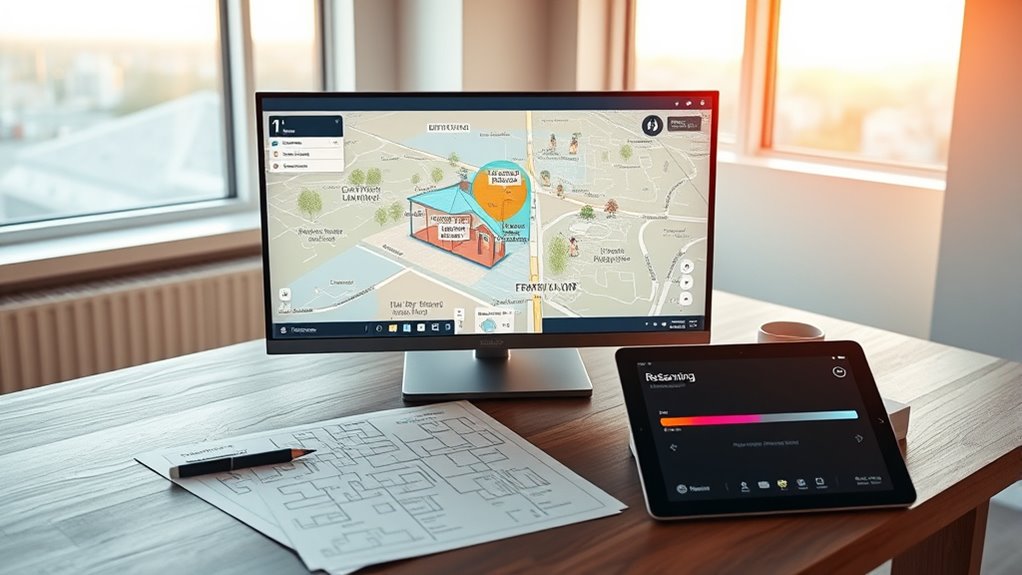

You should re-scan your home whenever there are major changes, like new furniture or room layouts, or if your device struggles with navigation or misses spots. Regular calibration of sensors also guarantees accurate maps. Keep an eye on signs like obstacles or frequent navigation issues, which indicate your map may be outdated. To maintain reliable performance, it’s essential to update your map after significant modifications—learn how to do it properly below.
Key Takeaways
- Re-scan after significant changes like new furniture or room layouts to ensure accurate mapping.
- Perform a re-scan if the device frequently gets stuck or misses areas during cleaning or navigation.
- Re-scan when sensing inconsistencies or incomplete mapping results indicate outdated data.
- Update the map following sensor recalibration to maintain precise navigation and obstacle detection.
- Regularly re-scan periodically to keep the map current with ongoing environmental modifications.
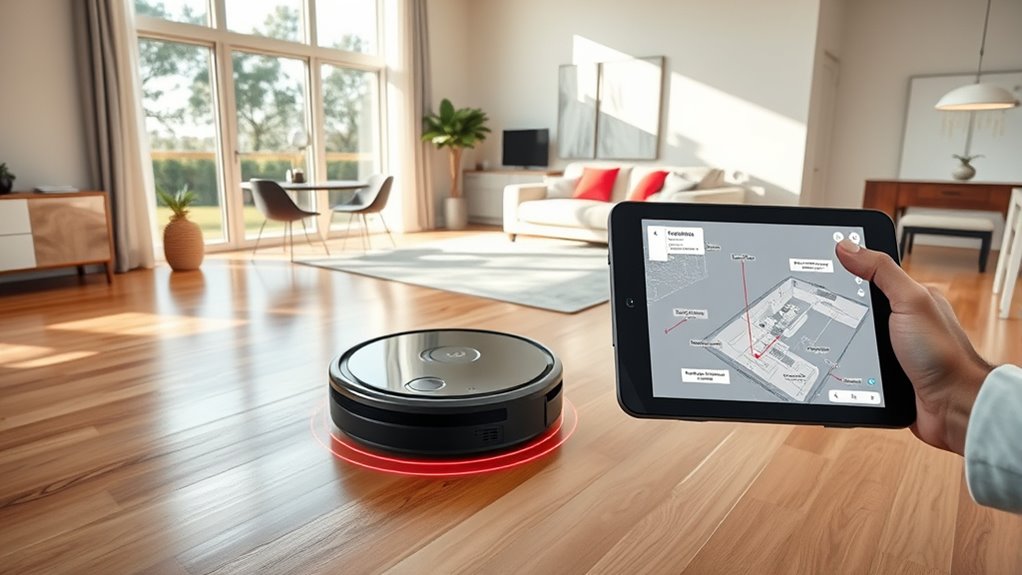
Have you noticed how mapping technology is constantly evolving? Each update improves accuracy, efficiency, and overall performance, making it vital to stay aware of when you should re-scan your home. One key factor to consider is sensor calibration. Over time, sensors in your mapping device can drift, leading to less precise data collection. When sensors aren’t properly calibrated, your maps might miss important details or reflect inaccuracies, which can impact tasks like cleaning, navigation, or security. Regularly checking sensor calibration ensures your device’s sensors operate at peak performance, providing trustworthy data during scans. If you notice inconsistent or incomplete mapping results, it’s a good sign that recalibration is overdue, prompting you to re-scan your space after adjustments.
Another vital aspect that influences when to re-scan is map versioning. Mapping technology often stores different versions of your home’s map, especially when updates or changes occur in your environment. Map versioning helps you track the most recent and accurate representation of your space. If you’ve made significant changes—such as rearranging furniture, adding new rooms, or installing new fixtures—you’ll need to update your map to reflect those modifications. Re-scanning ensures your device recognizes these updates and maintains an accurate map version, preventing navigation errors or missed spots. Ignoring these updates can lead to outdated maps that compromise your device’s effectiveness, making re-scanning a necessary step.
Timing your re-scan also depends on usage patterns. If your device frequently encounters obstacles or struggles to navigate specific areas, it’s a sign that the map needs updating. For example, if your cleaning robot keeps getting stuck in the same spot or skips sections, it indicates that the current map is outdated or inaccurate. Re-scanning after such incidents allows your device to create a new, more precise map, incorporating recent changes and correcting previous errors. Keeping maps current also helps avoid unnecessary wear and tear on your device, as it spends less time trying to navigate unfamiliar or poorly mapped spaces.
Frequently Asked Questions
How Often Should I Schedule a Mapping Update?
You should schedule a mapping update based on your home’s layout changes and the mapping frequency recommended by your device. If you’ve made significant modifications or noticed that your robot’s navigation isn’t as accurate, it’s time to re-scan. Regular updates guarantee your home map stays current, helping your robot clean efficiently. Typically, consider updating every few months or after major renovations to keep everything running smoothly.
Can I Update My Map Remotely?
Did you know that 85% of users improve their mapping accuracy after a remote update? You can update your map remotely if your device supports it and the software is compatible. Simply access the app, check for updates, and follow the prompts. This way, you guarantee your home’s map stays current without needing to re‑scan physically, saving you time while maintaining ideal mapping accuracy.
What Signs Indicate My Map Is Outdated?
You’ll know your map is outdated if your robot struggles with obstacle detection or has inconsistent sensor calibration. If it misses objects, gets stuck, or navigates unpredictably, it’s time for a re-scan. Changes in your home, like new furniture or moved items, can also cause outdated maps. Regularly checking for these signs guarantees your robot navigates smoothly and safely, keeping your home well-mapped and up-to-date.
Do Mapping Updates Improve Cleaning Efficiency?
Think of it as hitting two birds with one stone—updating your map boosts cleaning efficiency and saves you headaches. Mapping updates improve accuracy, helping your robot avoid orientation errors and clean more thoroughly. When your map is outdated, it’s like steering with a faulty GPS—inefficient and frustrating. Re-scanning ensures your home’s layout is current, so your robot can do its job seamlessly and keep your space spotless.
Are There Costs Associated With Re-Scanning My Home?
Re-scanning your home can involve some cost implications, but it’s generally minimal. You might encounter service fees depending on your device or service provider, especially if the re-scan is part of a maintenance or upgrade process. These fees help guarantee your device functions effectively. It’s best to check with your provider to understand any specific charges beforehand, so you’re prepared for any potential costs.
Conclusion
So, isn’t it worth regularly re-scanning your home to keep your mapping accurate? Life changes, furniture shifts, and new obstacles can all impact your device’s performance. Staying on top of updates ensures your smart home runs smoothly and safely. Don’t wait until a mistake causes frustration—take control now. After all, isn’t your peace of mind worth a quick re-scan? Keep your home optimized and stress-free with timely mapping updates.