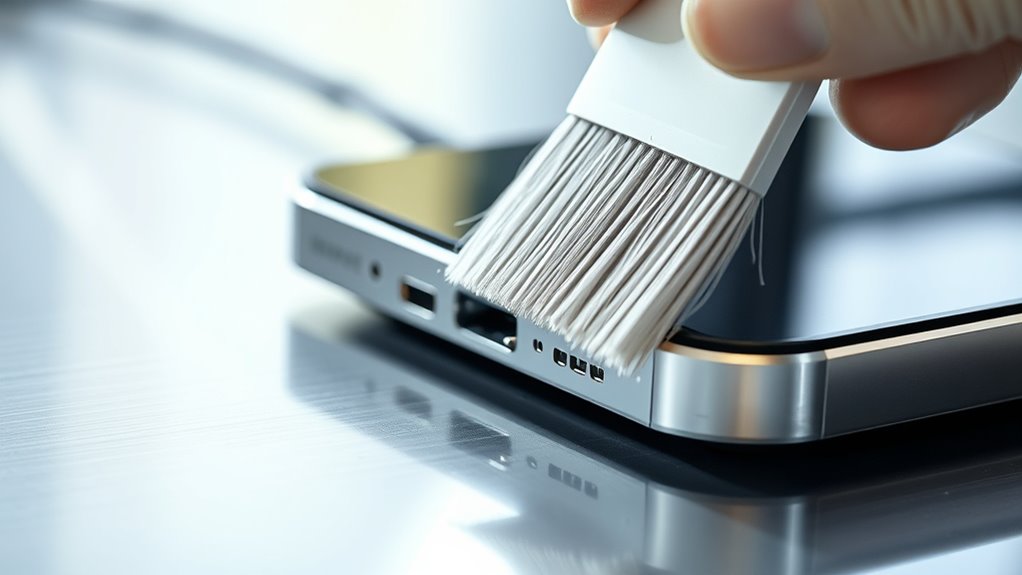

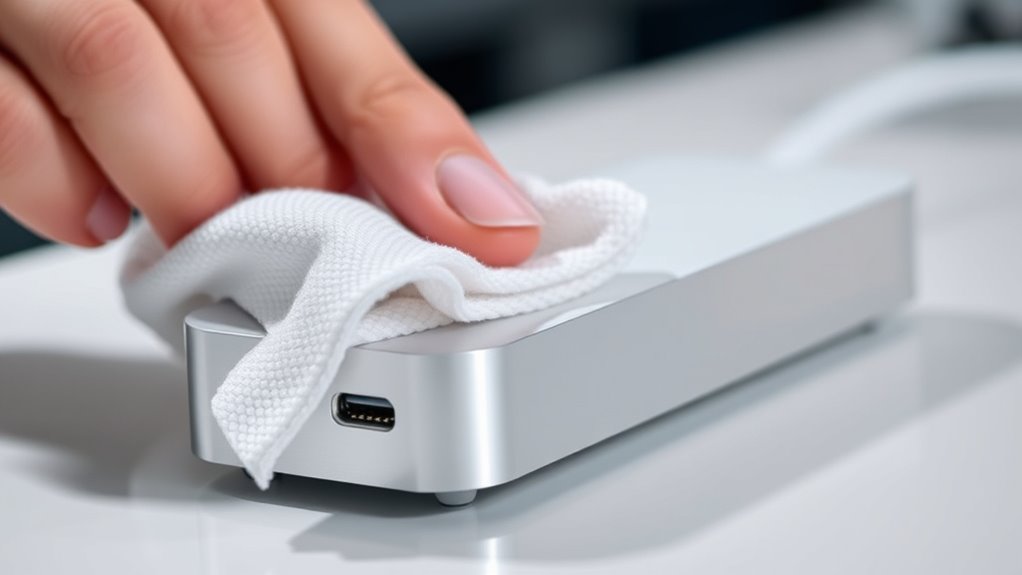
To clean your dock’s sensors and charging pins, regularly inspect them for dust and debris. Use a soft, lint-free microfiber cloth, dampened slightly with water or a mild alcohol-based cleaner, to gently wipe the components. Be sure they are dry before reconnecting. Keeping these parts clean helps guarantee your robot vacuums charge properly and navigate accurately. For more tips on maintaining peak performance, continue exploring effective cleaning practices.

Get cleaning gear delivered free with Prime
- Fast, free delivery on millions of items
- Prime Video, Amazon Music and more included
- Member-only deals all year
Key Takeaways
- Regularly inspect and clean sensors and charging pins using a soft, lint-free cloth to remove dust and debris.
- Use a damp cloth with water or mild alcohol-based cleaner for stubborn grime, avoiding harsh chemicals.
- Unplug the dock before cleaning to prevent electrical damage and ensure components are dry before reconnecting.
- Perform weekly cleaning to prevent dirt buildup and maintain optimal charging and sensor performance.
- Recalibrate sensors if docking or charging issues persist after cleaning, following manufacturer instructions.
Keeping your dock sensors and charging pins clean is essential for ensuring your device charges efficiently and operates smoothly. When it comes to robot vacuum maintenance, neglecting these crucial components can lead to poor charging performance, missed spots, or even the robot failing to dock altogether. Regular cleaning prevents dirt, dust, and grime from obstructing the sensors and pins, which are vital for accurate navigation and proper power transfer. By keeping these parts in top condition, you help your robot perform at its best and extend its lifespan.
Regularly clean dock sensors and charging pins to ensure optimal robot vacuum performance and longevity.
Start by inspecting the dock’s sensors and charging pins frequently. Use a soft, lint-free cloth or a microfiber cloth to gently wipe away any dust or debris. If you notice stubborn grime or buildup, dampen the cloth slightly with water or a mild alcohol-based cleaner—just ensure the components are unplugged and dry before reconnecting. Avoid abrasive materials or harsh chemicals, as they could damage sensitive sensor surfaces or corrode metal pins. Consistent cleaning is simple but effective, and doing it weekly can make a significant difference in your robot’s charging reliability. Regular maintenance supports optimal sensor performance and prolongs the life of your device.
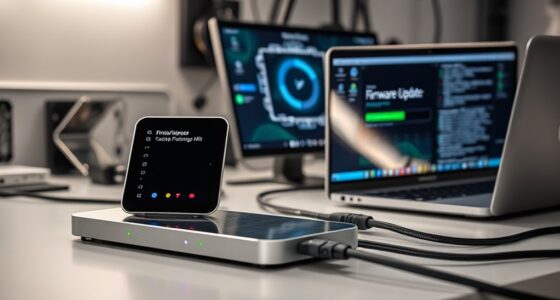
In addition to cleaning, sensor calibration techniques can help maintain optimal performance. Some docks and robot vacuums come with built-in calibration features, which you can run periodically to ensure the sensors are properly aligned and functioning. Calibration often involves placing the robot on the dock and following manufacturer instructions, which may include running a calibration routine via the app or manually adjusting sensor positions if possible. Proper calibration ensures the robot accurately detects the docking station and navigates efficiently, reducing missed spots and unnecessary recharging cycles.
If you notice your robot is struggling to dock or charge correctly despite regular cleaning, consider recalibrating the sensors. This process resets their settings and compensates for any misalignments or dust accumulation that might interfere with sensor readings. Many robotic vacuum models also feature firmware updates that improve sensor calibration techniques, so keeping your device’s software up to date can help maintain optimal sensor functionality. Additionally, ensure the dock itself is placed in a clean, unobstructed area with minimal dust or clutter, as this can impact sensor performance and charging effectiveness.
Products Worth Considering

Dyson Car+Boat Cordless Handheld Vacuum

Shark Navigator Lift-Away Upright Vacuum Cleaner (NV356E)

Shark Rocket Corded Stick Vacuum (HV301) – Gray/Orange
As an affiliate, we earn on qualifying purchases.
Frequently Asked Questions
How Often Should I Clean the Dock’s Sensors and Pins?
You should clean the dock’s sensors and pins every 2-4 weeks to maintain ideal sensor calibration and charging efficiency. Regular cleaning prevents dust, dirt, or debris from interfering with the dock’s ability to detect and connect properly. Use a soft, dry cloth or a gentle brush, avoiding liquids. Consistent upkeep ensures your device charges efficiently and sensors stay accurate, reducing issues and prolonging the dock’s lifespan.
What Cleaning Products Are Safe for Dock Components?
Imagine your dock as a delicate garden needing gentle care. You should use mild, non-abrasive cleaning agents like isopropyl alcohol or a soft cloth dampened with water. Safety precautions are essential—avoid harsh chemicals and excessive moisture that could harm sensitive components. With careful handling, you protect your dock’s sensors and charging pins, ensuring they stay clean and functional without damage, much like nurturing a thriving garden.
Can I Use Water to Clean the Sensors and Pins?
You shouldn’t use water to clean the sensors and pins, as water can cause damage through electrical conductivity and increase the risk of water damage. Instead, use a dry, soft cloth or a slightly damp cloth with a safe cleaning solution recommended for electronics. This prevents moisture buildup, protects the electrical components, and guarantees your dock remains in good condition without risking corrosion or malfunction.
Are There Any Signs Indicating My Dock Needs Cleaning?
You’ll notice signs like frequent docking errors, misalignment, or the robot vacuum struggling to recognize the dock. These issues often indicate that sensor calibration or dock alignment needs attention. If your dock isn’t charging properly or the vacuum isn’t docking smoothly, it’s time to check for dirt or debris on the sensors and pins, ensuring they’re clean and properly aligned to maintain peak performance.
Will Cleaning Affect My Dock’s Warranty?
Cleaning your dock won’t wipe out your warranty, but neglecting it could cause serious issues. If you clean the sensors and charging pins regularly, you’re actually protecting your warranty by keeping everything in prime condition. Just don’t overdo it—cleaning frequency matters. Use gentle methods, and you’re safe. So, stay vigilant, clean wisely, and your warranty stays intact while your dock performs like a champion.
Conclusion
So, next time your robot’s dock acts up, don’t blame the poor thing’s attitude. Just give those sensors and charging pins a quick clean—it’s the tech equivalent of a spa day. Who knew that a little grime could turn your smart device into a stubborn toddler? Keep things tidy, and your robotic helper will stay happy and ready to serve, proving once again that even machines appreciate a little TLC… or maybe just clean contacts.