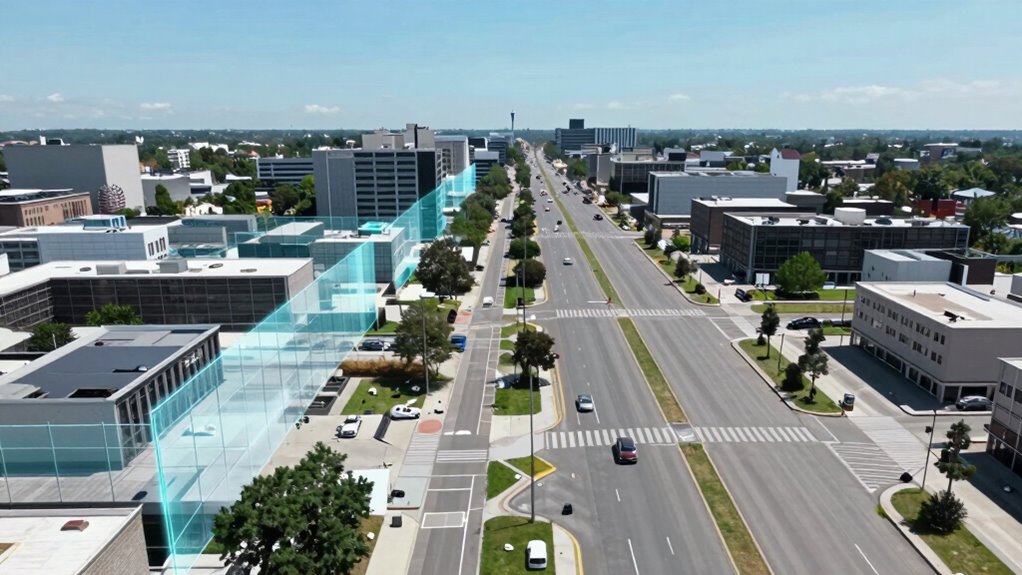

Virtual walls create fixed, digital boundaries using sensors or signals to block access temporarily, while no-go zones are adaptable, digitally mapped areas you can adjust easily for ongoing security needs. Virtual walls are best for static boundaries, whereas no-go zones offer more flexibility for changing layouts. Understanding these differences helps you choose the right tool for your environment. Keep exploring to discover how to set up, manage, and troubleshoot both options effectively.
Key Takeaways
- Virtual walls are fixed digital barriers set through sensors, while no-go zones are adjustable digital areas created via mapping technology.
- Virtual walls rely on boundary signals or infrared sensors; no-go zones depend on lidar or camera-based mapping for accuracy.
- No-go zones offer more flexibility for dynamic environments, whereas virtual walls are primarily static and require reprogramming for changes.
- Virtual walls do not involve ongoing map updates, but no-go zones need regular management and firmware updates.
- Both tools enhance security and privacy, but no-go zones provide greater customization and adaptability.
What Are Virtual Walls and How Do They Work?

Virtual walls are digital barriers that robots use to keep themselves within designated areas without any physical obstruction. They rely on sensor placement to detect boundaries, which can be set through an intuitive user interface. When you configure a virtual wall, you typically draw a line or zone on a map or app, instructing the robot where not to go. Sensors in the robot’s bumper or laser range finders detect these boundaries, preventing it from crossing. The user interface makes it easy to activate, move, or remove virtual walls whenever needed. This setup offers flexibility, allowing you to customize restricted zones without installing physical barriers. Additionally, virtual walls integrate with other robot navigation systems to optimize cleaning patterns and prevent accidental entry into sensitive areas. This integration helps improve the efficiency of robot operation by coordinating multiple navigation features seamlessly. Furthermore, privacy considerations are important since virtual walls do not interfere with data collection or user privacy. Virtual walls can also be configured to accommodate different home layouts and cleaning preferences, making them a versatile tool for maintaining control over your robot’s movements. Overall, virtual walls give you control, helping your robot clean or operate efficiently within specific areas. Vetted – Berkley Vallone
Why Knowing the Difference Between Virtual Walls and No-Go Zones Matters
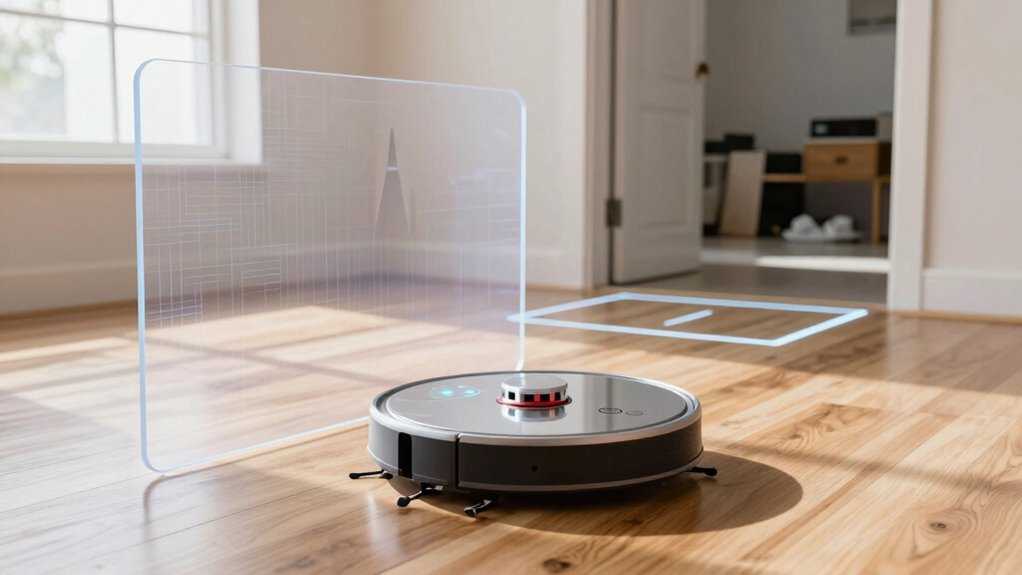
Understanding the difference between virtual walls and no-go zones is essential because it directly affects how effectively your robot navigates your space. Knowing this helps prevent accidents, respects privacy concerns, and ensures you stay within legal considerations. For example, virtual walls typically block specific areas temporarily, while no-go zones are permanent or semi-permanent boundaries. Misunderstanding these can lead to privacy breaches or legal issues, especially if sensitive areas aren’t properly protected. Use the table below to clarify how each feature impacts your robot’s behavior:
| Feature | Privacy Concerns | Legal Considerations |
|---|---|---|
| Virtual Walls | Less effective if not properly set up | May require permissions for certain areas |
| No-Go Zones | Better for privacy and compliance | Ensures legal boundaries are maintained |
| Flexibility | Limited in dynamic environments | Balances privacy with adaptability |
| Permanence | Temporary or semi-permanent | Fixes boundaries for safety and privacy |
Additionally, understanding navigation technology can help you optimize the placement of virtual walls and no-go zones for better performance. Being aware of how mapping systems function also allows you to set boundaries more accurately and confidently.
How Virtual Walls and No-Go Zones Compare: Key Differences

Understanding how virtual walls and no-go zones differ starts with their technology foundations and how they’re designed to work. You’ll notice variations in customization options and flexibility, which can impact their effectiveness in your space. By comparing their limitations and strengths, you can choose the solution that best fits your cleaning needs. Additionally, knowing how to address issues like water damage and rug cleaning can help maintain these zones effectively. For example, selecting the right sensor technology is crucial for optimal zone performance and durability. A clear understanding of zone customization options can assist in tailoring the zones to your specific environment, enhancing overall privacy and security. Recognizing the role of drone bee behavior and hive health can also provide insights into maintaining balanced ecosystems in natural or agricultural settings.
Technology Foundations Compared
While both virtual walls and no-go zones serve to restrict a robot’s movement, they rely on fundamentally different technological approaches. Virtual walls typically use boundary signals or infrared sensors that require precise sensor calibration to function correctly, ensuring the robot recognizes the barrier. No-go zones, on the other hand, rely on mapping technology, such as lidar or cameras, which create a digital layout of your space. These zones are often managed through firmware updates, allowing you to modify restricted areas as needed. The core difference lies in their reliance on physical signal boundaries versus digital mapping. Virtual walls depend on real-time sensor calibration for accuracy, while no-go zones leverage updated firmware to adjust their digital boundaries, offering more flexibility and adaptability.
Customization and Flexibility
When it comes to customization and flexibility, no-go zones generally offer more adaptable solutions than virtual walls. No-go zones allow you to set precise boundaries based on your user preferences, using adaptive controls that adjust to your home’s layout. This flexibility enables you to modify zones easily without reprogramming the entire system. The ability to integrate with landscaping features further enhances their practicality in diverse outdoor environments. Additionally, no-go zones can accommodate changing outdoor conditions, making them more responsive to seasonal or temporal adjustments. They are also typically designed to work with smart home systems, allowing for seamless integration and control. Virtual walls, however, are limited to fixed, often preset, boundaries that can’t be easily changed. The table below highlights key differences:
| Feature | No-Go Zones | Virtual Walls |
|---|---|---|
| Customization | Highly adaptable to user preferences | Fixed, less flexible |
| Adjustment | Easy to modify via controls | Manual reprogramming often needed |
| Control Type | Adaptive controls for dynamic changes | Static, pre-set boundaries |
Effectiveness and Limitations
Virtual walls are effective at creating fixed boundaries that prevent your robot vacuum from entering specific areas, but their limitations become evident in dynamic environments. They work well for static spaces but struggle with changes or obstacles. No-go zones offer more flexibility by allowing you to customize restricted areas via apps, yet they require proper setup and updates. Privacy concerns and legal considerations arise when virtual boundaries involve sensitive spaces or data collection, making users cautious. Additionally, virtual walls may not prevent the vacuum from bypassing boundaries if misconfigured or if the device’s sensors are compromised. Furthermore, the effectiveness of virtual walls can be diminished in homes with multiple moving objects, which can confuse the device’s sensors. Inconsistent mapping can also reduce the accuracy of both methods, especially in homes with complex layouts. – Virtual walls are limited in handling moving objects or shifting layouts. – No-go zones depend on accurate mapping, which can be affected by privacy policies. – Both methods require ongoing management to ensure effectiveness and compliance. Additionally, regular updates and recalibration can help improve performance in dynamic environments where layout changes frequently occur. Another challenge is that sensor limitations can lead to gaps in virtual boundaries, reducing their reliability. Proper maintenance of the device and mapping data is essential to sustain boundary effectiveness over time.
Common Uses of Virtual Walls and No-Go Zones in Security Systems

You can substantially enhance your security system by using virtual walls and no-go zones to define restricted areas. These features are commonly used to protect sensitive spaces like server rooms, storage areas, or private offices. Proper sensor placement guarantees that these zones are monitored effectively, minimizing blind spots. Virtual walls can also help keep pets or unauthorized visitors out of specific areas without physical barriers. To maximize their effectiveness, you need to provide user training, so you understand how to set and modify zones as your needs change. This prevents accidental breaches and ensures the system responds appropriately. Overall, virtual walls and no-go zones serve as flexible tools for maintaining security, controlling access, and reducing false alarms in various settings. Understanding security features can further optimize system performance and adapt to evolving security needs. Incorporating knowledge about sensor placement ensures comprehensive coverage and minimizes gaps in security. Additionally, understanding security zone configurations helps in tailoring the system to specific environments and threat levels. Moreover, awareness of security protocols enhances the effectiveness of zone management and response strategies. Implementing security zone management best practices can significantly improve overall system reliability and response accuracy.
Setting Up Virtual Walls and No-Go Zones: A Step-by-Step Guide
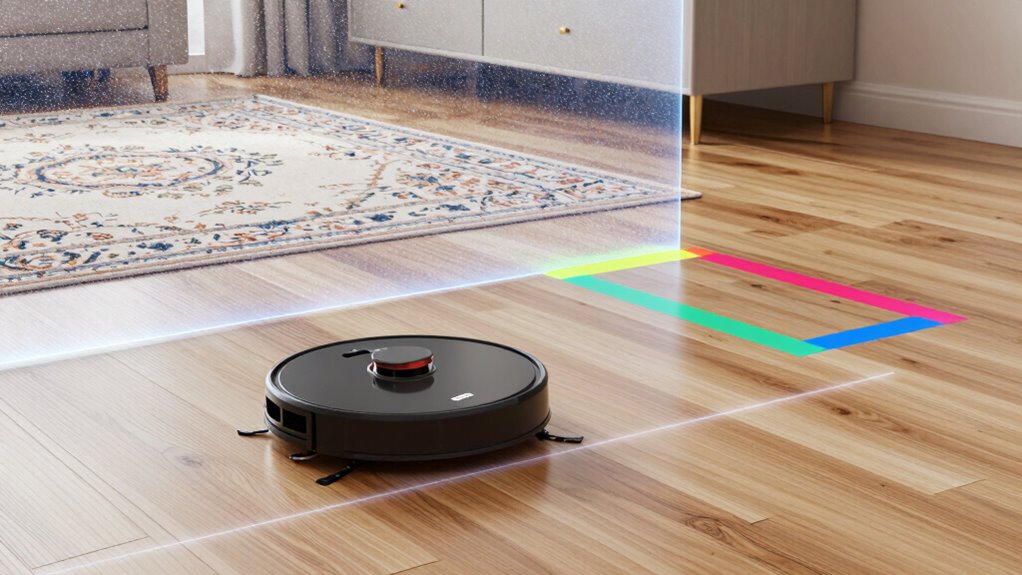
To effectively implement virtual walls and no-go zones in your security system, start by accessing the system’s configuration interface, typically through a dedicated app or control panel. Once inside, follow these steps to set them up correctly:
- Clearly define restricted areas, considering your privacy concerns and avoiding unnecessary intrusions.
- Double-check local legal considerations to ensure no-go zones don’t violate privacy rights or regulations.
- Test the zones thoroughly to confirm they function as intended without causing false alerts or overlooking sensitive areas.
Troubleshooting and Best Practices for Virtual Walls and No-Go Zones

While virtual walls and no-go zones can considerably enhance your security system, they can also present challenges if not properly maintained or configured. Troubleshooting often begins with checking accessory compatibility; verify your device supports the features you set up. If virtual boundaries aren’t functioning correctly, review your user interface settings—sometimes, simple adjustments can resolve issues. Regularly update your firmware to prevent glitches and improve stability. Keep an eye on sensor placement, as obstructions can interfere with boundary detection. If problems persist, reset and reconfigure your virtual walls or no-go zones. Clear, intuitive user interfaces make troubleshooting easier, so familiarize yourself with the controls. Proper maintenance and understanding of your device’s capabilities help maximize effectiveness and prevent unnecessary frustrations.
Frequently Asked Questions
Can Virtual Walls Be Customized for Specific Room Shapes?
Yes, virtual walls can be customized for specific room shapes. You can usually set up customization options on your robot vacuum’s app to create precise boundaries that match your room’s unique layout. This room shape customization lets you block off tricky corners or delicate areas, ensuring your device navigates exactly where you want it to go. It’s a flexible way to tailor your cleaning zones to fit your home perfectly.
Are No-Go Zones Effective Against All Types of Intruders?
No-go zones can be effective against many intruders because they act as physical barriers and enhance intrusion detection. However, they might not stop determined or tech-savvy intruders who can bypass sensors or find ways around them. While no-go zones strengthen your security, combining them with other measures like cameras and alarms offers better protection against all types of intruders. Always consider your specific security needs for ideal results.
Do Virtual Walls Interfere With Other Smart Home Devices?
You might think virtual walls are stealthy, but they can interfere with other smart home devices, causing unexpected glitches. While privacy concerns are valid, device compatibility often takes a hit, making your smart home less seamless. Ironically, setting virtual boundaries to protect privacy could end up disrupting the very system meant to simplify your life. Always check device compatibility before deploying virtual walls to avoid these unintended hiccups.
How Secure Are Virtual Walls From Hacking or Tampering?
Virtual walls are generally secure, but cybersecurity vulnerabilities can exist if not properly protected. You can reduce hacking risks by updating firmware regularly, using strong, unique passwords, and enabling encryption. To enhance hacking prevention, avoid connecting virtual walls to unsecured networks. While no system is completely invulnerable, following these best practices helps safeguard your virtual walls from tampering and unauthorized access.
Can Virtual Walls Be Temporarily Disabled Without Resetting?
Like flipping a switch, you can temporarily disable virtual walls without resetting your vacuum. Most models let you do this through virtual wall customization settings or app controls, making it easy to navigate areas as needed. This temporary virtual wall disablement helps you customize your cleaning path without losing any saved preferences. Just make certain you follow the manufacturer’s instructions, so your virtual wall remains functional and your cleaning stays efficient.
Conclusion
Now that you understand the difference, imagine guiding your security system like a steady hand carving clear boundaries in a bustling room. Virtual walls and no-go zones act as invisible fences, offering peace of mind without physical barriers. When set up correctly, they become your silent guardians, keeping unwanted guests out and your space safe. With these tools, you create a secure sanctuary, where boundaries are felt but never seen—protecting what matters most.