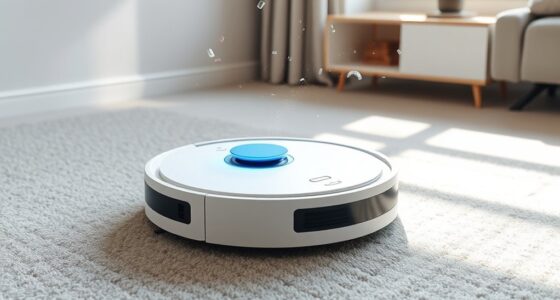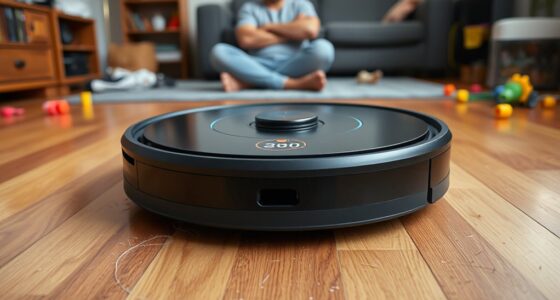
When choosing a robot vacuum, understanding the different navigation types and features helps you find the best fit for your home. Basic bump sensors work well for simple spaces, but laser and camera-based systems offer precise mapping for complex layouts. Battery life also matters, as longer durations let your vacuum cover more ground without interruption. Balancing navigation and power guarantees efficient cleaning—stay tuned for more tips on selecting the perfect robot vacuum for your needs.
Key Takeaways
- Different robot vacuum types range from basic bump sensors to advanced laser and camera systems, each suited for specific home layouts.
- Navigation features greatly impact cleaning efficiency, with smarter systems reducing missed spots and re-cleaning.
- Battery life determines the cleaning coverage and session duration, influencing overall home cleaning performance.
- Balancing navigation capabilities and battery capacity ensures thorough cleaning without frequent recharging or missed areas.
- Understanding your home’s complexity and cleaning needs helps select the right combination of features and navigation systems.
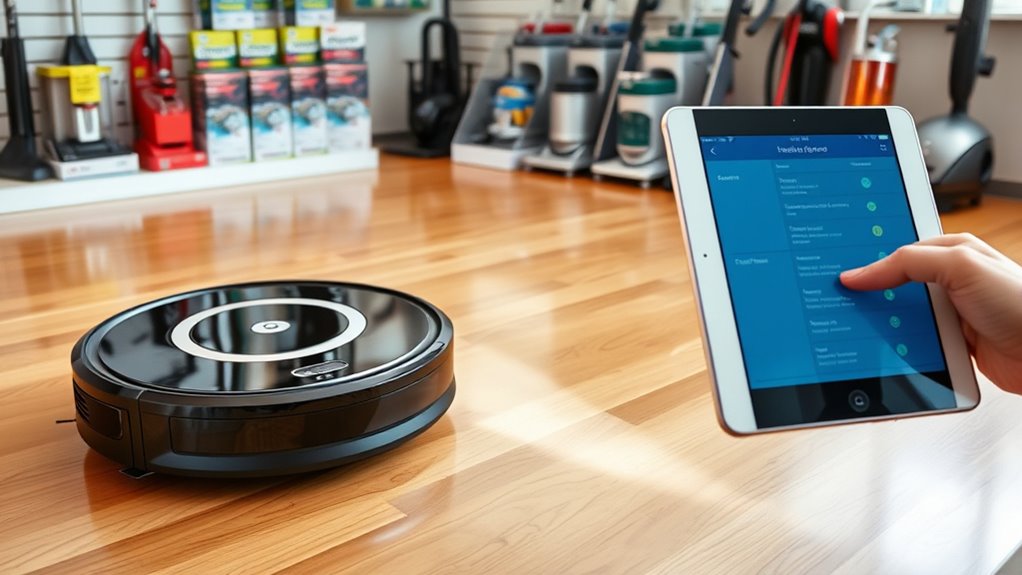
Buying a robot vacuum can feel overwhelming with so many options available, but understanding your journey can make the process smoother. One of the most important aspects to consider is how the vacuum navigates your home. Robot navigation determines how efficiently the device cleans your space, avoiding obstacles and covering every inch. Some models use simple bump sensors, which can be less effective in complex layouts, while others feature advanced laser or camera-based navigation systems. These smarter navigation methods allow the vacuum to create detailed maps of your home, ensuring thorough cleaning and reducing missed spots. When choosing a robot vacuum, think about your home’s layout and how much complexity it has. If you have a lot of furniture or multiple rooms, investing in a model with sophisticated navigation can save you time and frustration.
Another critical factor is battery life, which directly impacts how long your robot can clean before needing a recharge. Short battery life means the vacuum might have to return to its dock more frequently, which can interrupt larger cleaning sessions. Conversely, a model with longer battery life can cover more ground in a single run, making it ideal for bigger homes or for those who prefer fewer interruptions. Keep in mind that some vacuums have smart power management, automatically adjusting suction power to conserve energy, or returning to the dock to recharge and resume cleaning until the task is complete. When evaluating options, consider the size of your space and how often you want your robot to clean. Longer battery life is especially beneficial for homes with multiple floors or extensive areas, ensuring consistent cleaning without constant recharging.
A well-designed navigation system often goes hand-in-hand with effective battery management, enhancing overall performance and user satisfaction. Balancing robot navigation and battery life is key to finding the right vacuum for your needs. A model with excellent navigation but poor battery life might struggle to clean larger spaces efficiently, while one with impressive battery life but basic navigation could leave gaps or get stuck. Look for a device that offers a good mix of both, tailored to your home’s size and layout. Also, remember that features like recharge and resume capabilities can enhance your experience by ensuring the job gets done even if the battery runs low during a session. Ultimately, understanding how these features work together helps you choose a robot vacuum that simplifies your cleaning routine and fits seamlessly into your lifestyle. Whether you prioritize smart navigation or extended battery life, knowing what’s available puts you in control of making an informed decision.
Frequently Asked Questions
How Long Do Robot Vacuum Batteries Typically Last Before Replacement?
Your robot vacuum’s battery lifespan usually lasts between 1 to 3 years, depending on usage and model quality. Most batteries need replacement every 12 to 24 months, especially if you notice reduced runtime or longer charging times. To keep your device performing well, monitor the battery’s condition and consider replacement when you see a significant drop in performance. Regular maintenance helps extend the battery’s effective lifespan.
Are Robot Vacuums Safe for Homes With Pets?
Robot vacuums are generally safe for homes with pets, but you should consider pet safety and noise levels. Look for models with quiet operation to avoid startling your pets, and choose vacuums with gentle brushes that won’t harm their fur or paws. Monitoring your pets during initial use helps guarantee they’re comfortable. With the right features, robot vacuums can keep your home clean without upsetting your furry friends.
Can Robot Vacuums Be Used on All Flooring Types?
Yes, robot vacuums can be used on most flooring types, but you should check their flooring compatibility first. Look for models with good surface change capabilities, so they handle different surfaces like hardwood, tile, and carpet smoothly. Some vacuums adjust suction and brush height automatically, guaranteeing effective cleaning across various flooring types. Always verify these features to guarantee your robot vacuum works efficiently on all your home’s surfaces.
Do Robot Vacuums Require Wi-Fi or Internet Connection?
Many robot vacuums do require Wi-Fi connectivity and an internet connection for full functionality. If you want to control your vacuum remotely or access smart features, you’ll need internet access. However, some models can operate without Wi-Fi, letting you schedule and start cleaning manually. Check your specific vacuum’s requirements to guarantee it fits your needs, especially if you prefer a device that works offline or needs constant internet access.
How Often Should I Schedule My Robot Vacuum for Optimal Cleaning?
Think of your robot vacuum as a diligent gardener, tending to your home’s cleanliness. For ideal cleaning, schedule it 2-3 times a week, adjusting based on foot traffic and pet hair. Follow these cleaning schedule tips to keep your space pristine without overworking the device. Regular runs prevent dirt buildup, ensuring your home stays fresh, and your vacuum remains in top shape, ready to tackle messes whenever they appear.
Conclusion
Now that you’ve navigated the nuances of different robot vacuums, you’re ready to make a smart, satisfying choice. Remember, understanding your needs and exploring features helps you find the perfect fit. With a little research and patience, you’ll soon enjoy a cleaner, clutter-free home without the chores. So, step confidently into the world of robot vacuums—your perfect pick is just a decision away. Happy hunting and hassle-free housekeeping!