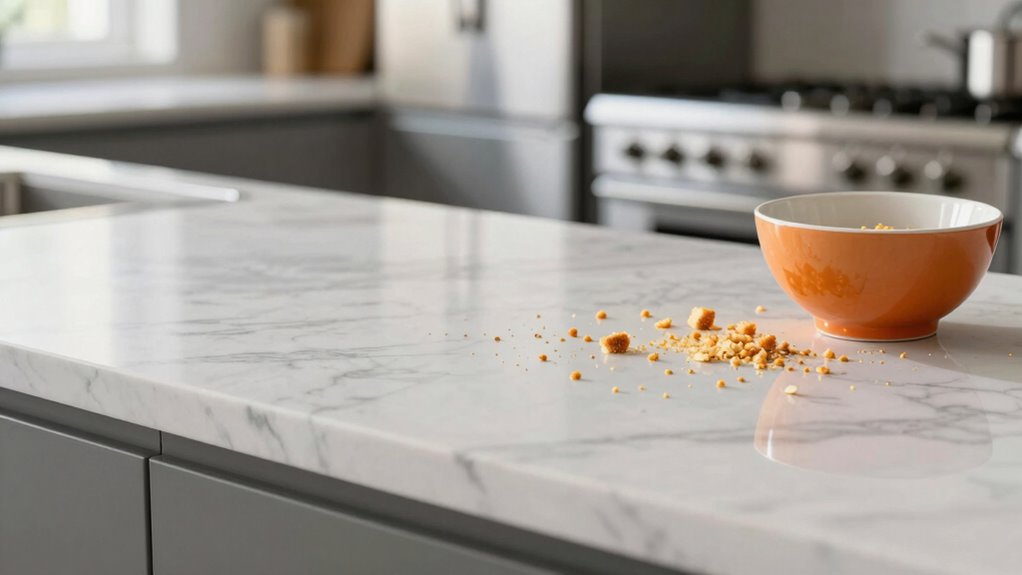

If your kitchen’s full of crumbs, Crumb Detection Mode beats auto vacuuming every time. Auto modes often miss tiny particles in tight corners or beneath furniture, especially pet hair and scattered crumbs. Crumb Detection Mode uses advanced sensors and smarter navigation to target those tricky spots precisely. This means a more thorough clean with less effort on your part. Keep going to discover how this mode can transform your daily cleanup routine and keep your kitchen spotless.
Key Takeaways
- Crumb Detection Mode uses advanced sensors to precisely target tiny particles like crumbs, outperforming auto mode’s random cleaning patterns.
- It dynamically focuses on high-traffic areas, ensuring thorough pickup of scattered crumbs in hard-to-reach spots.
- Regular maintenance of sensors and filters enhances detection accuracy, making crumb mode more effective over auto cleaning.
- Focused cleaning sessions in crumb detection mode save time, reduce repetitive passes, and improve overall kitchen cleanliness.
- Upgrading to crumb detection mode is a smart choice for homes with frequent crumbs, delivering superior results every time.
Why Auto Vacuum Modes Struggle With Crumbs

Auto vacuum modes often struggle with crumbs because these small particles can easily get stuck in tight corners or beneath furniture. Pet hair, especially, can be tough to pick up because it clings to surfaces and hides in hard-to-reach spots. On hardwood floors, crumbs tend to scatter and settle into corners or along edges, where standard auto modes often miss them. These modes rely on basic sensors and random patterns that aren’t designed for precise detection. As a result, crumbs slip through the cracks, leaving your kitchen less than spotless. You might notice that your auto vacuum misses spots or pushes debris around instead of picking it up. For thorough cleaning, especially with pet hair and crumbs on hardwood, you need a mode that’s more targeted and effective. Additionally, using a dedicated spot-cleaning mode can help focus on stubborn debris in problem areas for a more comprehensive clean. Incorporating a high-suction power setting can also improve the removal of fine crumbs and pet hair, ensuring a cleaner floor. Choosing a vacuum with advanced sensors can further enhance detection and cleaning accuracy. Moreover, selecting models with adaptive cleaning technology can optimize the cleaning process based on specific floor types and debris distribution. Utilizing sensor-based navigation can significantly improve the vacuum’s ability to detect and thoroughly clean tricky spots.
How Crumb Detection Mode Works and Why It’s Better
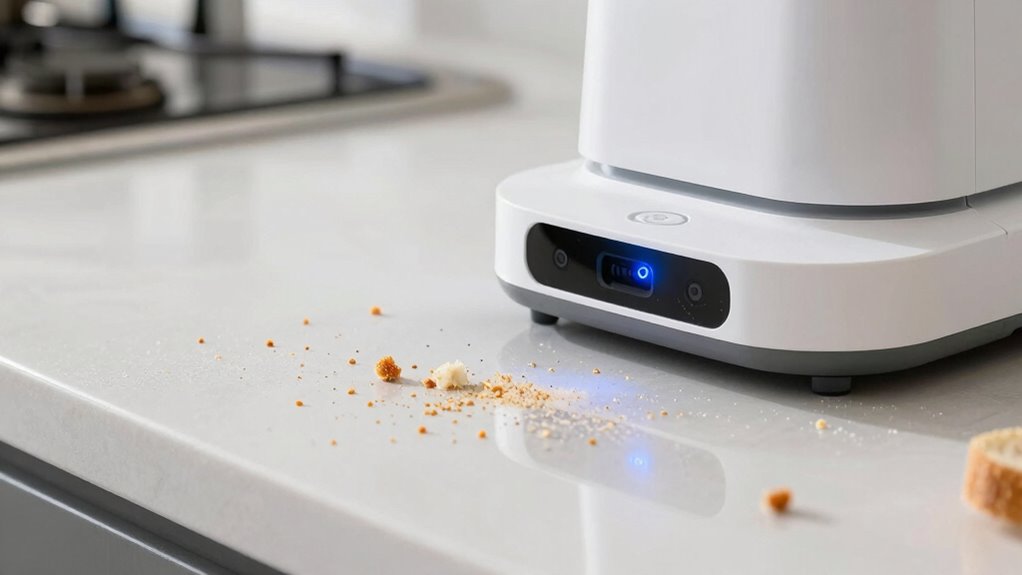
Crumb Detection Mode uses advanced sensors and intelligent algorithms to identify and target small particles more accurately than standard auto modes. These sensors offer superior accuracy, detecting crumbs in tight corners and on uneven surfaces where auto modes might miss. Additionally, urban cycling skills can benefit from understanding how different surfaces affect cleaning performance, similar to how varied terrains impact bike handling. The mode adjusts its cleaning pattern dynamically, focusing on areas with higher crumb concentration, which results in a more thorough clean. This sensor technology enables the vacuum to adapt to various environments and improve overall efficiency. The integration of adaptive algorithms further refines its ability to respond to different messes and surfaces, enhancing its effectiveness. Moreover, energy management systems help optimize power consumption, ensuring the vacuum operates efficiently during extended cleaning sessions. While this targeted approach improves cleaning performance, it’s designed to be mindful of battery life, balancing power consumption with effectiveness. Crumb Detection Mode ensures you spend less time cleaning and get better results, especially on stubborn crumbs. By leveraging precise sensor data and optimized algorithms, it makes your vacuum smarter and more efficient, saving you effort while maintaining a clean kitchen floor.
Comparing Auto Mode and Crumb Detection Mode: Which Cleans More Effectively?

While both cleaning modes aim to keep your floors spotless, Crumb Detection Mode generally cleans more effectively, especially when it comes to small, stubborn particles. It uses advanced robot navigation to precisely locate crumbs and debris, ensuring thorough coverage. In contrast, Auto Mode follows a set pattern, which may overlook tricky spots or larger messes. Crumb Detection Mode often concentrates its efforts on high-traffic areas, improving cleaning efficiency. However, this focused approach can slightly reduce battery life, as the robot spends more time in targeted zones. If your goal is maximum crumb pickup, especially in cluttered kitchens, Crumb Detection Mode is the better choice. It balances effective cleaning with smart navigation, making sure no crumb is left behind.
How to Set Up Your Vacuum for Maximum Crumb Pickup

To maximize your vacuum’s crumb pickup, start by selecting Crumb Detection Mode, which is specifically designed for targeted cleaning of small particles. Ascertain your robot uses advanced robotic navigation to efficiently map your space, avoiding obstacles and covering every corner. This mode directs the vacuum to focus on high-traffic areas, improving crumb collection. To conserve battery life, clear the vacuum’s path before starting and set it to clean in shorter, focused sessions if needed. Make sure the dustbin is empty so it doesn’t limit suction power. Properly configuring your vacuum with these settings allows it to target crumbs precisely, while robotic navigation ensures thorough coverage without wasting energy. Additionally, effective cleaning strategies can enhance overall performance and efficiency. Using regular maintenance practices, such as cleaning filters and brushes, can further optimize its performance, ensuring maximum crumb pickup without sacrificing battery efficiency. Regularly checking and maintaining your water system components can prevent malfunctions that might impact cleaning performance. Moreover, understanding your vacuum’s filtration system helps in maintaining optimal airflow and dust capture.
Troubleshooting Common Issues With Crumb Detection Mode
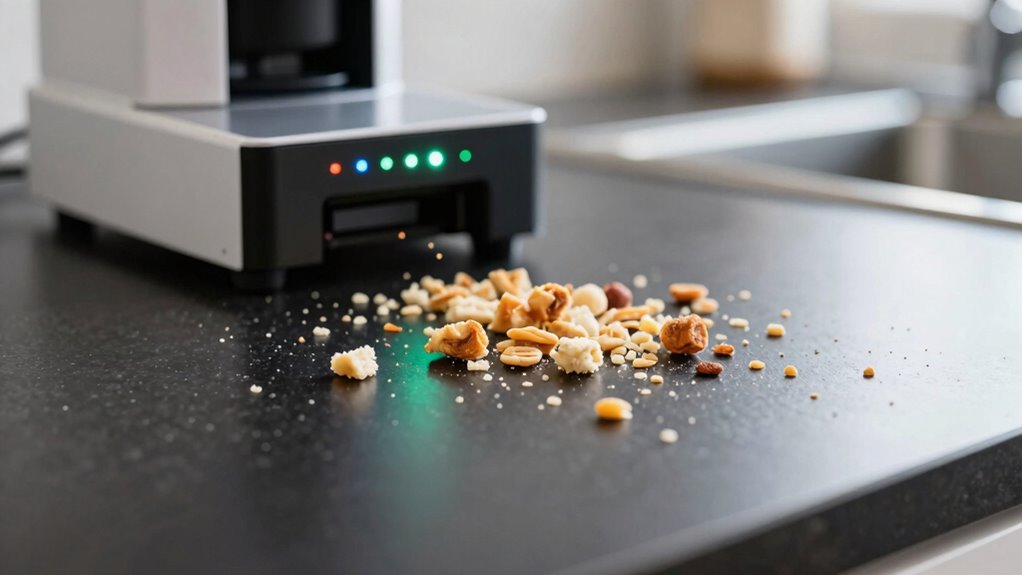
Even with ideal settings, you might encounter issues with Crumb Detection Mode not performing as expected. Often, the problem lies in filtering debris or sensor calibration. Make sure the sensors are clean and properly calibrated—dust or buildup can interfere with detection. If crumbs aren’t being identified, check the following:
| Issue | Solution | Result |
|---|---|---|
| Crumbs not detected | Clean sensors thoroughly | Improved detection accuracy |
| False alarms | Adjust filtering debris settings | Fewer false triggers |
| Poor performance | Recalibrate sensors | Restored optimal function |
Regular maintenance, including wiring best practices, is essential to prevent sensor issues caused by electrical interference or poor connections. Proper filtering debris and sensor calibration are key. Additionally, ensuring sensor positioning is correct can significantly impact detection reliability. Regular maintenance ensures your Crumb Detection Mode works efficiently, reducing crumbs and fuss. Implementing proper cleaning procedures can also help maintain sensor sensitivity over time.
Tips to Keep Your Kitchen Spotless With Less Effort
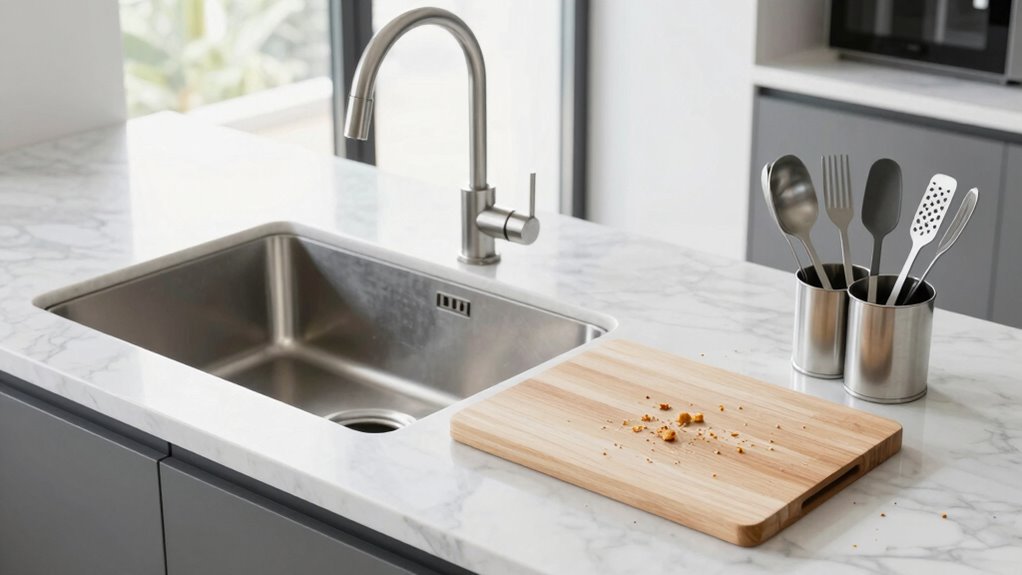
Keeping your kitchen spotless doesn’t have to be a constant battle; with a few simple habits, you can reduce mess and save time. Focus on good kitchen organization by decluttering countertops and designating storage spots for utensils and ingredients. Establish a regular cleaning schedule to tackle messes before they grow; daily quick wipes and weekly deeper cleans make a big difference. Always clean as you go—wipe spills immediately and load dishes into the dishwasher promptly. Keep a small trash and recycling bin nearby to avoid clutter buildup. Incorporating these habits into your routine, and understanding basic filtration/suction principles, can help you maintain a tidy, crumb-free kitchen more effortlessly. Additionally, employing effective stain removal techniques can help keep surfaces looking pristine over time. Being mindful of kitchen airflow can also reduce lingering odors and keep your space feeling fresh. Regularly checking and cleaning your air purifier filters ensures optimal air quality, helping to remove dust and allergens that contribute to kitchen messes. Proper ventilation is essential for maintaining a clean and healthy environment in your kitchen.
Is Upgrading to Crumb Detection Mode Worth It?

Upgrading to crumb detection mode can boost your cleaning efficiency by pinpointing crumbs more accurately. However, you’ll want to contemplate whether the added cost is justified by the time and effort saved. A careful cost-benefit analysis helps determine if this upgrade is truly worth it for your kitchen routine. Incorporating routine safety checks can also prevent potential malfunctions and extend the lifespan of your appliance. Additionally, understanding smart device protocols can ensure your appliance operates optimally and safely over time. Regularly monitoring device performance can help catch issues early and maintain consistent cleaning results, much like cybersecurity monitoring safeguards digital assets from threats. Being aware of early warning signs for appliance issues can further enhance your maintenance routine and prevent unexpected breakdowns.
Improved Cleaning Efficiency
While crumb detection technology promises to boost cleaning efficiency, it’s important to weigh whether the benefits justify the investment. This mode targets crumbs more precisely, reducing dust accumulation and leaving surfaces cleaner faster. However, it can sometimes increase noise levels, which might be disruptive. The enhanced detection helps avoid missed spots, saving you time and effort. Keep in mind that:
- It reduces the need for repetitive passes over the same area
- It minimizes dust buildup in hard-to-reach spots
- Noise levels may rise during intensive cleaning
- Overall cleaning time can be shortened with smarter navigation
If you value a thorough clean and don’t mind slightly louder operation, crumb detection mode could be worth it. Just consider whether the improved efficiency aligns with your household’s noise tolerance and dust concerns.
Cost-Benefit Analysis
Deciding whether to invest in crumb detection mode depends on weighing its benefits against the costs. While the initial expense may seem high, the improved cost efficiency over time can justify the upgrade. Crumb detection technology leverages recent advancements, making it more reliable and effective at reducing cleaning time and effort. These technology advancements mean you’ll spend less on cleaning supplies and labor, ultimately saving money. Additionally, using automotive performance parts as an analogy underscores how upgrading key components like flywheels and engine modifications can enhance overall efficiency and performance. However, it’s essential to contemplate whether your current cleaning routine justifies the investment. If crumbs frequently spread and manual cleaning becomes tedious, upgrading could be worthwhile. On the other hand, if crumbs are rare or manageable, the cost might outweigh the benefits. Conducting a thorough cost-benefit analysis helps determine if the technology’s advantages align with your household needs.
Frequently Asked Questions
Can Crumb Detection Mode Work on All Types of Flooring?
Crumb detection mode works well on most flooring types, offering great flooring versatility. It’s designed to adapt, so you’ll notice high detection accuracy on carpets, hardwood, tiles, and laminates. However, some textured or uneven surfaces might slightly reduce effectiveness. Overall, you’ll appreciate how this mode automatically adjusts, ensuring your floors stay clean without missing crumbs, making it a reliable choice for various flooring in your home.
How Long Does the Battery Last in Crumb Detection Mode?
In crumb detection mode, you can expect the battery life to last around 30 to 45 minutes, depending on your vacuum’s model and usage. This means you get a solid cleaning duration, especially for quick tidy-ups. To maximize battery life, avoid continuous high-power settings, and guarantee your vacuum is fully charged before starting. This way, you’ll efficiently tackle kitchen crumbs without worrying about running out of power mid-clean.
Is Crumb Detection Mode Suitable for Pet Hair Cleanup?
Did you know that pet hair can trigger allergies in 10% of adults? Crumb detection mode isn’t ideal for pet hair cleanup, as it’s optimized for crumbs and small debris. For allergen removal and pet hair, you should use a dedicated pet mode or high-suction setting. This guarantees thorough cleaning, reducing allergens and hair buildup, so your home stays healthier and more comfortable for everyone.
Does Crumb Detection Mode Operate Quietly During Use?
Crumb detection mode operates quietly during use, thanks to its optimized noise level and sound settings. You won’t be disturbed by loud noises while it’s working, making it perfect for use in homes with little ones or pets. The sound settings are designed to be unobtrusive, so you can focus on your tasks or relax without interruption. Overall, it guarantees efficient cleaning without sacrificing peace and quiet.
How Often Should I Update My Vacuum’s Firmware for Optimal Performance?
You should update your vacuum’s firmware whenever updates are available to guarantee maximum performance and battery longevity. Regular firmware updates fix bugs, improve navigation, and enhance features, helping your vacuum operate smoothly and efficiently. Check for updates monthly or when notified, and install them promptly. Keeping your firmware current ensures your vacuum remains reliable, extends battery life, and performs at its best, especially during those vital cleaning sessions.
Conclusion
Switching to crumb detection mode transforms your cleaning routine from a mere chore into a culinary miracle. You’ll marvel at how effortlessly your vacuum tackles even the tiniest specks of debris, making crumbs vanish faster than you can say “clean kitchen.” Don’t settle for auto mode’s mediocrity—embrace this game-changing feature and experience a spotless kitchen without breaking a sweat. Trust me, once you upgrade, you’ll wonder how you ever survived without this revolutionary cleaning power.