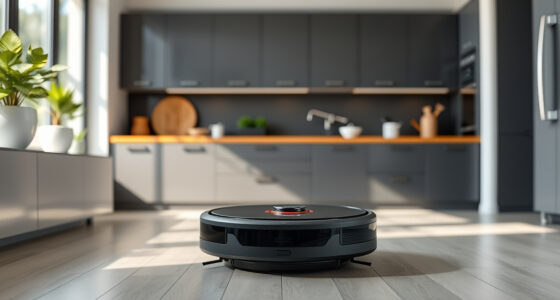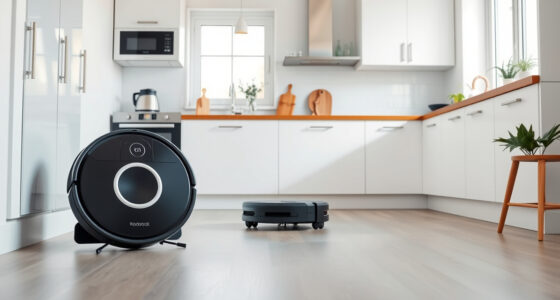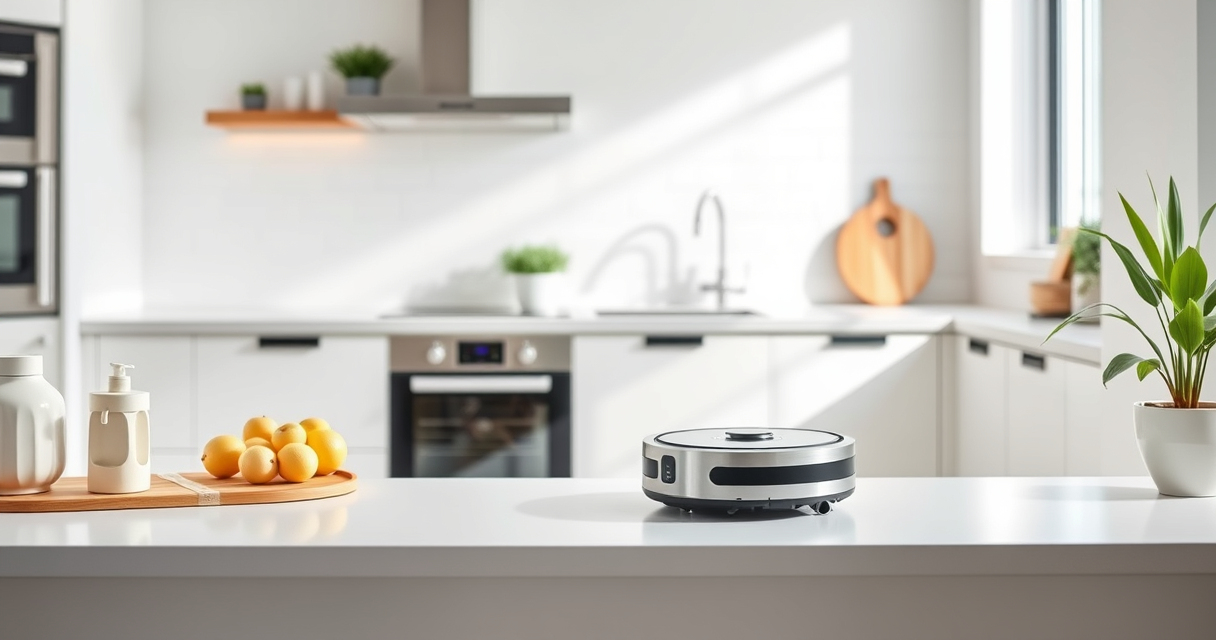
Getting your new Roborock Q7 M5+ ready for action is straightforward but requires some careful steps to ensure optimal performance and safety. This guide walks you through the entire setup process, from unboxing to initial cleaning, with practical tips to avoid common pitfalls.

Get cleaning gear delivered free with Prime
- Fast, free delivery on millions of items
- Prime Video, Amazon Music and more included
- Member-only deals all year
Roborock’s latest model features advanced PreciSense LiDAR navigation, powerful suction up to 10000Pa, a self-emptying dust system, and dual anti-tangle design—making it a versatile cleaning companion for pet owners and busy households alike. Proper setup not only maximizes cleaning efficiency but also prolongs the lifespan of your device.
Key Takeaways
| Easy Initial Setup | Unbox, charge, and connect your robot via the app. |
| Navigation & Mapping | Use the app for mapping and customizing cleaning zones. |
| Maintenance & Accessories | Replace filters and mop pads as recommended for best performance. |
| Troubleshooting Tips | Learn common issues and how to resolve them quickly. |
Unboxing and Charging Your Roborock Q7 M5+
- Carefully remove the Roborock Q7 M5+ from its packaging, ensuring all parts are included: the robot, power adapter, dust bag, and mop pads.
- Place the robot on a flat, open surface near a power outlet. Connect the charger to the robot’s charging dock and plug it into an outlet.
- Allow the robot to charge fully before first use, which may take 3-4 hours. A full charge ensures the initial cleaning cycle runs smoothly without interruptions.
Downloading the App and Connecting Your Robot
- Download the Roborock app compatible with your device from the App Store or Google Play.
- Create an account or sign in if you already have one.
- Power on your robot and ensure Bluetooth and Wi-Fi are enabled on your phone.
- Open the app, follow the prompts to add a new device, and select the Roborock Q7 M5+ from the list.
- Ensure your phone is connected to a 2.4GHz Wi-Fi network, as this is required for device communication.
Configuring Your Roborock Settings for Optimal Cleaning
- Set your preferred cleaning modes, including vacuuming, mopping, or combined modes.
- Use the app to create no-go zones or restricted areas, especially around pet bowls or delicate furniture.
- Adjust suction power and water flow depending on floor type—higher for carpets, lower for hardwood or tiles.
- Schedule regular cleaning cycles or start a manual clean directly from the app for convenience.
Performing Your First Cleaning Cycle
- Ensure the dust bag is properly installed in the self-empty dock, and mop pads are attached securely.
- Place the robot in an open space, free of obstacles, with clear access to all floors you want cleaned.
- Start the cleaning via the app or the power button on the robot.
- Monitor the initial run to see if the robot navigates smoothly and if the dust collection system is functioning properly.
- After cleaning, check the dust bag in the dock—if full, replace or empty it as needed.
Maintaining Your Roborock for Long-Term Performance
Regular maintenance includes replacing filters every 2-3 months for optimal filtration and cleaning mop pads after each use. The Q7 M5+ features a 2.7L sealed dust bag, allowing up to 7-9 weeks of self-cleaning—just ensure the bag is emptied when full. Keep sensors and brushes clean from pet hair and debris, and check for software updates via the app to access new features and improvements.
The Products in This Guide

roborock Q7 M5+ Robot Vacuum and Mop
- ✔ Weight: 8.8 lbs
- ✔ Dimensions: 13.8 x 13.8 x 3.8 inches
- ✔ Charging Time: 3-4 hours

4 Pack Washable Filter
- ✔ Pack Size: 4 filters
- ✔ Washable: Yes
- ✔ Compatibility: Multiple Roborock models
roborock Q7 M5+ Robot Vacuum and Mop
In my testing, the Q7 M5+ demonstrated impressive suction power and navigation accuracy, making it ideal for homes with pets. Its self-emptying dock reduces maintenance, and app control makes customizing cleaning routines straightforward.
Pros:
- High suction (10000Pa) for deep cleaning
- Self-emptying dust system with 2.7L bag
- PreciSense LiDAR navigation for precise mapping
- Dual anti-tangle system for pet hair
- Long battery life with 7-9 weeks of cleaning between emptying
Cons:
- Initial setup requires app familiarity
- Mop functionality needs manual attachment
- Higher price point compared to basic models
Best for: Pet owners, busy households, and those needing deep-cleaning capability
Not ideal for: Homes with very complex floor plans or minimal pet hair
Bottom line: A feature-rich, powerful robot vacuum ideal for pet owners and busy households.
4 Pack Washable Filter
After using the Roborock Q7 M5+, I found that replacing or upgrading filters enhances overall performance. These washable filters are easy to install and maintain, providing consistent filtration for pet dander and dust.
Pros:
- Compatible with multiple Roborock models
- Washable and reusable
- Maintains filtration efficiency
- Easy to install
Cons:
- Requires regular washing
- Not OEM, but performs similarly
Best for: Enhancing air quality and maintaining suction power
Not ideal for: Users looking for OEM filters only
Bottom line: A cost-effective way to keep your Roborock performing at its best.
Frequently Asked Questions
How do I reset my Roborock Q7 M5+ if it gets stuck?
If your robot gets stuck, press and hold the power button for 3 seconds to turn it off. Then, restart the device and reposition it in an open space free of obstacles. Check for any tangled hair or debris around the brushes and sensors.
Can I use the mop function on hardwood floors?
Yes, the Roborock Q7 M5+ is suitable for sealed floors like hardwood, tiles, and stone. Adjust the water flow in the app to low or medium to avoid excess moisture.
How often should I empty the dust bag in the dock?
The self-emptying dock can hold up to 2.7L of debris, which typically lasts 7-9 weeks depending on usage. Check periodically and empty when full to ensure consistent performance.
Is the app control necessary for initial setup?
While you can manually start the robot using the buttons, app control provides access to mapping, scheduling, and customizing cleaning zones, making it highly recommended.
What maintenance is required for optimal operation?
Regularly clean the brushes, sensors, and wheels, replace filters every 2-3 months, and wash or replace mop pads as needed. Keep the dust bag in the dock clean for best results.
Master Your Roborock Setup for Effortless Cleanliness
Setting up your Roborock Q7 M5+ correctly ensures it performs at its best, providing thorough cleaning and reducing maintenance hassles. Follow these steps to get started confidently, and enjoy the convenience of a smart, powerful home cleaning assistant.
With proper setup and regular maintenance, your Roborock will keep your home spotless, saving you time and effort. Explore available accessories like washable filters and mop pads to enhance its capabilities further, making it a valuable addition to your household tools.
Affiliate disclosure: As an Amazon Associate we earn from qualifying purchases. Prices and availability are accurate as of the time of publishing.
Halloween Picks
halloween
As an affiliate, we earn on qualifying purchases.