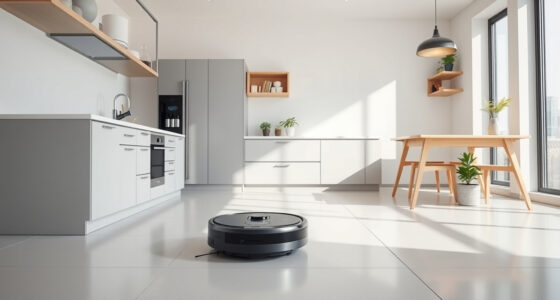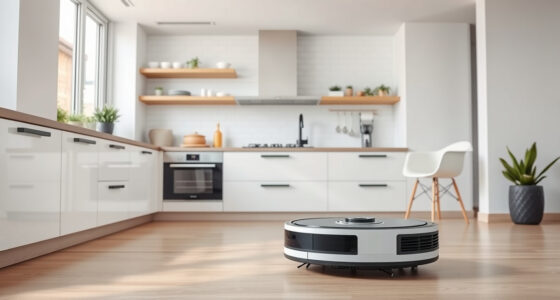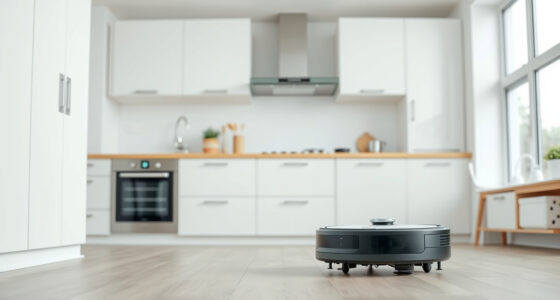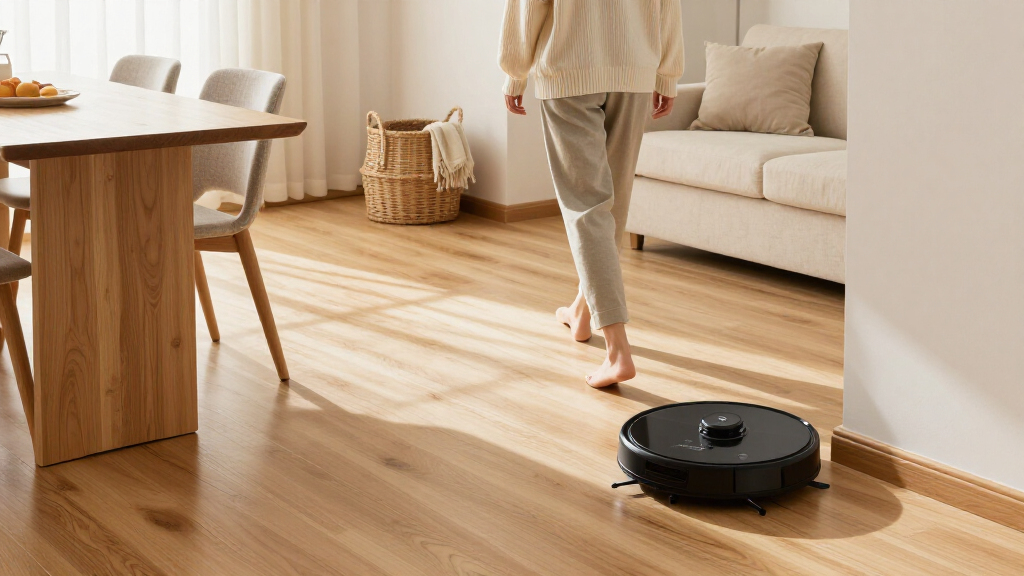
This guide walks you through getting a robotic vacuum cleaner running on hardwood floors: choosing a model that will not scratch your finish, unboxing and setting it up correctly, preparing your rooms, running the first cleaning cycle, and establishing a routine that keeps your floors clean with minimal effort. It is written for beginners who have never owned a robot vacuum and want to avoid the two most common failures: scratched hardwood and a vacuum that constantly gets stuck or misses large areas. Total hands-on time is about one to two hours, most of which is the first automated cleaning run. By the end, your vacuum will be mapping or cleaning your floors on a schedule you control.

Get cleaning gear delivered free with Prime
- Fast, free delivery on millions of items
- Prime Video, Amazon Music and more included
- Member-only deals all year

Roborock Qrevo 2 Pro Robot Vacuum and Mop
- ✔ Suction power: 20,000 Pa
- ✔ Noise level: 54 dB
- ✔ Mop lift height: Up to 15 mm

Roborock Robot Vacuum and Mop with LiDAR and Self-Emptying Dock
- ✔ Suction power: 10,000 Pa
- ✔ Navigation: PreciSense LiDAR
- ✔ Battery life: 150 minutes

iRobot Roomba 115 Combo Robot Vacuum and Mop with AutoEmpty Dock
- ✔ Suction power: 15,000 Pa
- ✔ Navigation: ClearView LiDAR
- ✔ Coverage per charge: Up to 900 sq ft
Difficulty: Beginner | Time: 1-2 hours (45 minutes unboxing and setup, plus first cleaning run)
What You’ll Need
Tools & Materials:
- A robotic vacuum designed for hard floors (rubber or soft-bristle brush roll, hard-floor suction mode, cliff sensors)
- The vacuum’s charging base and power adapter
- A smartphone (if your model uses a Wi-Fi app)
- Your home Wi-Fi password (2.4 GHz network for most models)
- Furniture floor protectors or virtual boundary markers (magnetic strips or app-based no-go zones), if needed
- A soft cloth for wiping sensors
Knowledge:
- Basic smartphone use: installing an app, connecting to Wi-Fi, entering a password
- Knowing your hardwood floor type (solid, engineered, or laminate) and whether the finish is wax, oil, or polyurethane
Before buying (or unboxing, if you already purchased), confirm three features: soft rubber or bristle brush rolls rather than stiff plastic bristles, an adjustable or hard-floor suction mode, and cliff sensors so the vacuum will not drive off stairs. If your model mops, check that it lets you disable mopping or use a dry pad, because standing water is a risk on some hardwood finishes.
Roborock Qrevo 2 Pro Robot Vacuum and Mop
The Roborock Qrevo 2 Pro earns our top spot because it solves the two problems that define hardwood cleaning better than either competitor: edge debris and mop hygiene. Its extendable mop reaches within 1.85 mm of walls and baseboards, which matters more on bare floors than on carpet — that’s exactly where dust and crumbs collect on wood. Both other models clean competently, but neither matches this corner coverage.The bigger differentiator is the dock. While the mid-range Roborock empties dust and the Roomba seals debris away, the Qrevo 2 Pro’s station also refills water, washes the mops at 149°F, and dries them at 113°F. On hardwood, this isn’t a luxury: a damp mop left sitting grows odor and spreads grime back onto your boards at the next run. Compared with the Roomba’s washable pad, which you rinse by hand, the Qrevo keeps mopping genuinely hands-off.With 20,000 Pa of suction, an anti-tangle brush system for pet hair, and a 15 mm mop lift that keeps rugs dry automatically, it is the most complete package here. The tradeoff is complexity and cost — and the 2.4 GHz-only Wi-Fi is a shared annoyance across all three picks.
Pros:
- Extendable mop cleans within 1.85 mm of baseboards — best-in-class edge coverage for bare floors
- Full-service dock empties dust, refills water, and washes and dries mops automatically
- 20,000 Pa suction with carpet boost and anti-tangle brushes handles pet hair on wood and rugs
- 15 mm mop lift keeps area rugs dry without manual intervention
Cons:
- Highest cost and most complex dock in the lineup
- Only supports 2.4 GHz Wi-Fi
Best for: Homeowners who want fully automated vacuum-and-mop care for large hardwood areas with minimal hands-on maintenance
Not ideal for: Buyers on a budget or anyone who only needs light dry vacuuming in a small apartment
Bottom line: If hardwood is the main flooring in your home and you want the closest thing to zero-effort mopping, the Qrevo 2 Pro justifies its premium over both alternatives.
“If hardwood is the main flooring in your home and you want the closest thing to zero-effort mopping, the Qrevo 2 Pro justifies its premium over both alternatives.”
Roborock Robot Vacuum and Mop with LiDAR and Self-Emptying Dock
This mid-range Roborock is the workhorse of the lineup. It gives up the extendable edge mop and self-washing dock of the Qrevo 2 Pro, but in exchange you get the longest battery life of the three at 150 minutes — enough to cover a large single-story hardwood layout in one pass. That’s a real advantage over the Roomba 115 Combo, which tops out around 900 sq ft per charge.For hardwood specifically, its 10,000 Pa suction is more than sufficient; bare floors simply don’t demand the 20,000 Pa the Qrevo uses for deep-carpet work. The 12.8-inch cleaning path is the widest here, so each pass covers more board footage, and the adjustable water flow with three settings lets you keep mopping light — important on wood that shouldn’t be saturated.The self-emptying dock with a 2.7 L bag is the headline convenience feature, though be aware the 7–9 week hands-free estimate is the manufacturer’s figure and will shrink in pet households. The main compromise versus the Qrevo 2 Pro is mop care: you’ll be rinsing pads yourself, which is a fair trade at this price point.
Pros:
- 150-minute battery is the longest in this comparison — best for large floor plans
- Self-emptying dock with 2.7 L bag minimizes maintenance intervals
- Three water flow settings let you mop hardwood conservatively
- Dual anti-tangle brushes handle pet hair on bare floors
Cons:
- Advertised 7–9 week bag life may be shorter with heavy use or pets
- Mop pads must be washed manually, unlike the Qrevo 2 Pro
- Requires 2.4 GHz Wi-Fi for connected features
Best for: Owners of larger homes who want strong single-pass coverage and self-emptying convenience without paying for a full self-care dock
Not ideal for: Anyone who wants truly hands-off mopping, since the pads require manual washing
Bottom line: The smart middle ground: nearly the navigation and coverage of the flagship at a friendlier price, provided you don’t mind washing mop pads yourself.
“The smart middle ground: nearly the navigation and coverage of the flagship at a friendlier price, provided you don’t mind washing mop pads yourself.”
iRobot Roomba 115 Combo Robot Vacuum and Mop with AutoEmpty Dock
The Roomba 115 Combo is the easiest entry point into hardwood automation. It vacuums and mops in a single pass, and iRobot’s app ecosystem is famously approachable — a genuine plus if this is your first robot rather than your third. Where the Qrevo 2 Pro asks you to learn a deep feature set, the Roomba keeps things simple: map your rooms, set No Mop Zones over rugs, and let it run.Its standout spec for allergy sufferers is the AllergenLock bag, which traps 99% of pollen and mold — a claim neither Roborock matches. On hardwood, where fine dust is the primary enemy, that sealed disposal is genuinely useful. The washable microfiber mop pad also keeps running costs down, though it means regular manual rinsing.The limitation is coverage: up to 900 sq ft per charge is fine for an apartment or condo but noticeably behind the mid-range Roborock’s 150-minute runtime for whole-floor cleaning. Ongoing maintenance is also higher — filters and brushes need replacing every 3–6 months, an ownership cost to factor in. Compared with both Roborock picks, this is the simplest and least automated option, and that’s exactly the point.
Pros:
- Vacuum and mop in one pass with simple setup and app control
- AllergenLock bag traps 99% of pollen and mold — best sealed disposal here
- No Mop Zones keep rugs and carpet dry automatically
- Washable microfiber pad avoids ongoing pad replacement costs
Cons:
- Coverage limited to about 900 sq ft per charge — the shortest effective run in the lineup
- Filters and brushes require replacement every 3–6 months
- Requires 2.4 GHz Wi-Fi for setup
Best for: Apartment dwellers and first-time robot vacuum owners with mainly hardwood floors and an area rug or two
Not ideal for: Larger homes over roughly 900 sq ft, or buyers who want a dock that maintains the mops automatically
Bottom line: A straightforward, low-commitment combo that fits small hardwood homes well, as long as your square footage stays within its per-charge range.
“A straightforward, low-commitment combo that fits small hardwood homes well, as long as your square footage stays within its per-charge range.”
As an Amazon Associate we earn from qualifying purchases.
Before You Start
Pick a location for the charging base: a flat spot against a wall on the hardwood or an adjacent hard surface, with at least 1.5-2 feet of clear space on each side and 4 feet in front. Avoid tight corners, areas under furniture, and spots with direct sunlight, which can confuse infrared sensors. If you have loose rugs with fringe, cords, or pet water bowls on the floor, plan where you will move them before the first run, because these are the top causes of a stalled vacuum.
Check your hardwood for damage before the first run: loose boards, exposed nails or staples, and deep gouges can catch a wheel or brush. Fix or mark off these areas first.
Step-by-Step Instructions
Step 1: Unbox and inspect the vacuum and accessories
Remove the vacuum, charging base, power adapter, filter, side brushes, and any boundary accessories from the box. Snap the side brushes into place if they are not pre-installed (they usually attach with a simple press and a marked left/right orientation). Open the dustbin and confirm the filter is seated. Peel all plastic shipping film off the vacuum body, sensors, and base.
Tip: Keep the box and receipt until you have run the vacuum a few times, in case the model underperforms on your floors and you want to return or exchange it.
Check: All accessories are attached, no protective film remains, and the dustbin and filter click securely into place.
Step 2: Install the charging base and charge the battery
Place the base in the location you chose, against a wall with clear space around it. Plug the adapter into the base and then into a wall outlet (not a switched outlet that may be turned off). Set the vacuum on the base, aligning its charging contacts with the base’s contacts. Wait for a charging indicator light or audible tone.
Tip: Many models ship with a partially drained battery. A full first charge often takes 3-6 hours; start it now so it is ready when you finish the remaining setup steps.
Check: The base or vacuum shows a steady charging light, and after a few hours shows a full-battery indicator.
Step 3: Install the app and connect the vacuum to Wi-Fi
Download the manufacturer’s app named in the quick-start guide (for example, Roborock, iRobot Home, Eufy Clean, or SharkClean). Create an account if required, then follow the app’s pairing flow: this usually means pressing and holding a button on the vacuum until it announces pairing mode, then entering your 2.4 GHz Wi-Fi password in the app. Keep your phone within a few feet of the vacuum during pairing.
Tip: Most robot vacuums only connect to 2.4 GHz Wi-Fi. If your router broadcasts a single combined network name, pairing usually still works; if it fails, temporarily disable the 5 GHz band in your router settings.
Check: The app shows the vacuum as online, with a live battery percentage.
Step 4: Prepare the rooms for the first cleaning run
Pick up clutter from the floor: charging cables, socks, rubber bands, plastic bags, children’s toys, and pet water bowls. Tuck dangling curtain cords and blind pulls out of reach. Fold rug fringe underneath the rug or flip it back, and move lightweight scatter rugs that slide easily. Leave furniture in place; the vacuum will navigate around it.
Tip: If a small rug keeps getting pushed or bunched, either remove it for each run or block it off with a virtual no-go zone in the app. Do not tape rugs to hardwood, as adhesive can damage the finish.
Check: Walking your floor visually, you see no strings, cords, or small objects within the vacuum’s path.
Step 5: Run the first cleaning cycle while you observe
In the app or on the vacuum, select hard floor mode (sometimes called max suction is unnecessary; standard or quiet mode is usually enough for bare floors). Start the cycle and follow the vacuum for the first 10-15 minutes, watching for stuck points, near-misses on furniture legs, and behavior at thresholds and rug edges. Note anywhere it gets trapped so you can address those spots afterward.
Tip: Observing the first run is the single best way to prevent future problems. Most stuck incidents happen in the same two or three places every time, and one physical fix (moving a chair slightly, adding a no-go zone) eliminates them permanently.
Check: The vacuum runs continuously for at least 10 minutes without intervention, and returns to its base on its own at the end of the cycle.
Step 6: Empty the dustbin and clean the brush and sensors
After the first run, remove the dustbin, empty it into a trash bag, and check the filter. Flip the vacuum over and inspect the main brush and side brushes for hair or string wrap, cutting any tangles away with scissors along the built-in cutting groove if present. Wipe the cliff sensors and charging contacts with a dry soft cloth.
Tip: First runs on a home new to robot vacuums collect far more debris than later runs. Emptying fully after each of the first several runs keeps suction strong and prevents fine dust from being redeposited on the hardwood.
Check: The dustbin is empty, brushes spin freely with no wrapped hair, and sensor windows are clear.
Step 7: Set a cleaning schedule and no-go zones
In the app, create a schedule for the vacuum to run when you are out or inactive, three to five times per week for hardwood in average households with pets, or two to three times weekly otherwise. If your model supports mapping, let it complete one or two full runs to build a map, then define no-go zones around pet bowls, delicate furniture, or problem areas you observed during the first run.
Tip: Schedule runs during daylight only if your model uses cameras for navigation; lidar-based models navigate fine in the dark. If unsure, schedule daytime runs.
Check: The app shows a saved schedule, and the map (if supported) displays your floor plan with no-go zones marked.
Common Mistakes to Avoid
- Running a vacuum with worn or gritty brushes on hardwood, causing fine scratches in the finish. — Inspect brush rolls monthly and replace them at the interval in your manual (usually every 6-12 months). Wipe wheels and brushes clean before the first run on a new home, because trapped grit from a previous home or shipping can scratch floors.
- Leaving cables, sock strings, and rug fringe on the floor, causing the vacuum to tangle and stall mid-run. — Do a 60-second floor sweep before every scheduled run, or schedule runs only in rooms you keep consistently clutter-free.
- Placing the charging base in a cramped corner or behind furniture, so the vacuum cannot dock and the battery dies mid-clean. — Keep 1.5-2 feet of clearance on each side of the base and 4 feet in front, on a hard surface with good lighting.
- Enabling mopping mode with a wet pad on wax or oil-finished hardwood, which can leave water spots or haze the finish. — Use vacuum-only mode on wax or oil finishes. Even on polyurethane, use a lightly dampened pad only, never a saturated one, and never leave a wet pad sitting on the base or floor.
Troubleshooting
Problem: The vacuum will not connect to the app.
Solution: Confirm your phone is on the 2.4 GHz band and that you are entering the Wi-Fi password correctly. Move the phone and vacuum within three feet of the router, hold the vacuum’s pairing button until it audibly announces pairing mode, and retry. If it still fails, disable the router’s 5 GHz band temporarily, pair, then re-enable it.
Problem: The vacuum gets stuck under the same furniture every run.
Solution: Measure the vacuum’s height and block off furniture whose clearance is within a half inch of that height using app no-go zones or the magnetic boundary strip included with your model. Alternatively, raise the furniture slightly with felt-tipped risers.
Problem: The vacuum leaves fine dust lines along edges and in corners.
Solution: This is normal for most models; side brushes reach close but not perfectly into 90-degree corners. Run the vacuum at a perpendicular approach angle by scheduling two runs in different directions, or do a quick weekly edge sweep with a stick vacuum or broom.
Problem: The vacuum will not return to its base or docks only after several attempts.
Solution: Check that the base has clear space in front and is not in direct sunlight or near a mirror, both of which confuse the infrared docking signal. Wipe the charging contacts on both the vacuum and base with a dry cloth, and reposition the base if problems continue.
What Success Looks Like
Your setup is successful when: (1) the vacuum completes a full cleaning cycle across your hardwood without getting stuck, (2) it returns to its base and recharges on its own, (3) walking barefoot afterward, your floors feel free of grit and visible debris, (4) the app shows a working schedule with the vacuum reporting as online, and (5) an inspection of your hardwood in raking light (a lamp held low across the floor) shows no new scratches or scuff trails after the first week of use.
Next Steps
Establish a maintenance rhythm: empty the dustbin after every run during the first month, then every two to three runs; rinse or replace the filter per your manual (typically monthly rinse, every two months replace); and check brush rolls weekly for hair wrap. Replace brushes and sensors wipes on the manufacturer’s schedule. After one month, review the app’s cleaning map to confirm coverage, then adjust no-go zones and room boundaries. If your model supports mopping and your finish is polyurethane, you can experiment with a barely damp pad in one room first, checking the finish after drying before mopping the whole floor.
Frequently Asked Questions
Will a robot vacuum scratch my hardwood floors?
A well-maintained vacuum designed for hard floors will not. Scratches come from three sources: worn brushes with stiff or broken bristles, grit trapped in the wheels or brush from previous use, and dragging large debris. Keep brushes clean and replaced on schedule, wipe the wheels before the first run on a new home, and the risk is minimal.
Mapping models clean more efficiently and let you set no-go zones and room-specific schedules, which matters in larger or more complex homes. In a small apartment or single open room, a simpler random-navigation model cleans adequately at a lower price.
How often should the vacuum run on hardwood?
Two to three times per week for a household without pets; four to five times per week with pets or heavy foot traffic. Hardwood shows dust and pet hair quickly, so more frequent, shorter runs generally look better than one long weekly run.
Can the vacuum cross onto area rugs?
Yes, if the rug is flat-weave or low-pile and has no fringe. High-pile rugs over about an inch may cause the vacuum to climb and stall, and loose rugs can bunch. Use no-go zones around problem rugs, or add a rug gripper pad underneath lightweight rugs that slide.
Do I still need to sweep or mop manually?
Occasionally, yes. A robot vacuum handles daily dust and hair, but corners, edges, and stuck-on residue still need occasional manual attention. Most households find a weekly edge sweep and a monthly damp mop keep hardwood fully clean.
Evergreen bestsellers Picks
bestsellers
As an affiliate, we earn on qualifying purchases.