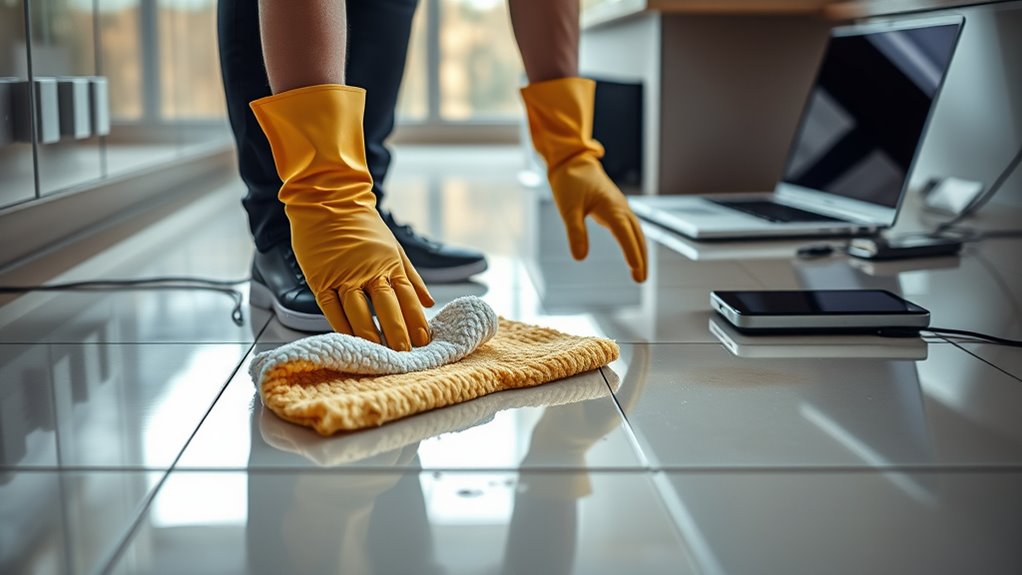

When mopping around electronics, always turn off and unplug devices to prevent water from causing a short circuit or damage. Use a damp, not soaking, mop and be cautious near outlets and cords, avoiding splashing water into electrical fixtures. Consider moving devices out of the way or covering them with plastic. After cleaning, thoroughly dry floors and devices before plugging back in to reduce moisture risks. Staying aware of these tips helps keep both your electronics and safety intact—you’ll find more helpful guidance below.
Key Takeaways
- Turn off and unplug electronics before mopping to prevent water contact and electrical hazards.
- Use a damp, not soaking, mop to minimize excess water near devices and outlets.
- Keep cords and wires away from the mop’s path to avoid damage and accidental water exposure.
- Cover or move electronic devices and outlets to protect them from splashes and moisture.
- Dry floors thoroughly after mopping, using fans or ventilation, before reconnecting electronic devices.
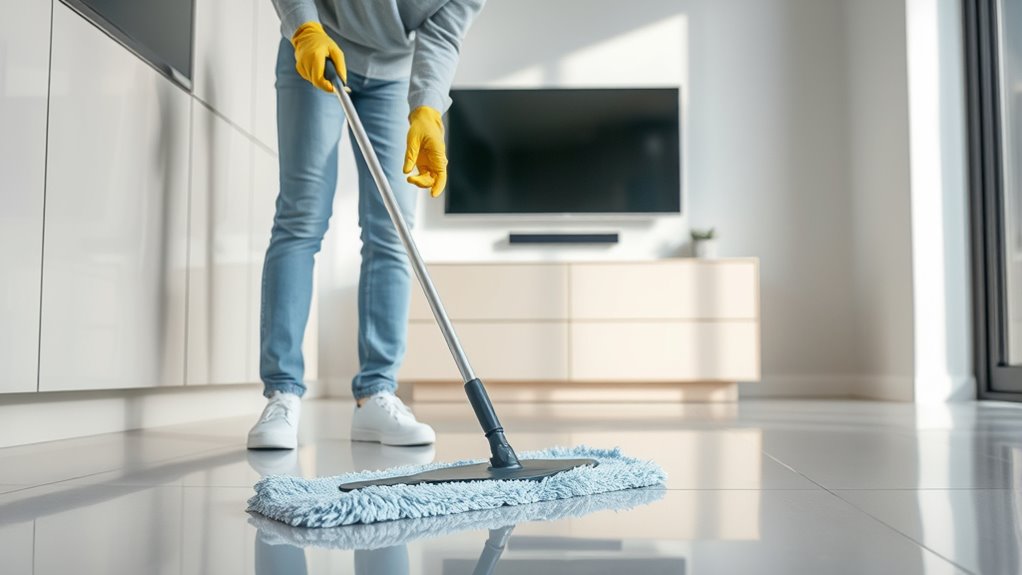
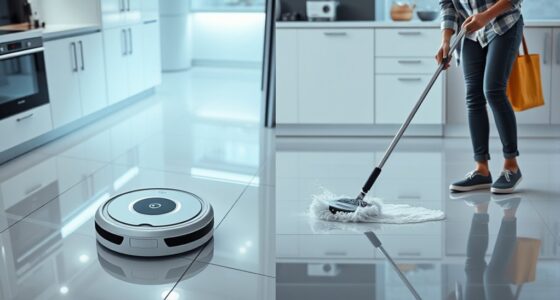
Mopping around electronics can be risky if you’re not careful, but with the right precautions, you can avoid accidents and damage. When you’re cleaning floors near devices like your TV, computer, or kitchen appliances, understanding electrical safety is essential. Water and electricity don’t mix well, and even a small splash can cause short circuits or damage your devices. To prevent this, always turn off and unplug electronics before you start mopping. This simple step reduces the risk of water coming into contact with electrical outlets or cords, keeping you safe and protecting your equipment.
Turning off and unplugging electronics before mopping helps prevent water damage and electrical hazards.
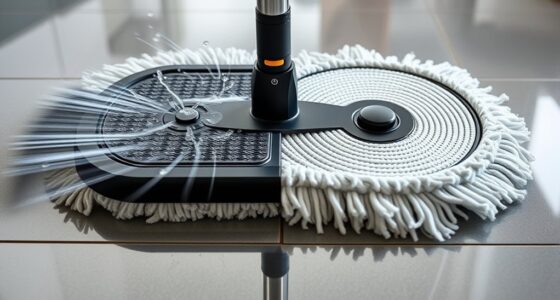
Water damage prevention is a key part of safe mopping. As you wipe floors, be mindful of where your mop head is in relation to outlets, power strips, and plugged-in devices. Use a damp, not soaking, mop—excess water can seep into electronics and cause harm. If you have to clean near an electronic device, consider moving it to a different spot or covering it with a plastic bag to shield it from splashes. This extra measure helps prevent water from reaching sensitive components and reduces the chance of costly repairs or replacements.
Pay attention to the placement of cords and wires. When mopping, you should avoid dragging your mop over electrical cords, as this can cause accidental disconnection or damage. Keep cords neatly out of the way, and if possible, elevate or secure them so they don’t become wet or pulled during cleaning. Also, be cautious with outlets—never splash water directly into them, and if you notice any signs of water near electrical fixtures, address the situation immediately. Ensuring your outlets are properly covered or protected during mopping adds an extra layer of safety.
Humidity and moisture levels in your home can also impact electrical safety. After mopping, ensure floors are thoroughly dried before plugging devices back in. Using fans or opening windows can help speed up the drying process, reducing the risk of residual moisture causing electrical issues later on. Remember, even a small amount of water can cause corrosion or short circuits if left unchecked. Additionally, understanding efficient general ledger coding can support better financial decision-making, including investments in safety equipment or repairs that prevent water damage.
Frequently Asked Questions
Can I Use a Steam Mop Near Electronics?
No, you shouldn’t use a steam mop near electronics. Steam mop risks include excess moisture that can seep into electronic devices, causing electronic damage. The high temperature and moisture from steam can short circuits or ruin delicate components. To protect your electronics, keep your steam mop at a safe distance and avoid direct contact. Always opt for dry cleaning methods around electronics to prevent costly repairs or replacements.
Is It Safe to Spray Cleaning Solutions on Electronics?
Spraying cleaning solutions on electronics risks electronic damage, even if it seems harmless. You shouldn’t spray cleaning chemicals directly onto devices because moisture can seep inside, causing short circuits or corrosion. Instead, use a damp cloth with minimal solution, ensuring no excess liquid drips into openings. Protect your electronics by avoiding direct sprays and opting for gentle cleaning methods, preserving their functionality and longevity.
How Often Should I Clean Around Electronic Devices?
You should clean around electronic devices at least once a month to prevent dust buildup. Regular cleaning helps reduce electronic dust, which can cause overheating and performance issues. Use a soft cloth or compressed air to remove dust safely without risking damage. Increase cleaning frequency if your environment is especially dusty or if you notice more dirt accumulating. Staying consistent guarantees your electronics stay in good shape and function properly over time.
What Protective Gear Is Recommended When Mopping Near Electronics?
Think of yourself as a knight guarding valuable treasures—you’ll want protective gear to keep your defenses strong. Wear waterproof gloves to shield your hands from splashes and a waterproof apron to protect your clothes from unexpected drips. These essentials act as your armor, ensuring you stay dry and safe while mopping near electronics. With the right gear, you can conquer spills without risking damage or shock.
Are There Specific Cleaning Products to Avoid Near Electronics?
You should avoid using harsh cleaning products like ammonia or bleach near electronics, as they can cause chemical reactions that damage sensitive components. Stay away from products that leave residue buildup, which can attract dust and interfere with device functioning. Instead, opt for a damp, soft cloth or electronics-safe cleaners. This prevents harmful reactions and residue, ensuring your electronics stay protected and operate smoothly after cleaning.
Conclusion
If you ignore these safety tips, you could turn your living room into a swimming pool for your electronics—imagine trying to rescue a dripping TV or a shocked laptop! Stay vigilant, keep your electronics completely dry, and never underestimate water’s power to cause chaos. One careless move could turn a simple mop job into a disaster movie starring your devices. Play it safe, and your electronics will thank you with years of worry-free service!