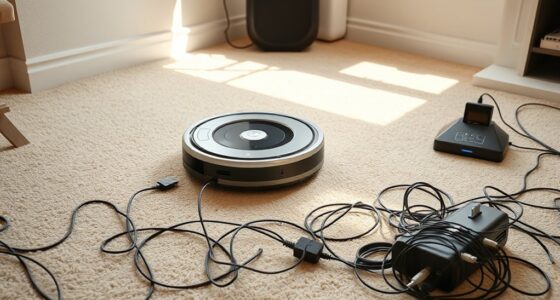
If your robot vacuum keeps getting stuck, it could be due to low battery health, dirty sensors, or cluttered environments. Check that the batteries are charged and replace them if needed, and clean the sensors regularly to guarantee proper navigation. Remove obstacles, tidy up tight corners, and consider rearranging furniture to improve movement. Maintaining the moving parts like wheels and brushes also helps. Keep these tips in mind to get your vacuum smoothly back on track. More useful fixes await as you explore further.
Key Takeaways
- Ensure batteries and charging contacts are clean and replace batteries before capacity diminishes significantly.
- Regularly clean obstacle sensors and check for damage to prevent misdetection.
- Clear clutter, rearrange furniture, and avoid tight corners or thick rug edges to improve navigation.
- Inspect and clean wheels and brushes to prevent mechanical hindrance and ensure smooth movement.
- Use mapping and virtual barriers to identify and avoid known trouble spots for better overall performance.
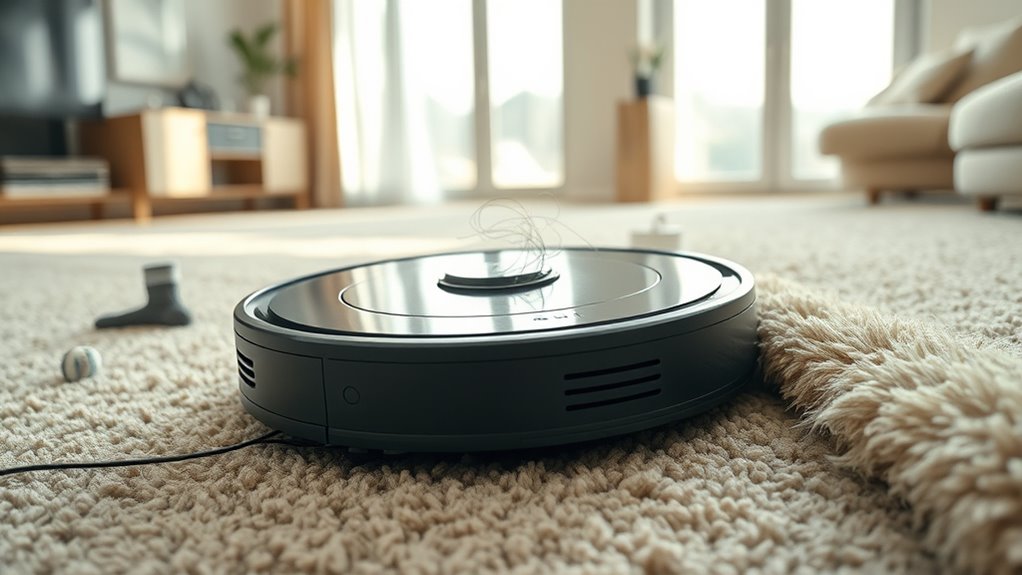
Having your robot vacuum get stuck can be frustrating, but thankfully, most issues are easy to fix. One common reason your vacuum keeps getting trapped is related to its battery maintenance. When the battery isn’t well-maintained, the vacuum might struggle to navigate properly, causing it to stall or get stuck frequently. Over time, batteries lose their ability to hold a charge, which can result in insufficient power for obstacle detection and navigation. To prevent this, make sure you’re regularly charging your vacuum and replacing the battery when it no longer holds a full charge. Keep the charging contacts clean and ensure the charging dock is functioning correctly, so your robot can recharge efficiently. Proper battery maintenance ensures your vacuum has enough power to complete its cleaning cycle and navigate around obstacles smoothly.
Obstacle detection is another essential factor. Many robot vacuums rely on sensors to identify and avoid objects in their path. If these sensors are dirty, blocked, or malfunctioning, your vacuum may fail to recognize obstacles, leading to repeated getting stuck in the same spots. Regularly inspect and clean the sensors with a soft cloth or a gentle brush to keep them free of dust, pet hair, or debris. Sometimes, the sensors may be misaligned or damaged, so check their positioning and replace them if necessary. Additionally, consider the placement of furniture, cords, or other objects that might be confusing your vacuum’s sensors. Removing clutter from the vacuum’s path or rearranging furniture can greatly improve obstacle detection and help your robot navigate more efficiently.
Another tip is to map out the cleaning area to identify potential trouble spots. If your vacuum consistently gets stuck in certain areas, examine those spots closely. Look for tight corners, thick rug edges, or uneven flooring that might interfere with its sensors or wheels. Adjusting the layout or using virtual barriers can help guide your vacuum away from these trouble zones. Also, ensure the wheels and brushes are clean and free of hair or debris, which can hinder movement and cause the vacuum to get stuck.
Frequently Asked Questions
Can Changing the Batteries Improve My Robot Vacuum’s Mobility?
Changing the batteries can definitely improve your robot vacuum’s mobility. Fresh batteries boost battery performance, ensuring the vacuum has enough power to navigate smoothly. Poor battery performance often leads to limited runtime and frequent stops. By upgrading or replacing batteries, you enhance power management, allowing your vacuum to cover more ground without getting stuck. Regularly check and maintain batteries to keep your robot functioning at its best and prevent mobility issues.
How Often Should I Update the Robot Vacuum’s Firmware?
Did you know that 85% of robot vacuum malfunctions can be prevented with timely firmware updates? You should update your robot vacuum’s firmware at least once every three months to guarantee peak performance. Staying on top of firmware updates is a key part of your maintenance routines, helping fix bugs, enhance navigation, and improve cleaning efficiency. Regular updates keep your device running smoothly and extend its lifespan.
Do Robot Vacuums Have a Recovery Mode After Getting Stuck?
Many robot vacuums have a recovery feature that activates after they get stuck. They use stuck detection to identify when they’re trapped and then attempt to free themselves or return to their charging dock. This robot vacuum recovery process helps prevent prolonged issues, saving you time and effort. If your vacuum lacks this feature, consider upgrading or manually assisting it when it gets stuck.
Can Specific Flooring Types Cause My Robot Vacuum to Get Stuck?
Imagine rugged carpet that fights your vacuum’s wheels or slippery hardwood that causes it to slide and stall. Yes, specific flooring types can make your robot get stuck. Rugged carpets with thick fibers or high pile can trap the vacuum, while slippery hardwood floors reduce traction. To fix this, adjust the cleaning mode, upgrade to a more capable model, or add rugs with better grip to prevent future mishaps.
Is There a Way to Prevent My Robot Vacuum From Entering Certain Areas?
You can prevent your robot vacuum from entering certain areas by setting virtual boundaries or restricted zones. Most models have a feature in their app that allows you to designate specific spaces as off-limits, ensuring your vacuum avoids those zones. Use these virtual boundaries to protect delicate items or keep it out of cluttered areas, making your cleaning routine more efficient and hassle-free.
Conclusion
Just like a seasoned explorer learns to navigate tricky terrain, you can master your robot vacuum’s quirks. By understanding its common pitfalls and applying simple fixes, you guarantee it moves smoothly, avoiding the pitfalls of being stuck. Remember, even the greatest adventurers faced obstacles—what matters is how they overcame them. So keep troubleshooting with patience and curiosity, and your vacuum will soon be gliding effortlessly, ready for its next adventure around your home.