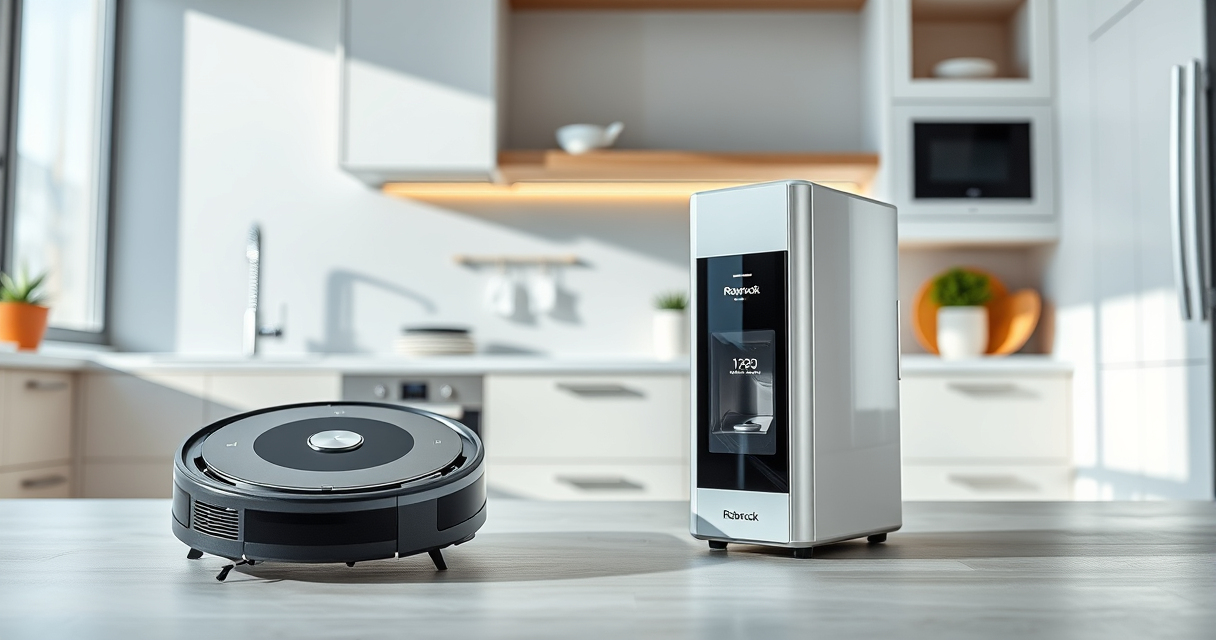
If you own a Roborock Q7 M5+ Robot Vacuum and Mop, regular maintenance and troubleshooting are essential to keep it performing at its best. This guide provides clear, practical steps to address common issues, perform routine care, and extend the lifespan of your device.
From cleaning blockages and replacing filters to software resets and brush maintenance, you’ll find detailed instructions to resolve problems safely and effectively. Proper upkeep ensures your robot continues to deliver thorough cleaning and reliable operation day after day.
Key Takeaways
| Routine Cleaning | Regularly clean brushes and sensors to prevent buildup. |
| Filter Care | Wash or replace filters every 1-3 months for optimal suction. |
| Battery & Charging | Ensure charging contacts are clean for proper power. |
| Software & Connectivity | Reboot or reset the device if connectivity issues occur. |

roborock Q7 M5+ Robot Vacuum and Mop, Up to 7-9 Weeks Self-Empty, 10000Pa
- Long-lasting Self-Emptying: Up to 7-9 weeks with 2.7L dust bag
- Powerful Suction: 10000Pa for deep cleaning
- Anti-Tangle System: Dual design resists pet hair wrap
As an affiliate, we earn on qualifying purchases.
Initial Troubleshooting Steps
- Check for Obstructions: Inspect the main brush, side brushes, and wheels for tangled hair, debris, or blockages. Remove any obstructions carefully.
- Ensure Proper Charging: Make sure the charging dock is connected properly, and the robot’s contacts are clean. Restart the charger if necessary.
- Perform a Restart: Turn off the robot via the app or power button, then turn it back on after a minute to reset the system.
Cleaning and Maintenance of Components
- Brushes: Remove the main brush and side brushes weekly. Clear tangled pet hair and debris. Use a cleaning tool or scissors carefully to cut away hair if needed.
- Filters: Wash the washable HEPA filter every 1-3 months, ensuring it is completely dry before reinstalling. Replace filters if they appear damaged or excessively dirty.
- Sensors & Bumpers: Wipe sensors and bumpers with a soft, dry cloth to maintain accurate navigation and obstacle detection.
Addressing Connectivity and App Issues
- Ensure Wi-Fi Connection: Confirm your robot is within range of your Wi-Fi network. Reboot your router if needed.
- Re-establish Connection: Remove the robot from the app, then re-pair it following the app instructions.
- Update Firmware: Check for firmware updates through the app to fix bugs and improve performance.
Replacing Wearable Parts and Accessories
Over time, parts like filters and mop pads require replacement. Use compatible accessories such as the 4 Pack Washable Filter for optimal filtration and the ViewAll 6 Pack Reusable Mop Pads for effective mopping. Always verify compatibility with your specific model before purchasing.
Preventative Care and Tips for Longevity
- Schedule Regular Cleaning: Set weekly routines for filter washing, brush cleaning, and sensor wiping.
- Store Properly: Keep your robot in a cool, dry place when not in use for extended periods.
- Avoid Water Damage: Ensure mop pads are properly attached and do not allow excess water to seep into electronic components.
The Products in This Guide

roborock Q7 M5+ Robot Vacuum and Mop
- ✔ Weight: 8 kg
- ✔ Dimensions: 35 x 35 x 9 cm
- ✔ Charge Time: Approx. 4 hours

4 Pack Washable Filter
- ✔ Weight: 50 g per filter
- ✔ Size: Approx. 10 x 10 cm
- ✔ Material: HEPA fiber
roborock Q7 M5+ Robot Vacuum and Mop
<p>The Roborock Q7 M5+ offers powerful suction, up to 7-9 weeks of self-emptying, and advanced navigation. Its dual anti-tangle system is ideal for pet owners, and app control makes it easy to customize cleaning routines.</p><p>With a 2.7L sealed dust bag and 10,000Pa suction, it handles pet hair, dirt, and debris efficiently. Regular care ensures sustained performance and longevity.</p>
Pros:
- Long self-emptying intervals
- Strong suction power
- Pet hair anti-tangle system
- Advanced LiDAR navigation
Cons:
- Requires proper filter maintenance
- Can be a bit noisy during operation
- Initial setup may be complex for new users
Best for: Pet owners, busy households, allergy sufferers
Not ideal for: Users needing ultra-quiet operation or very budget-friendly options
Bottom line: A high-performance robot vacuum with impressive self-emptying capabilities.
4 Pack Washable Filter
<p>This 4 Pack Washable Filter set offers an excellent replacement for your Roborock filters. Engineered to match OEM performance, these filters help maintain high suction and air quality with regular washing.</p><p>They are compatible with various models including the Q7, Q7 Max, and Q5 Pro, making them a versatile choice for ongoing maintenance.</p>
Pros:
- Keeps filtration system clean
- Washable and reusable
- Easy to install
- Compatible with multiple models
Cons:
- May require frequent washing
- Not OEM, slight variation in fit
- Washing reduces filter lifespan over time
Best for: Regular filter maintenance, pet owners, allergy sufferers
Not ideal for: Expecting OEM-specific performance or extremely infrequent replacement
Bottom line: A reliable, cost-effective filter set to keep your robot’s air clean.
Frequently Asked Questions
How often should I clean the brushes on my Roborock Q7 M5+?
It’s recommended to clean the main brush and side brushes weekly to prevent hair buildup and maintain optimal cleaning performance.
What should I do if my robot is not connecting to the app?
Ensure your Wi-Fi is functioning correctly, restart the robot and your router, then re-pair the device following the app instructions. Updating the firmware can also resolve connectivity issues.
Can I wash the filters and mop pads?
Yes, the washable HEPA filters and microfiber mop pads can be washed and reused multiple times. Make sure they are completely dry before reinstalling to prevent mold.
Why is my vacuum losing suction?
Check for blockages in the brushes, filters, and suction path. Clean or replace filters if dirty, and clear any tangled hair from the brushes.
How do I reset my Roborock if it gets stuck or unresponsive?
Turn off the robot, wait for a minute, then turn it back on. You can also perform a factory reset via the app if needed, but note that this will erase saved settings.
Keep Your Roborock Running Like New
Regular maintenance and troubleshooting are key to ensuring your Roborock Q7 M5+ continues to deliver powerful cleaning and reliable performance. By following these simple steps—cleaning brushes, maintaining filters, updating software, and checking connections—you can prevent many common issues and extend the life of your device.
Remember, staying proactive with routine care will save you time and money in the long run, keeping your home spotless with minimal effort.
Affiliate disclosure: As an Amazon Associate we earn from qualifying purchases. Prices and availability are accurate as of the time of publishing.