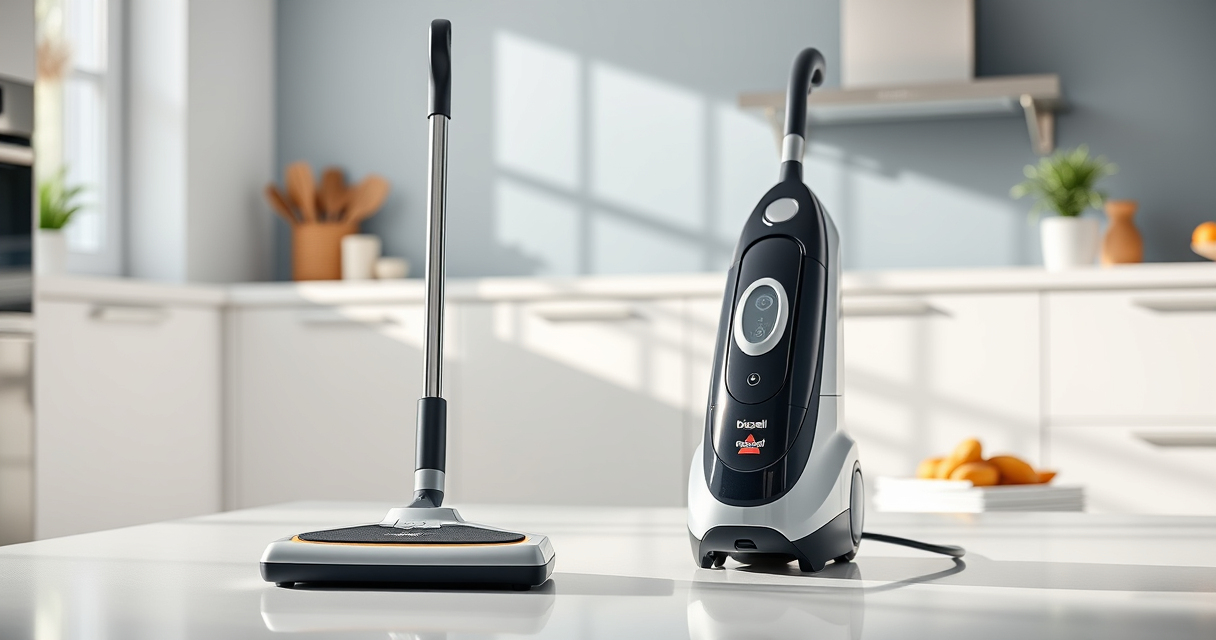
If your Bissell carpet cleaner is not pulling up water or dirt, it can be frustrating and hinder your cleaning efforts. Often, the cause is a simple blockage, a clogged filter, or a worn-out part. This guide walks you through practical, safe steps to restore your cleaner’s suction power and get it back to peak performance.
Before starting, ensure your cleaner is unplugged and you have basic tools like a screwdriver, a soft brush, and clean water ready.
Key Takeaways
| Check for Blockages | Clear any clogs in hoses and nozzles. |
| Inspect Filters | Clean or replace dirty filters. |
| Examine the Brush Roll | Remove and clean the brush roll for debris. |
| Verify Water Tank and Connections | Ensure tanks are seated properly and hoses are connected securely. |

BISSELL ProHeat 2X Revolution Pet Turbo Upright Carpet Cleaner, 35799
- Powerful Suction: 40% more suction with TurboStrength motor
- Quiet Operation: 50% noise reduction for quieter cleaning
- Max Clean Mode: Removes dirt, stains, and allergens
As an affiliate, we earn on qualifying purchases.
Step 1: Power Off and Unplug
Always disconnect your Bissell cleaner from the power outlet before performing any maintenance or troubleshooting. This prevents electrical shock and accidental activation.
Step 2: Check and Clear Blockages
- Inspect the hose and nozzles for debris or clogs. Detach hoses if possible.
- Use a long, flexible brush or a straightened wire to gently clear any obstructions.
- Ensure all nozzles are free of buildup and debris.
Step 3: Clean or Replace Filters
- Remove the filters from the cleaner, typically located near the water tanks or behind access panels.
- Wash the filters with warm water and a mild detergent if they are washable. Let them dry completely before reinstalling.
- If filters are worn out or damaged, replace them with compatible ones such as the JORAIR Brush Replacement.
Step 4: Examine the Brush Roll
Remove the brush roll according to your model’s manual. Clean off hair, threads, and debris wrapped around the bristles. This ensures maximum contact with the carpet surface and proper suction.
Step 5: Check Water Tanks and Connections
Ensure the clean water tank and solution tank are correctly seated and securely snapped into place. Check hoses for kinks or loose connections that could restrict airflow or water flow.
The Products in This Guide

BISSELL ProHeat 2X Revolution Pet Turbo Upright Carpet C
- ✔ Weight: 18 lbs
- ✔ Cord Length: 25 ft
- ✔ Tank Capacity: 1.25 gallons

JORAIR Brush Replacement Compatible
- ✔ Weight: 1.2 lbs
- ✔ Color: White
- ✔ Durability: Long-lasting synthetic fibers
BISSELL ProHeat 2X Revolution Pet Turbo Upright Carpet C
The BISSELL ProHeat 2X Revolution Pet Turbo is designed for powerful cleaning, featuring TurboStrength Motor Technology that offers 40% more suction power. Its MAX Clean Mode tackles embedded dirt and stains, making it ideal for deep cleaning pet messes.
Pros:
- Powerful suction with TurboStrength Motor
- Effective pet stain removal
- Quiet operation with noise reduction
- Fast drying with Express Clean Mode
Cons:
- Heavy compared to some models
- Requires regular filter cleaning
- Higher initial cost
Best for: Pet owners and deep carpet cleaning
Not ideal for: Light cleaning tasks or small spaces
Bottom line: A powerful, pet-friendly upright cleaner for professional-grade results.
JORAIR Brush Replacement Compatible
The JORAIR Brush Replacement Compatible with Bissell CrossWave ensures your machine maintains optimal cleaning performance. It fits various CrossWave models and helps restore suction by keeping the brush area debris-free.
Pros:
- Compatible with multiple CrossWave models
- Easy to install
- Helps restore cleaning efficiency
- Includes filters and cleaning brush
Cons:
- Specific to CrossWave models
- Not a universal part
- Requires checking compatibility before purchase
Best for: Maintaining brush efficiency and suction
Not ideal for: Non- compatible models or handheld units
Bottom line: Affordable, effective replacement to keep your CrossWave performing.
Frequently Asked Questions
Why does my Bissell cleaner have no suction?
Common causes include clogged hoses or filters, a blocked nozzle, or a full water tank. Troubleshooting these issues can restore suction.
How often should I clean the filters?
It’s best to clean filters after every few uses, or when you notice a decrease in suction. Replace them if worn or damaged.
Can I use other cleaning solutions with my Bissell?
Use only the cleaning solutions recommended by Bissell, such as the Multi-Surface Solution, to avoid damage and ensure optimal performance.
What should I do if the suction still doesn’t improve?
Check for blockages, clean or replace filters, inspect the brush roll, and verify all connections. If the problem persists, contact customer service.
Getting Your Carpet Cleaner Back in Action
By following these troubleshooting steps, you can often resolve no-suction issues with your Bissell carpet cleaner without the need for professional repair. Regular maintenance, such as cleaning filters and removing debris from the brush roll, will help keep your cleaner performing at its best. If problems persist, consider replacing worn parts with compatible accessories to ensure a thorough, professional clean every time.
Affiliate disclosure: As an Amazon Associate we earn from qualifying purchases. Prices and availability are accurate as of the time of publishing.