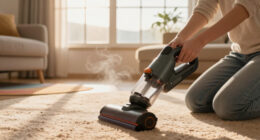

If your Dyson cordless vacuum isn’t providing suction, it can be frustrating. Often, the issue stems from blockages, dirty filters, or battery problems. This guide walks you through practical, safe steps to diagnose and fix suction issues on your Dyson V15 Detect™ Origin.
Open a free Amazon Business account
Business pricing, bulk buying and tax-exempt orders.
Create a free accountAs an affiliate, we earn on qualifying purchases.
Follow these steps carefully to restore your vacuum’s performance and keep your home clean efficiently.
Key Takeaways
| Common causes | Blockages, dirty filters, or full dustbin can cause no suction. |
| Filter maintenance | Regular cleaning of filters restores suction power. |
| Check for blockages | Inspect the wand, cleaner heads, and hose for obstructions. |
| Battery and power | Ensure the battery is charged and the power trigger functions properly. |
Step 1: Turn Off and Unplug Your Dyson
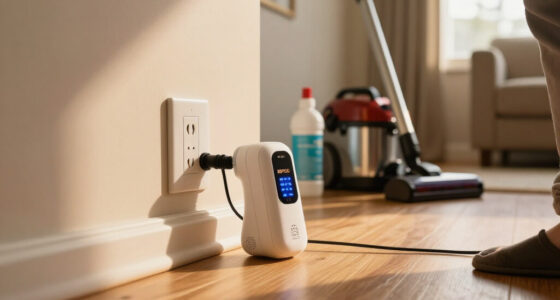
Before inspecting or attempting any fixes, turn off your Dyson V15 Detect™ Origin vacuum and remove it from charging or power source. Safety first to prevent injury or damage during troubleshooting.
Step 2: Empty the Dustbin
- Press the dustbin release button and remove the bin from the vacuum.
- Empty the contents into a trash bin.
- Check for any debris stuck in the dustbin or the cyclone chamber.
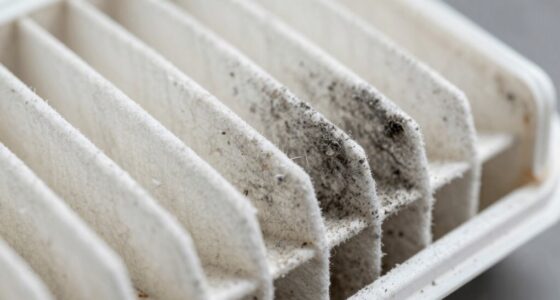
Step 3: Check and Clean the Filters
- Remove the pre-filter and main filter as per the user manual.
- Rinse the filters under cold water until clean, then let them air dry completely (24 hours recommended).
- Reinstall the filters once dry.
Step 4: Inspect for Blockages
- Detach the wand and cleaner heads.
- Check the wand, cleaner heads, crevice tool, and hose for obstructions or tangled debris.
- Use a flexible brush or cloth to clear out any blockages gently.
Step 5: Test the Vacuum
After cleaning filters and removing blockages, turn the vacuum back on. Check if the suction has improved. If not, proceed to check the battery or contact support.
The Products in This Guide

Dyson V15 Detect™ Origin Cordless Vacuum
- ✔ Max Power: Variable based on debris detection
- ✔ Weight: Approx. 6.8 lbs
- ✔ Run Time: Up to 60 minutes

LANMU Crevice Tool Vacuum Attachments Compatible
- ✔ Compatibility: Multiple Dyson models
- ✔ Material: Plastic
- ✔ Length: Approx. 12 inches
Dyson V15 Detect™ Origin Cordless Vacuum
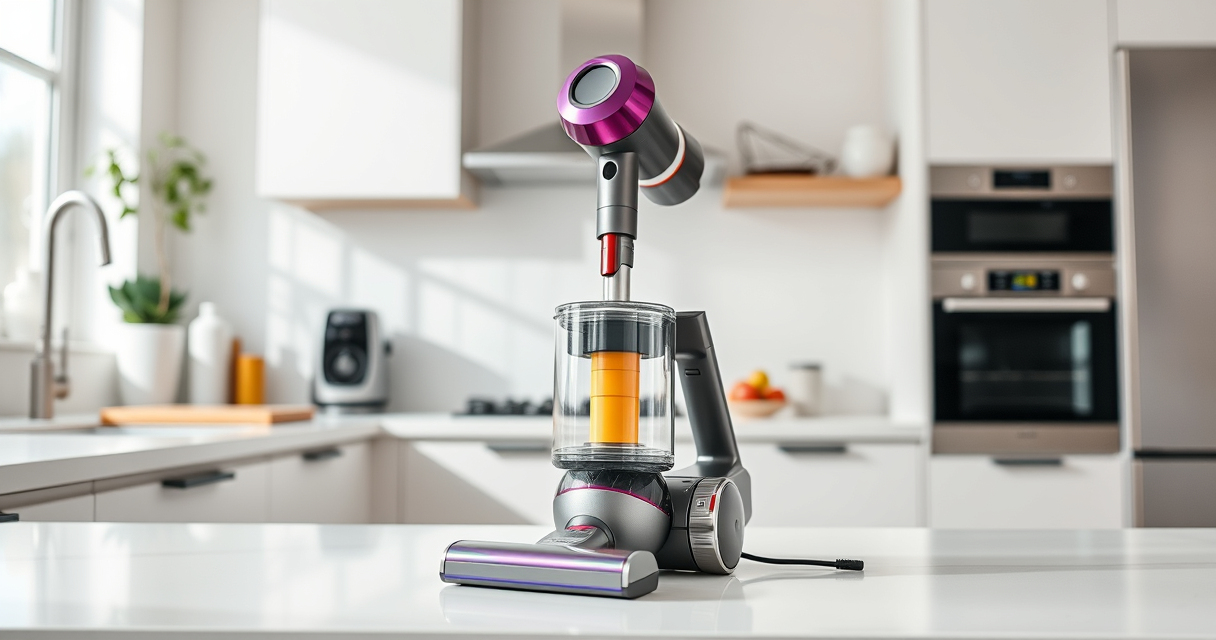
The Dyson V15 Detect™ Origin Cordless Vacuum is designed for powerful, intelligent cleaning. Regularly checking filters, clearing blockages, and maintaining the dustbin helps ensure optimal suction performance.
Pros:
- Powerful suction
- Smart debris detection
- Long battery life
- Versatile cleaning modes
Cons:
- Filters require regular cleaning
- Potential for blockages in wand
- Filters can be tricky to reassemble
Best for: Whole-home deep cleaning, pet hair, hard-to-reach spaces
Not ideal for: If filters are damaged or vacuum has electrical issues
Bottom line: Regular maintenance keeps your Dyson V15 cleaning at peak performance.
LANMU Crevice Tool Vacuum Attachments Compatible
The LANMU Crevice Tool Vacuum Attachments expand your Dyson’s reach, making it easier to clean tight corners, car interiors, and difficult spot areas. Compatible with multiple Dyson models, it’s a practical addition.
Pros:
- Narrow nozzle for tight spaces
- Flexible and easy to maneuver
- High compatibility
- Durable materials
Cons:
- Additional attachment to store
- May require careful handling
Best for: Cleaning corners, car interiors, and narrow gaps
Not ideal for: For general large surface cleaning
Bottom line: A versatile accessory that extends your Dyson’s cleaning reach.
Frequently Asked Questions
Why does my Dyson vacuum have no suction?
Common reasons include clogged filters, blockages in the wand or hose, a full dustbin, or filter buildup. Regular maintenance and inspection usually resolve these issues.
How often should I clean the filters?
It’s recommended to rinse and dry filters every 2-3 months, depending on usage, to maintain optimal suction.
What should I do if cleaning and checking filters don’t fix the problem?
If issues persist, inspect the entire airflow path for blockages, ensure the dustbin is empty, and verify the battery charge. Contact Dyson support if needed.
Can I use any filters with my Dyson V15?
Use only filters specified for your model, such as the ones included or recommended by Dyson, to ensure proper fit and performance.
Keep Your Dyson V15 in Top Shape
Regularly maintaining filters, clearing blockages, and monitoring the dustbin can prevent suction loss. If problems persist despite these steps, professional servicing may be necessary. A well-maintained Dyson will serve you efficiently for years to come.
Affiliate disclosure: As an Amazon Associate we earn from qualifying purchases. Prices and availability are accurate as of the time of publishing.
NFL season / tailgating Picks
team gear
As an affiliate, we earn on qualifying purchases.