Cliff sensor errors on dark rugs happen because the sensors rely on reflected light to detect edges, and dark surfaces absorb much of this light, causing false alarms. To fix this, try adjusting the sensor height, keep the area well-lit, or place a light-colored rug in problematic spots. Regular calibration helps too. For more tips on solving these issues and improving your vacuum’s navigation, keep exploring these simple workarounds.
Key Takeaways
- Adjust the sensor height or sensitivity to improve edge detection over dark rugs.
- Use light-colored rugs or mats to increase contrast and reduce false cliff alarms.
- Regularly clean sensors to remove dust and smudges that cause misfires on dark surfaces.
- Block problematic areas with boundary strips or virtual walls to prevent sensor confusion.
- Recalibrate sensors after changes and consider professional help if errors persist.
Why Do Dark Rugs Trigger Your Robot Vacuum’s Cliff Sensors?
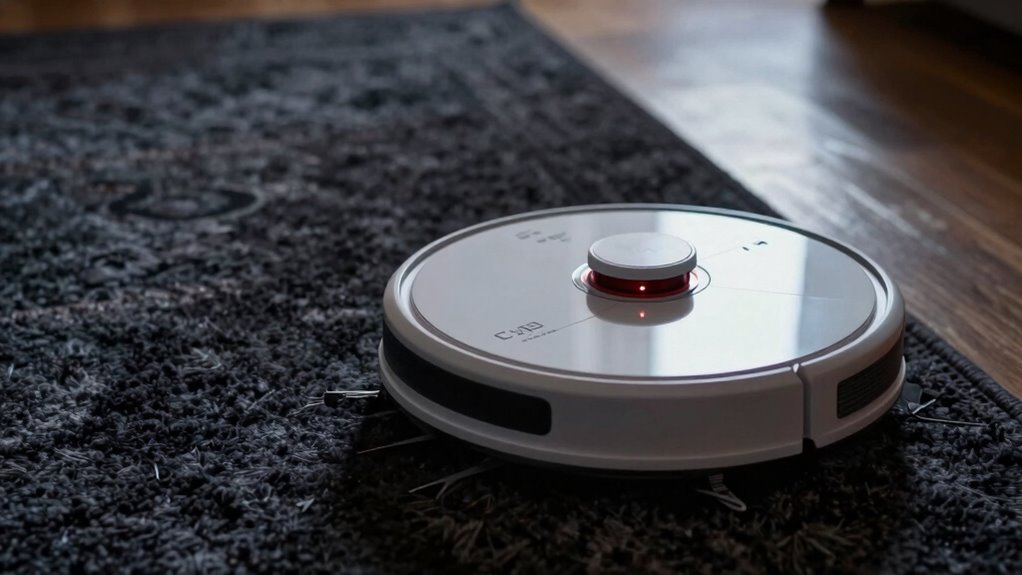
Dark rugs often cause robot vacuum’s cliff sensors to misfire because these sensors rely on reflected light to detect surfaces. When the sensors scan a dark rug, the floor absorbs much of the light, making it harder for them to distinguish between the surface and a drop-off. Improper sensor calibration can exacerbate this issue, as the sensors aren’t tuned to interpret low-reflectivity surfaces correctly. Additionally, the floor texture plays a role; smooth, dark surfaces reflect less light, confusing the sensors further. To fix this, you need to recalibrate your vacuum’s sensors regularly and understand how different floor textures impact sensor readings. This knowledge about sensor calibration can help you optimize your vacuum’s performance. Regularly updating your sensor settings ensures the sensors adapt to various surfaces. This way, your robot can better recognize dark rugs and avoid false cliff detections.
How Reflective and Deep-Colored Floors Trick Your Vacuum’s Sensors
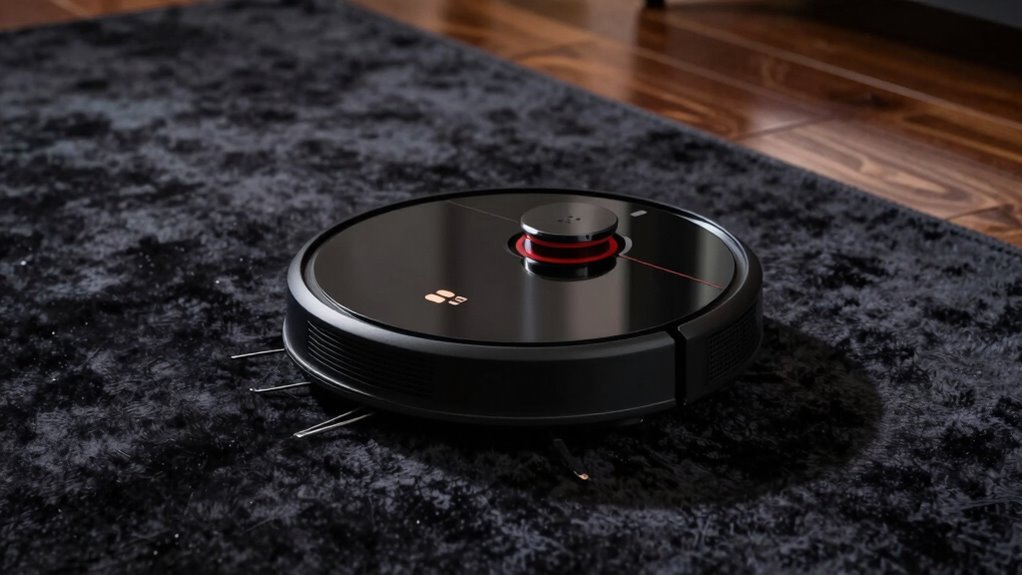
Reflective and deep-colored floors can also trick your vacuum’s sensors, causing it to misjudge the surface beneath. High floor reflectivity, like shiny tiles or polished wood, confuses the sensors by bouncing back more light than typical floors, leading the vacuum to think it’s approaching a drop-off. Similarly, dark-colored floors or carpets with rich, deep hues absorb more light, making sensors interpret the surface as a cliff or stairs. This misinterpretation triggers unnecessary cliff sensors errors, stopping your vacuum prematurely. Carpet color also plays a role; darker or highly reflective surfaces can interfere with sensor accuracy. Understanding how floor reflectivity and carpet color influence sensor readings helps you avoid false alarms. Proper adjustments or surface modifications can improve your vacuum’s navigation and reduce cliff sensor errors. Using reflective surfaces or dark-colored carpets can make navigation more challenging for your robot vacuum. Additionally, sensor calibration can help your device better distinguish between actual drops and surface variations, especially when considering sensor technology and its limitations. Recognizing how floor reflectivity impacts sensor performance allows you to choose flooring options that minimize navigation issues. Being aware of light reflection from various surfaces enables more informed decisions for optimal vacuum operation.
Easy Ways to Prevent Cliff Sensor Errors on Dark Rugs
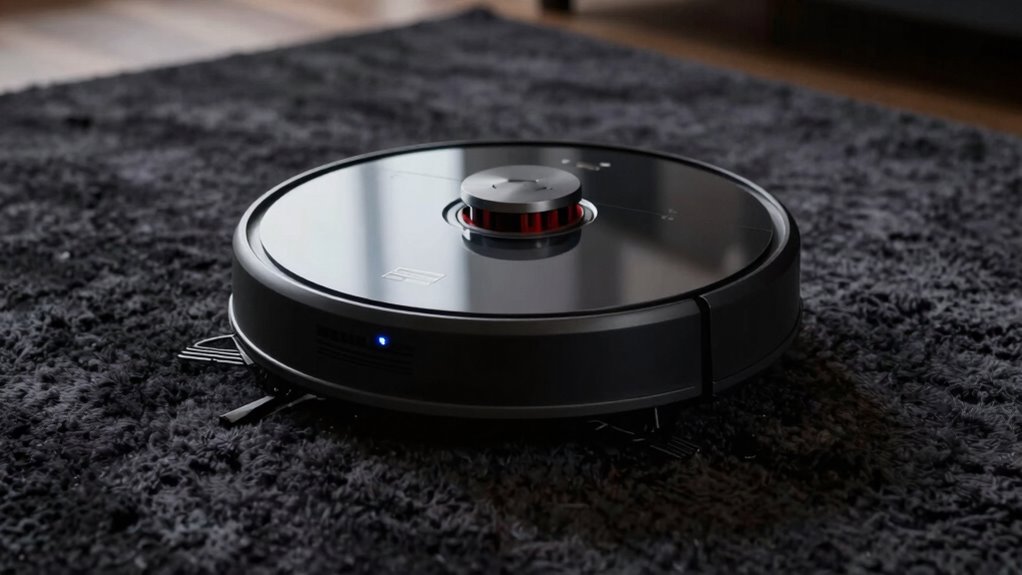
To prevent cliff sensor errors on dark rugs, start by adjusting the sensor height so it can better detect edges. You can also place light-colored rugs or mats in problematic areas to improve sensor accuracy. These simple steps make it easier for your vacuum to navigate safely without false cliff signals. Additionally, ensuring your home environment is well-organized can reduce the chances of sensor confusion caused by unexpected obstacles. Incorporating humidity control techniques, such as maintaining optimal humidity levels, may also promote a calmer environment that minimizes sensor interference. Maintaining a consistent lighting environment can further enhance sensor performance and reduce false detections. Regularly cleaning your sensors and checking for obstructions can also help maintain accurate cliff detection.
Adjust Sensor Height
Adjusting your sensor height is one of the simplest ways to prevent cliff sensor errors on dark rugs. When you modify the height, you improve sensor calibration, helping it better distinguish between the rug and drop-offs. If the sensor is too low, it might mistake the dark surface for a cliff, causing unnecessary pauses or stops. Raising or lowering the sensor ensures it detects obstacles accurately without false alarms. Make small adjustments and test the robot’s obstacle detection in different areas. Proper sensor height helps maintain consistent navigation and prevents errors caused by dark surfaces. Regularly checking and calibrating the sensors ensures your vacuum operates smoothly, even on challenging dark rugs. This simple step can save you time and frustration during cleaning sessions. sensor calibration is essential for maintaining optimal obstacle detection performance on different surfaces. Additionally, understanding how sensor sensitivity impacts detection can further improve your device’s accuracy. Ensuring the sensor alignment is correct can also significantly reduce false cliff detections and improve overall navigation. Furthermore, sensor placement plays a crucial role in achieving precise obstacle detection and avoiding false alarms. Properly adjusting the sensor height can also help prevent inconsistent readings caused by surface variations.
Use Light-Colored Rugs
Using light-colored rugs can substantially reduce cliff sensor errors caused by dark surfaces. When your rug has a high color contrast with your vacuum’s sensors, it’s easier for the device to distinguish the edge and avoid false signals. Light hues like beige, cream, or pastel shades improve sensor calibration, helping the cliff sensors accurately detect drops. This contrast adjustment can also help maintain sensor calibration over time. Additionally, a light-colored rug reduces the need for frequent adjustments or recalibration of the sensors. Improving sensor performance through contrast adjustment ensures your vacuum operates more reliably and safely. Since some vacuums have adjustable sensitivity settings, increasing the contrast with light-colored rugs can enhance their detection accuracy. By choosing rugs with a clear contrast to the floor, you make it easier for your vacuum to perform reliably, preventing cliff sensor errors and ensuring thorough, safe cleaning without unnecessary interruptions. Incorporating contrast enhancement techniques can further optimize sensor detection in various home environments. To maximize effectiveness, regularly cleaning the sensors can help maintain sensor clarity and consistent performance.
How to Adjust Your Robot Vacuum’s Settings for Better Navigation
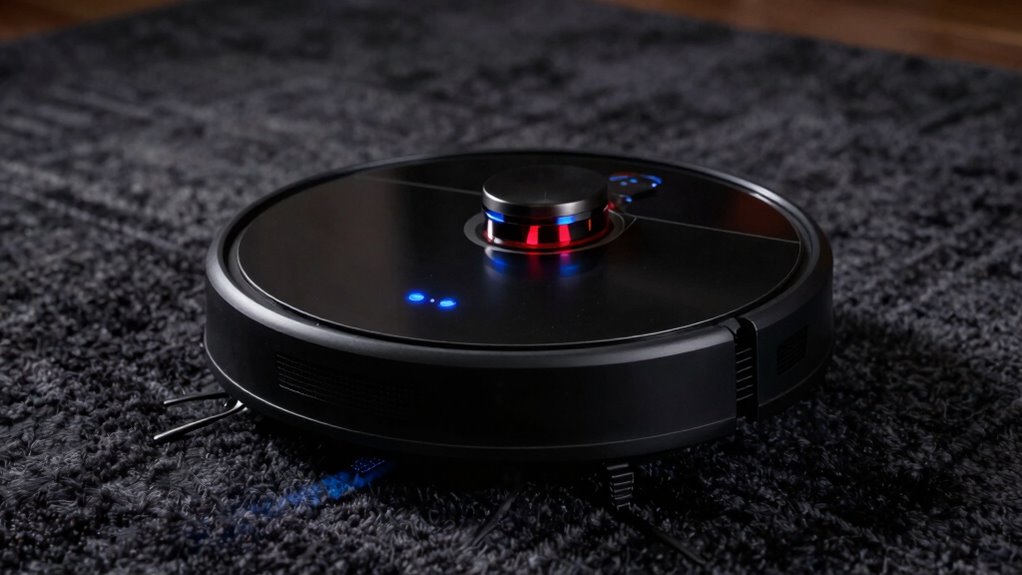
Dark rugs can often confuse your robot vacuum’s sensors, causing navigation errors or missed spots. To improve performance, start with sensor calibration, ensuring the sensors are clean and properly aligned. Many vacuums have settings to adjust obstacle detection sensitivity—lowering it can help the robot better recognize dark surfaces without false cliff signals. Check your user manual for specific calibration options or app controls; some models allow you to tweak obstacle detection parameters directly. Also, consider updating your firmware, as manufacturers often release improvements to better handle tricky surfaces. Proper sensor calibration is essential for maintaining accurate navigation on challenging surfaces. Additionally, reviewing your cookie preferences can ensure your device communicates optimally with the robot’s app, enhancing configuration options. Regularly inspecting and cleaning your sensors can prevent false signals and improve overall navigation. For optimal results, it’s also helpful to understand how sensor technology works and how it interacts with different flooring types. By optimizing these settings, you help your vacuum navigate more accurately, avoid false cliff alerts, and thoroughly clean your dark rugs without unnecessary interruptions.
Simple Tips to Keep Your Vacuum From Falling on Dark or Shiny Floors
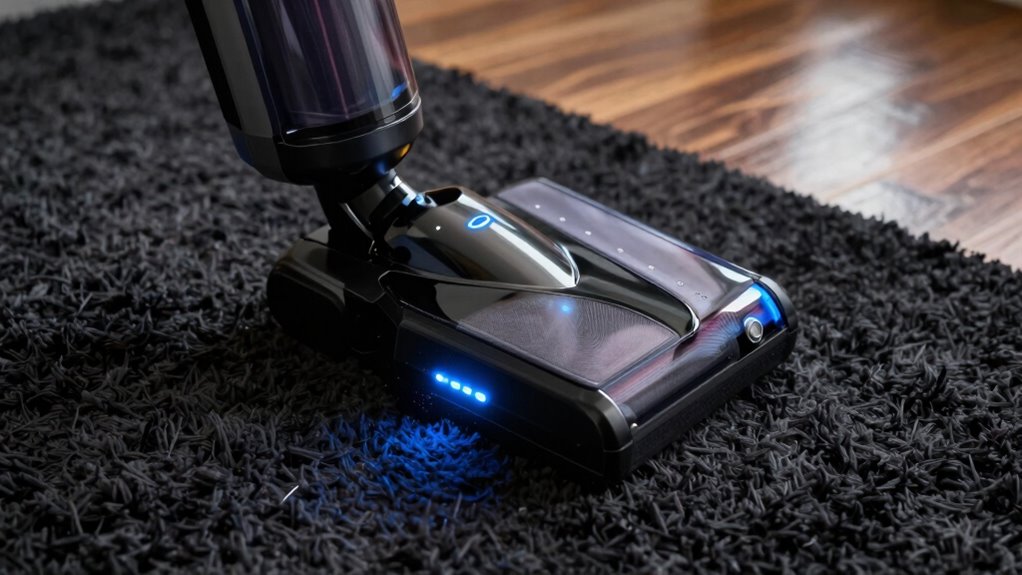
When your robot vacuum keeps falling on dark or shiny floors, it’s often due to sensors misinterpreting these surfaces as drops or cliffs. To prevent this, start with sensor calibration by cleaning the sensors regularly to remove dust and smudges, ensuring accurate obstacle detection. You can also manually calibrate sensors if your model allows, which helps the vacuum better distinguish between actual drops and reflective surfaces. Avoid placing the vacuum on shiny or dark floors for extended periods, or use boundary strips or virtual walls to block off problematic areas. Proper obstacle detection relies on clear sensors; keeping them clean and well-calibrated minimizes false cliff alerts. These simple steps considerably reduce the risk of your vacuum falling unnecessarily on dark or shiny floors. Additionally, understanding how solar system safety features work can help you recognize how sensors are designed to detect obstacles and prevent accidents. Regular maintenance and awareness of sensor calibration techniques are key to optimal performance.
When to Seek Professional Help or Hardware Fixes

If your vacuum still struggles with dark rugs despite troubleshooting, it might be time to seek professional help. Look for signs like persistent errors, mechanical issues, or if replacing parts appears necessary. Knowing when to call in experts or consider hardware fixes can save you time and ensure your vacuum works properly.
Signs You Need Help
Sometimes your robotic vacuum’s cliff sensors can give false readings, especially on dark rugs, which can lead to missed spots or unnecessary stops. If cleaning becomes inconsistent despite cleaning regularly, it might be time to seek help. Signs include persistent false alarms, difficulty with sensor calibration, or needing multiple software updates without improvement. If your vacuum frequently stalls or stops unexpectedly, hardware issues could be at fault. Keep an eye on these indicators:
| Symptom | Possible Cause | Action Needed |
|---|---|---|
| False cliff detections | Dirty or misaligned sensors | Clean sensors, recalibrate |
| Repeated stops | Outdated software | Perform software updates |
| Inconsistent cleaning | Hardware malfunction | Seek professional help |
| Unable to recalibrate | Sensor damage | Hardware repair needed |
When to Replace Hardware
Deciding to replace your vacuum’s hardware is necessary when persistent cliff sensor errors on dark rugs remain after attempting sensor calibration or firmware updates. If recalibrating the sensors or updating the firmware doesn’t resolve the problem, it signals a hardware failure that can’t be fixed with software tweaks alone. In this case, seeking professional help is your best option. A technician can diagnose whether the sensors or their connections need replacing or if the device’s main board has issues. Replacing faulty sensors or upgrading internal components ensures your vacuum functions correctly without false cliff detections. Trusting experts to handle hardware replacements will save you time and prevent further damage, especially when software solutions no longer suffice.
Professional Troubleshooting Tips
When persistent cliff sensor errors on dark rugs don’t respond to recalibration or software updates, it’s time to contemplate professional help. If adjusting sensor calibration or installing the latest firmware doesn’t fix the issue, a hardware problem may be involved. A technician can diagnose whether the sensors need cleaning, realignment, or replacement. Don’t attempt complex repairs yourself, as improper handling could worsen the problem. Seek professional troubleshooting to ensure your robot vacuum’s sensors are functioning properly and to prevent further errors. They can also verify if software updates were correctly applied or if a hardware fix is necessary. Ultimately, if your troubleshooting efforts stall, consulting a professional ensures your device is properly repaired and your dark rug issue is resolved efficiently.
Frequently Asked Questions
Can Replacing the Cliff Sensors Fix the Problem Permanently?
Replacing the cliff sensors can fix the problem permanently if the sensors are damaged or malfunctioning. However, before replacing, you should try recalibrating the sensors, as misalignment can cause errors. Proper sensor calibration often resolves the issue without the need for replacement. If recalibration doesn’t work, then sensor replacement is the best option for a long-term fix and to prevent future cliff sensor errors on dark rugs.
Do All Robot Vacuums Have Adjustable Sensor Settings?
Think of your vacuum’s sensors as a finely tuned orchestra; not all have the same instruments or settings. Many robot vacuums do offer adjustable sensor calibration, allowing you to tweak sensor placement or sensitivity. This flexibility helps prevent errors like cliff sensor misreads over dark rugs. Check your model’s manual or app settings to see if you can calibrate or adjust sensors, ensuring smoother navigation and better cleaning performance.
Are There Specific Rugs or Flooring Types That Cause Fewer Errors?
You’ll find that light-colored or patterned rugs typically cause fewer dark rug issues with your robot vacuum’s sensors. When it comes to flooring compatibility, smooth, even surfaces like hardwood or tile are less likely to trigger errors. Dark rugs often confuse sensors, so choosing lighter or textured flooring can improve performance. Always check your vacuum’s specifications to guarantee it works well with your specific flooring type for ideal results.
How Often Should I Clean the Sensors to Prevent Errors?
You should clean your sensors weekly to prevent errors and guarantee peak performance. Regular sensor cleaning removes dust, hair, and debris that can interfere with error detection, especially on dark rugs. Use a soft, dry cloth or a gentle brush to keep sensors clear. Consistent error prevention through regular sensor cleaning helps your device navigate smoothly and avoid false cliff sensor errors, maintaining efficient operation around dark flooring surfaces.
Is It Safe to Disable Cliff Sensors Temporarily?
It’s not safe to disable your cliff sensors temporarily because it can compromise your robot’s safety and lead to falls or damage. Instead, focus on proper sensor calibration and cleaning to prevent errors. Regular maintenance guarantees accurate detection of stairs or drops without risking safety. If you’re experiencing persistent issues, consult the manufacturer’s guidelines or customer support for safe troubleshooting methods.
Conclusion
Now that you know how dark rugs can fool your vacuum’s cliff sensors, you hold the key to keeping it safe. Think of your robot as a cautious explorer traversing a shadowy forest—you just need to light the way with simple tricks and adjustments. With a few tweaks, you’ll turn tricky terrains into clear paths, ensuring your vacuum glides smoothly without falling into unseen pits. Keep guiding it wisely, and your floors will stay spotless and accident-free.