To use voice commands effectively with your robot vacuum, start by customizing commands to match your household language and simplify instructions for quick recall. Make certain your microphone is clear, minimize background noise, and keep your device connected to a stable Wi-Fi network. Regularly update your device software and voice assistant apps, and re-link the vacuum if needed. For best results, use familiar, concise commands. Keep going, and you’ll discover even more ways to optimize your voice-controlled cleaning experience.
Key Takeaways
- Customize voice commands to match household language and simplify phrases for better recognition.
- Ensure your microphone and voice recognition settings are properly configured and free of background noise.
- Maintain a strong Wi-Fi connection and keep your device within range to improve responsiveness.
- Regularly update your robot vacuum’s firmware and app for optimal voice command functionality.
- Re-link and grant necessary permissions to voice assistant apps like Alexa or Google Assistant.
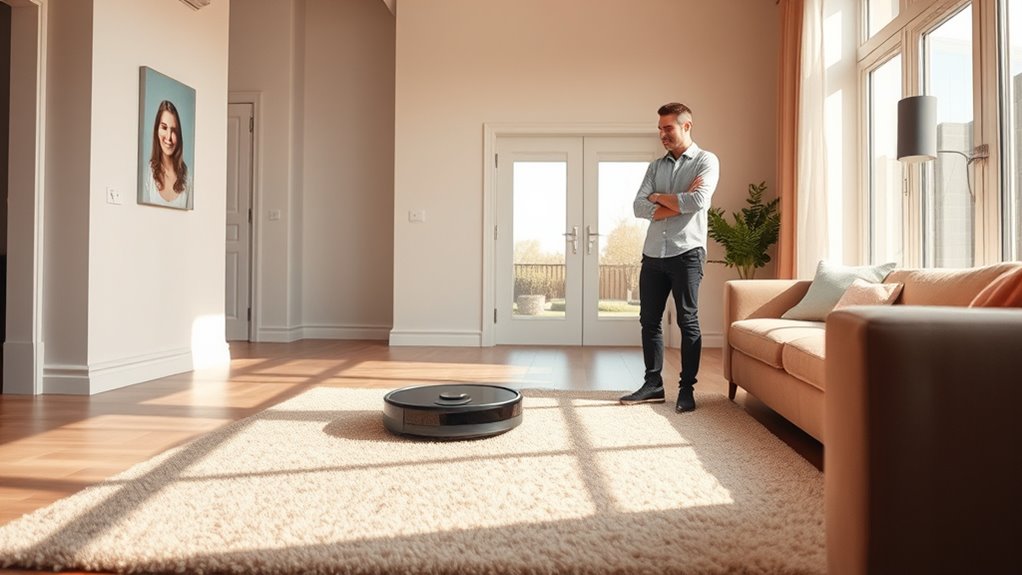
Using voice commands with a robot vacuum makes cleaning more convenient and effortless. When you master how to give clear, effective commands, you’ll find your device becomes a seamless part of your daily routine. To get the most out of your voice control, it’s essential to explore voice command customization. Many robot vacuums allow you to personalize commands, so you can use familiar phrases or simplify instructions. For example, instead of saying “Start cleaning the living room,” you might set a custom command like “Clean living room,” making commands quicker and easier to remember. This customization not only speeds up the process but also reduces misunderstandings that can occur with complex or unclear language. Take time to explore your device’s app or settings to assign these personalized commands, ensuring they fit your speech style and household needs.
However, even with these features, you might encounter issues with voice control. Troubleshooting voice control can seem intimidating at first, but many common problems have straightforward solutions. If your vacuum isn’t responding to commands, first check the device’s microphone and voice recognition settings. Sometimes, background noise or a distant microphone can interfere with command recognition. Make sure your voice commands are clear and within the recommended distance from the device. If your vacuum isn’t responding to specific commands, revisit the voice command customization options to verify that the phrases you’re using match the programmed ones. Additionally, ensure the device’s firmware and app are updated, as outdated software can cause connectivity or recognition problems. Restarting the vacuum or your smartphone can also resolve minor glitches that might prevent effective communication.
Another tip for troubleshooting voice control is to review your Wi-Fi connection. Since many robot vacuums rely on a stable internet connection for voice command processing, interruptions or weak signals can hinder performance. If you notice persistent issues, try resetting your Wi-Fi router or relocating your device closer to your router. Also, ensure your voice assistant’s app, whether it’s Alexa, Google Assistant, or others, is properly linked to your vacuum and has the necessary permissions. Sometimes, re-linking the device or re-authorizing voice commands can fix responsiveness issues. Remember, patience is key; many troubleshooting steps involve a bit of trial and error. With a little effort, you’ll improve your voice control experience, making cleaning less of a chore and more of a hands-free convenience. Additionally, understanding voice command customization can significantly enhance your overall experience by tailoring the commands to your preferences.

roborock Q7 M5+ Robot Vacuum and Mop, Upgraded from Q5 Max+, Up to 7-9 Weeks Self-Empty, 10000Pa Suction, Dual Anti-Tangle System for Pet Hair & Carpet, PreciSense LiDAR Navigation, App Control, Black
𝗨𝗽 𝘁𝗼 𝟳-𝟵 𝗪𝗲𝗲𝗸𝘀 𝗛𝗮𝗻𝗱𝘀 𝗙𝗿𝗲𝗲 𝗖𝗹𝗲𝗮𝗻𝗶𝗻𝗴: With a 2.7L sealed dust bag, the RockDock Plus efficiently collects...
As an affiliate, we earn on qualifying purchases.
Frequently Asked Questions
Can Voice Commands Control Multiple Robot Vacuums Simultaneously?
You might wonder if voice commands can control multiple robot vacuums at once. Generally, multi vacuum control isn’t supported for synchronized cleaning through voice commands alone. Most systems require individual commands for each device. To achieve synchronized cleaning with multiple vacuums, check if your model offers multi vacuum control features or app integration. This way, you can coordinate their tasks and guarantee efficient, hands-free cleaning across your space.
How Do I Troubleshoot Voice Command Recognition Issues?
When troubleshooting voice command recognition issues, start by checking your voice command accuracy. Make certain you’re speaking clearly and in a quiet environment. If commands aren’t recognized, troubleshoot microphone issues by cleaning or repositioning your device’s microphone. Confirm your device’s software is up to date, and reset voice settings if needed. These steps help improve recognition and fix common voice command problems, making your robot vacuum respond more reliably.
Are There Specific Voice Command Phrases for Different Cleaning Modes?
You might wonder if there are specific voice command phrases for different cleaning modes. Many robot vacuums support voice command customization, allowing you to set distinct cleaning mode phrases. To guarantee smooth operation, check your vacuum’s app or manual for the preset commands or options to customize them. Using clear, consistent phrases helps your device understand and execute your desired cleaning modes efficiently.
Can I Customize Voice Commands for My Robot Vacuum?
You can customize voice commands for your robot vacuum, but it depends on its personalization options. Check your device’s app or settings for available options to create custom commands. Keep in mind voice command limitations, such as compatibility with specific voice assistants or restricted command sets. By exploring these features, you can tailor your voice control experience, making it more intuitive and suited to your cleaning habits.
How Secure Are Voice Commands Against Unauthorized Access?
Voice commands for your robot vacuum raise privacy concerns, especially if you’re worried about hacking prevention. While most devices have encryption and security measures, there’s always a risk of unauthorized access. To keep your smart home secure, regularly update firmware, use strong passwords, and disable voice features when not in use. Being mindful of these steps helps protect your privacy and prevents hackers from accessing your voice-controlled devices.

ROPVACNIC Robot Vacuum Cleaner Robot Vacuum and Mop Combo with 5200Pa Suction, Personalized Cleaning Adjustments, Self-Charging Robotic Vacuum Cleaner, Advanced Obstacle Avoidance
【2-in-1 Mopping and Vacuuming】 The ROPVACNIC Robot S1 integrates advanced electronically controlled mopping technology, significantly enhancing both cleaning...
As an affiliate, we earn on qualifying purchases.
Conclusion
Now that you know how to use voice commands effectively, you can enjoy a cleaner home with just a few words. Remember, a smart robot vacuum is like having your own personal butler—no need to summon Jeeves anymore! Whether you’re busy or just feeling lazy, your voice is all you need to steer your vacuum. So go ahead, command away, and let your modern-day butler do the dirty work while you relax—just don’t forget your Bluetooth headset!

MONSGA Robot Vacuum and Mop Combo, 90 Days Self-Emptying with 8000Pa Suction, LiDAR Smart Mapping, Dual Anti-Tangle for Pet Hair, Carpet and Hard Floor
8000Pa Max Suction Meets Dual Anti-Tangle Design: From scattered crumbs to fluffy pet fur, this robot vacuum handles...
As an affiliate, we earn on qualifying purchases.

Shark AV2501AE AI Robot Vacuum with XL HEPA Self-Empty Base, Bagless, 60-Day Capacity, LIDAR Navigation, Perfect for Pet Hair, Compatible with Alexa, Wi-Fi Connected, Carpet & Hard Floor, Black
INCREDIBLE SUCTION: Powerful Shark suction picks up dirt and debris on all floor types—tackling even the toughest of...
As an affiliate, we earn on qualifying purchases.