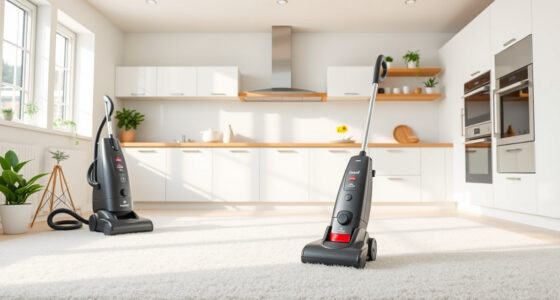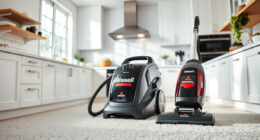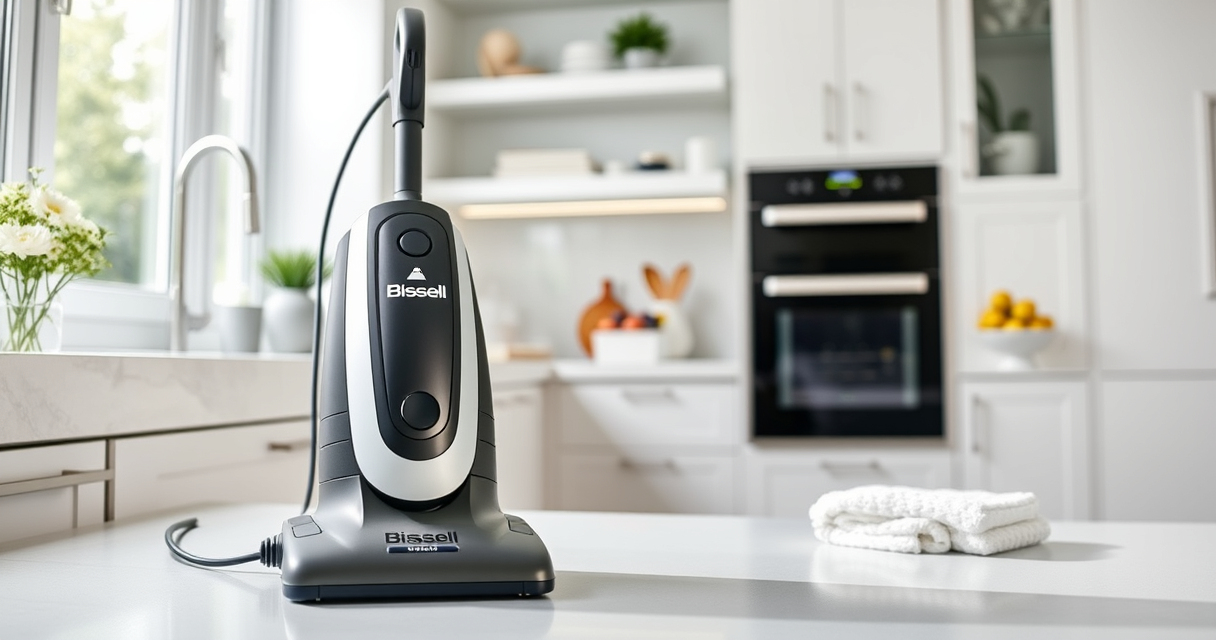
Maintaining your Bissell carpet cleaner is essential to ensure optimal performance and longevity. Regular upkeep not only keeps your machine running smoothly but also guarantees professional-grade cleaning results every time. In this guide, we’ll walk you through the practical steps for cleaning, servicing, and troubleshooting your Bissell ProHeat 2X Revolution Pet Turbo model, with safety tips and expert advice to help you get the most out of your investment.
Whether you’re a new owner or have been using your cleaner for years, understanding the proper maintenance routines can prevent common issues and extend the lifespan of your machine. Let’s dive into the detailed, step-by-step process to keep your Bissell performing at its peak.
Key Takeaways
| Routine cleaning prolongs lifespan | Regularly cleaning filters and brushes prevents clogs and motor strain. |
| Use recommended solutions | Always opt for Bissell-approved cleaning solutions to avoid damage. |
| Check for blockages | Clear hoses and nozzles to maintain suction and prevent malfunctions. |
| Inspect and replace parts as needed | Timely replacement of brushes and filters keeps cleaning effective. |
| Troubleshoot common issues | Identify and resolve suction loss, leaks, or strange noises promptly. |

BISSELL ProHeat 2X Revolution Pet Turbo Upright Carpet Cleaner, 35799
TURBOSTRENGTH MOTOR TECHNOLOGY. Delivers an energy-efficient 40% more suction power and 50% noise reduction for a quiet clean.
As an affiliate, we earn on qualifying purchases.
Preparing Your Bissell for Maintenance
- Unplug the cleaner from the power outlet to ensure safety during cleaning.
- Remove the water tank by lifting it straight up, then empty any remaining water. Rinse thoroughly with clean water to prevent mold and buildup.
- Detach the brushes by unlocking the brush compartment cover. Remove the Dual DirtLifter PowerBrushes carefully, ensuring you note their orientation for reassembly.
- Inspect the brushes for hair, fibers, and debris. Use a brush cleaning tool or a comb to remove tangled materials.
- Check the filters located in the water tank and the brush area. Remove and set aside for cleaning or replacement.

JORAIR Brush Replacement Compatible with Bissell CrossWave, 3 Multi-Surface Brush Roll 1868 + 3 Vacuum Filter 1866 Vacuum Filter, Compare to Part 1608683, 160-8683, 1608684
【Compatibility】The filter and brush replacement compatible with Bissell CrossWave 1785G,1785B,1785F,2328,2305,2305K,1785,17853,17854,17855,17856,1785Q,1785A,17852,17858,17859,1785P,1785R,1785T,1785V,1785W,2303,2306A,2306,23062,23068,2551,3888A (Please note:this kit is only compatible with Bissell...
As an affiliate, we earn on qualifying purchases.
Cleaning the Filters and Brushes
- Wash the filters with warm, soapy water. Rinse thoroughly and let air dry completely before reinstalling.
- Clean the PowerBrushes by removing hair or debris wrapped around the bristles. Use a small brush or a comb to ensure all buildup is cleared.
- Replace filters if they show signs of wear or damage. Consider replacing brushes periodically for optimal cleaning performance.
Maintaining the Water System
Fill the water tank with clean, warm water mixed with Bissell Multi-Surface Solution or Deep Clean Pro 4X for heavy stains. Do not overfill beyond the maximum fill line. Regularly inspect the water inlet and hoses for blockages or leaks. Use a soft cloth to wipe down exterior surfaces and remove dust or dirt that may impair operation.
Troubleshooting Common Issues
- Suction Loss: Check for clogs in the hose or nozzle. Clear any debris and ensure the filters are clean and installed correctly.
- Leaks: Inspect the water tank and seals for cracks or improper seating. Replace damaged parts.
- Strange Noises: Turn off the machine and examine the brushes and motor for obstructions or tangled hair. Clean as needed.
Storing Your Bissell Safely
After cleaning, ensure the machine is fully dry before storage to prevent mold. Store in a cool, dry place away from direct sunlight. Remove and clean filters regularly, and keep the brushes and hoses free of dust and debris. If storing for an extended period, consider removing the water tank to prevent mold growth.
The Products in This Guide

BISSELL ProHeat 2X Revolution Pet Turbo Upright Carpet C
- ✔ Power Source: Electric
- ✔ Cord Length: 25 feet
- ✔ Warranty: 2 years

JORAIR Brush Replacement Compatible
- ✔ Compatibility: 1785G, 1785B, 1785F, 2308, etc.
- ✔ Package Includes: 3 brush rolls, 3 filters, 1 brush
- ✔ Material: Synthetic fibers
BISSELL ProHeat 2X Revolution Pet Turbo Upright Carpet C
The BISSELL ProHeat 2X Revolution Pet Turbo Upright Carpet Cleaner is a powerful, versatile machine designed for deep cleaning. Its TurboStrength motor provides 40% more suction power while reducing noise, making it effective on embedded dirt, stains, and pet messes. Features like MAX Clean and EXPRESS modes offer flexibility for various cleaning needs, and Heatwave Technology maintains water temperature for consistent results.
Pros:
- Powerful suction with TurboStrength motor
- Multiple cleaning modes for versatility
- Effective pet stain removal
- Quiet operation with noise reduction
Cons:
- Heavier than lightweight models
- Requires regular filter and brush maintenance
- Higher price point
Best for: Pet owners, households with high-traffic carpets, heavy stain removal
Not ideal for: Light cleaning tasks, minimal use, or those seeking a lightweight machine
Bottom line: For pet owners and heavy-duty cleaning, this model delivers professional results at home.
JORAIR Brush Replacement Compatible
The JORAIR Brush Replacement compatible with Bissell CrossWave offers an affordable way to keep your machine performing optimally. It includes multi-surface brush rolls and filters, ensuring your vacuum maintains strong suction and effective cleaning with minimal effort. This kit is designed to fit specific CrossWave models, making it a convenient upgrade or replacement option.
Pros:
- Affordable multi-pack
- Compatible with various CrossWave models
- Includes brushes and filters
- Easy to install
Cons:
- Not compatible with all Bissell models
- May require checking dimensions for fit
- Only suitable for CrossWave series
Best for: Replacing worn brushes and filters in CrossWave models
Not ideal for: Use with non-compatible Bissell units or other brands
Bottom line: An economical set to keep your CrossWave cleaning effectively and efficiently.
Frequently Asked Questions
How often should I clean the filters on my Bissell carpet cleaner?
It’s recommended to clean the filters after every 3-5 uses to maintain optimal suction and prevent clogs.
Can I use regular household cleaning solutions with my Bissell?
No, it’s best to use Bissell-approved solutions like Multi-Surface Solution or Deep Clean Pro 4X to avoid damaging internal components.
What should I do if my Bissell is not picking up water or dirt?
Check for blockages in the hose and nozzles, clean or replace filters, and ensure brushes are spinning freely.
Is it safe to store my Bissell with water inside?
No, always empty and dry the water tank before storing to prevent mold and mineral buildup.
How do I replace the brushes on my Bissell cleaner?
Remove the brush compartment cover, take out the old brushes, and snap in the new ones, ensuring they are properly aligned.
Keep Your Bissell Performing Like New
Regular maintenance of your Bissell carpet cleaner is key to ensuring it continues to deliver deep, professional-quality cleaning. By following the cleaning routines, inspecting parts, and troubleshooting issues promptly, you can extend the lifespan of your machine and keep your carpets looking their best. Remember, a clean machine is a more effective machine—so make maintenance a regular part of your cleaning routine.
Affiliate disclosure: As an Amazon Associate we earn from qualifying purchases. Prices and availability are accurate as of the time of publishing.