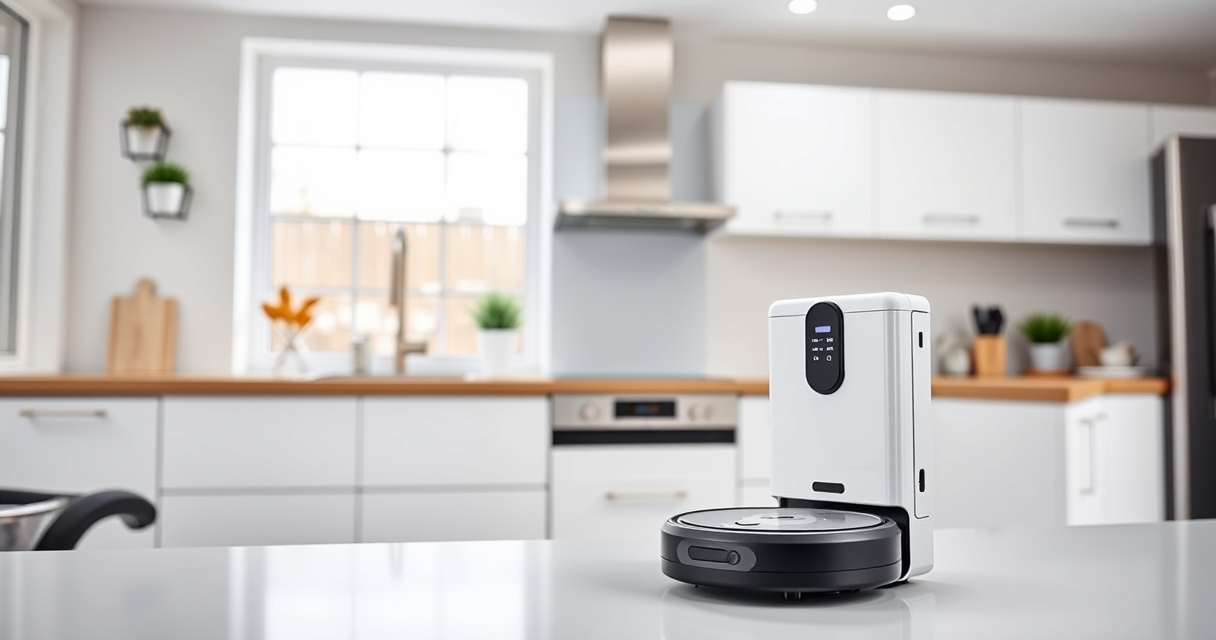

If your Roborock Q10 S5+ isn’t mopping as expected, it may be due to a range of issues from clogged mops to software glitches. This guide provides clear, safe steps to identify and resolve common problems, restoring your robot’s mopping function efficiently.
Following these steps carefully will help you troubleshoot the issue without risking damage to your device, ensuring your floors are clean and well-maintained.
Key Takeaways
| Check the mop cloth | Ensure the mop cloth is clean, properly attached, and not worn out. |
| Inspect water tank | Make sure the water tank is filled and correctly installed. |
| Examine the mopping system | Look for blockages or clogs in the mopping system. |
| Update firmware | Ensure the robot’s firmware is up-to-date for optimal performance. |
| Reset the robot | Perform a soft reset if other troubleshooting steps fail. |

roborock Q10 S5+ Robot Vacuum and Mop, 10,000Pa Suction
- Self-Emptying Station: 70 days of maintenance-free cleaning
- Powerful Suction: 10,000 Pa hyperforce suction
- Anti-Tangle System: Dual anti-tangle brushes for smooth operation
As an affiliate, we earn on qualifying purchases.
Step 1: Check the Mop Cloth
- Remove the mop cloth from the robot and inspect it for dirt, stains, or damage.
- Wash or replace the microfiber mop cloth if it appears dirty or worn out.
- Ensure the cloth is properly attached and fitted snugly in the designated area.
Step 2: Verify Water Tank and Water Flow
- Remove the water tank and check for any blockages or debris in the water inlet and outlet.
- Refill the water tank with clean water if empty.
- Reinstall the tank securely, ensuring a proper seal for water flow.
Step 3: Inspect and Clear the Mopping System
- Check the mopping module for any obstructions or tangled debris.
- Use a soft brush or cloth to clear any clogs in the mopping nozzle or tubes.
- Make sure the Sonic Mopping system is functioning correctly and not blocked.
Step 4: Update Firmware and Perform a Reset
- Open the Roborock app and check for firmware updates; install any available updates.
- Restart the robot after updating.
- If problems persist, perform a soft reset by turning the robot off and on again or following the manufacturer’s reset instructions.
Additional Tips & Warnings
- Always use compatible mop pads and filters to prevent malfunctions.
- Regularly clean the sensors and brushes to maintain optimal operation.
- Avoid using harsh chemicals on the mop cloth or water tank.
- Follow safety instructions when handling water and cleaning parts.
The Products in This Guide

roborock Q10 S5+ Robot Vacuum and Mop
- ✔ Dust Capacity: 2.7L
- ✔ Run Time: not specified
- ✔ Charging Time: not specified

4 Pack Washable Filter
- ✔ Filter Life: Several months with proper cleaning
- ✔ Material: HEPA
- ✔ Compatibility: Multiple Roborock models
roborock Q10 S5+ Robot Vacuum and Mop
The Roborock Q10 S5+ Robot Vacuum and Mop offers powerful suction, obstacle avoidance, and sonic mopping, making it an ideal choice for busy households. Its self-emptying station reduces maintenance, and its dual anti-tangle system minimizes hair tangling issues.
Pros:
- Powerful 10,000 Pa suction
- Self-emptying station for up to 70 days
- Obstacle avoidance technology
- Dual anti-tangle design
Cons:
- Higher price point
- Requires compatible mop pads
- May need firmware updates
Best for: Pet owners and busy households needing low-maintenance cleaning
Not ideal for: Users seeking a purely dry vacuum without mopping features
Bottom line: A high-end robot vacuum ideal for pet owners seeking convenience and deep cleaning.
4 Pack Washable Filter
This 4-pack washable filter is compatible with multiple Roborock models including the Q7, Q8 Max, and Q5 Pro. It ensures your vacuum maintains strong suction and clean air quality, making it a smart upgrade for regular maintenance.
Pros:
- Replaces OEM filters effectively
- Washable and reusable
- Compatible with various models
- Easy to install
Cons:
- Requires periodic cleaning
- Not OEM, but performs similarly
Best for: Maintaining optimal suction and air quality
Not ideal for: Users looking for OEM-certified filters only
Bottom line: A cost-effective, washable filter that helps sustain strong performance.
Frequently Asked Questions
Why is my Roborock not mopping properly?
Common causes include a dirty mop cloth, clogged water tank, or blocked mopping system. Follow the troubleshooting steps to resolve these issues.
Can I use any mop pad on my Roborock?
Use compatible microfiber mop pads designed for your specific model, such as the VIEWALL 6 Pack Reusable Mop Pads for Roborock Q10 S5+.
How often should I clean the mopping system?
It’s recommended to check and clean the mopping system weekly, especially if you notice reduced water flow or mopping performance.
Do I need to update the firmware regularly?
Yes, keeping your robot’s firmware updated ensures optimal performance and access to the latest features and fixes.
Restore Your Roborock’s Mopping Power with These Simple Steps
By following the outlined troubleshooting steps, you can quickly identify and fix common issues that prevent your Roborock Q10 S5+ from mopping effectively. Regular maintenance, including cleaning filters, mops, and water tanks, will keep your device operating smoothly and prolong its lifespan.
With proper care and timely updates, your Roborock will continue to deliver spotless floors with minimal effort.
Affiliate disclosure: As an Amazon Associate we earn from qualifying purchases. Prices and availability are accurate as of the time of publishing.